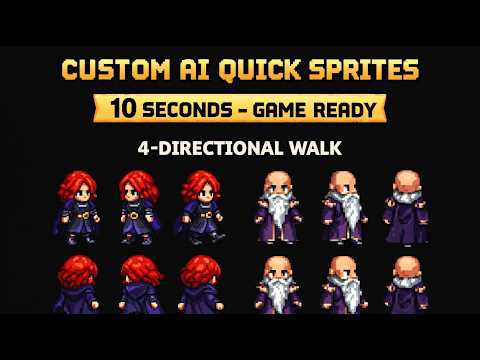
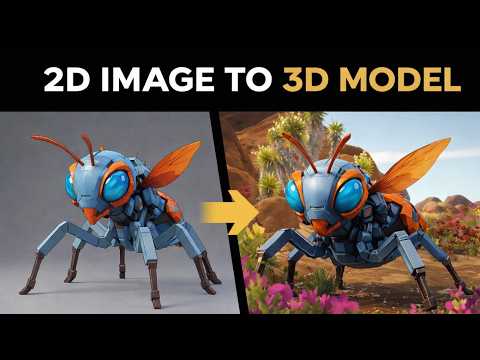
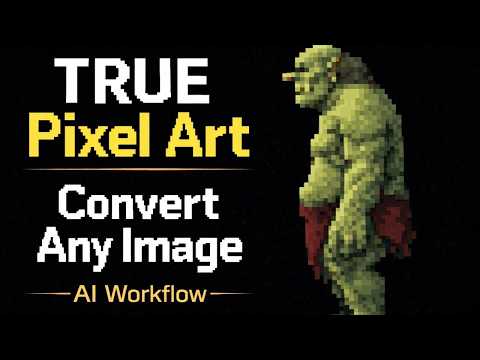
Getting consistent, well-lit sprites from a 3D model used to mean either expensive 3D software or hours of hand-drawing every angle. The Sorceress 3D to 2D tool solves this in your browser — load a model, position the camera, and export a full sprite sheet in minutes.
How It Works
The tool loads 3D model files directly in the browser using a lightweight WebGL renderer. You position the camera around your model, adjust the lighting to match your game's art direction, then export a sprite sheet containing all the angles and animation frames you need. The output is a clean PNG with a transparent background, ready to drop into Godot, Unity, Phaser, or any other engine.
Why This Matters for Game Developers
Consistent lighting across sprite angles is one of the hardest things to achieve by hand. When a character faces right, shadows fall differently than when they face left. The 3D to 2D approach handles this automatically — every frame is physically accurate, every angle is consistent, and you never have to redraw the same character twice.
Workflow Tips
- Use simple, low-poly models — they export faster and look better as pixel art.
- Lock your lighting setup before starting your export run so every frame matches.
- Export at 2× or 4× your target resolution, then downscale for crisp, clean edges.
- Use the transparent background export option to skip background removal in post.
- Set up a turntable rotation pass to get all 8 directions at once.
What You Can Build With It
This tool is especially powerful for top-down RPGs, isometric games, and any genre that needs sprites from multiple angles. It works for characters, props, weapons, vehicles, and environmental objects — anything you can model in 3D can become a sprite sheet.
- Top-down RPG characters rendered from isometric angles
- Platformer characters rendered from a clean side profile
- Item icons rendered from a 3/4 perspective
- Enemy sprites with full 8-directional facing
- Environmental props like crates, barrels, and furniture
Try 3D to 2D
Open the tool and follow along with the tutorial above.