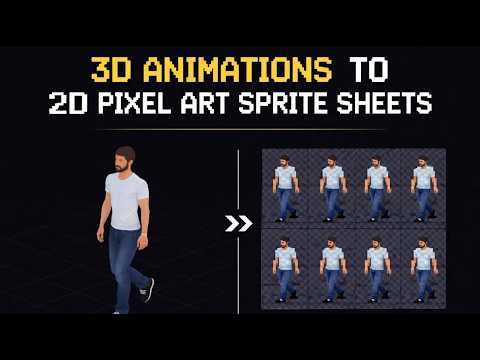
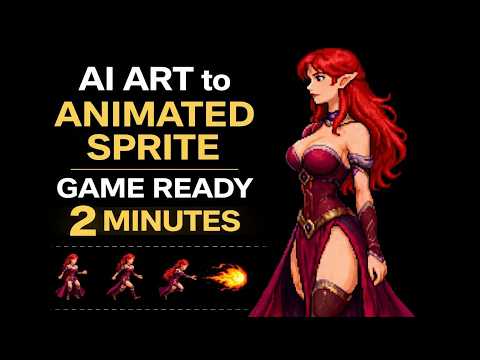
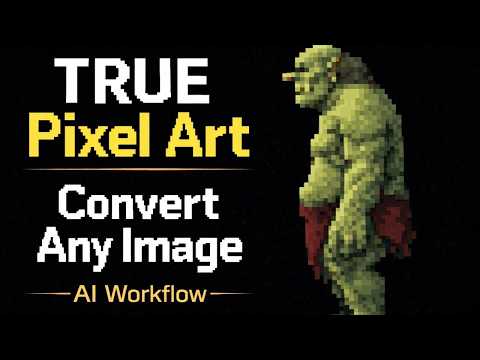
Pixel art sprites take hours to draw by hand. Quick Sprites uses AI image generation fine-tuned for pixel art to create fully animated sprite sheets from a text description — in seconds.
How It Works
Type a description of your character: species, outfit, weapon, art style, size. Quick Sprites generates a complete animated sprite sheet including a walking cycle, idle pose, and optional combat or action frames. The output is a properly sized PNG grid with transparent backgrounds, formatted for direct use in game engines.
Sprite Sheet Compatibility
Quick Sprites outputs standard grid-based sprite sheets compatible with Godot, Unity, Phaser, RPG Maker, GDevelop, and most other 2D game engines. Frame sizes are consistent, and transparent backgrounds are baked in. No manual cleanup needed.
Workflow Tips
- Be specific about style — "8-bit NES warrior" and "16-bit SNES-style knight" produce very different results.
- Specify the animation types you need (walk, idle, attack, death) in your prompt.
- Generate several variations and pick the best base before refining.
- Use the output as a starting point and touch up key frames in a pixel editor for final polish.
- Match frame size to your game's existing sprite dimensions for visual consistency.
What It Generates
Quick Sprites can generate sprite sheets for virtually any character type — heroes, enemies, NPCs, monsters, and bosses. The animation types available cover most of what a 2D game needs.
- Walking cycles — 4-direction and 8-direction
- Idle animations with subtle movement
- Attack, cast, and ability frames
- Hit reaction and death animations
- NPC characters, shopkeepers, and crowd variants
Try Quick Sprites
Open the tool and follow along with the tutorial above.