3D Printing
3 posts on Sorceress about 3d printing.
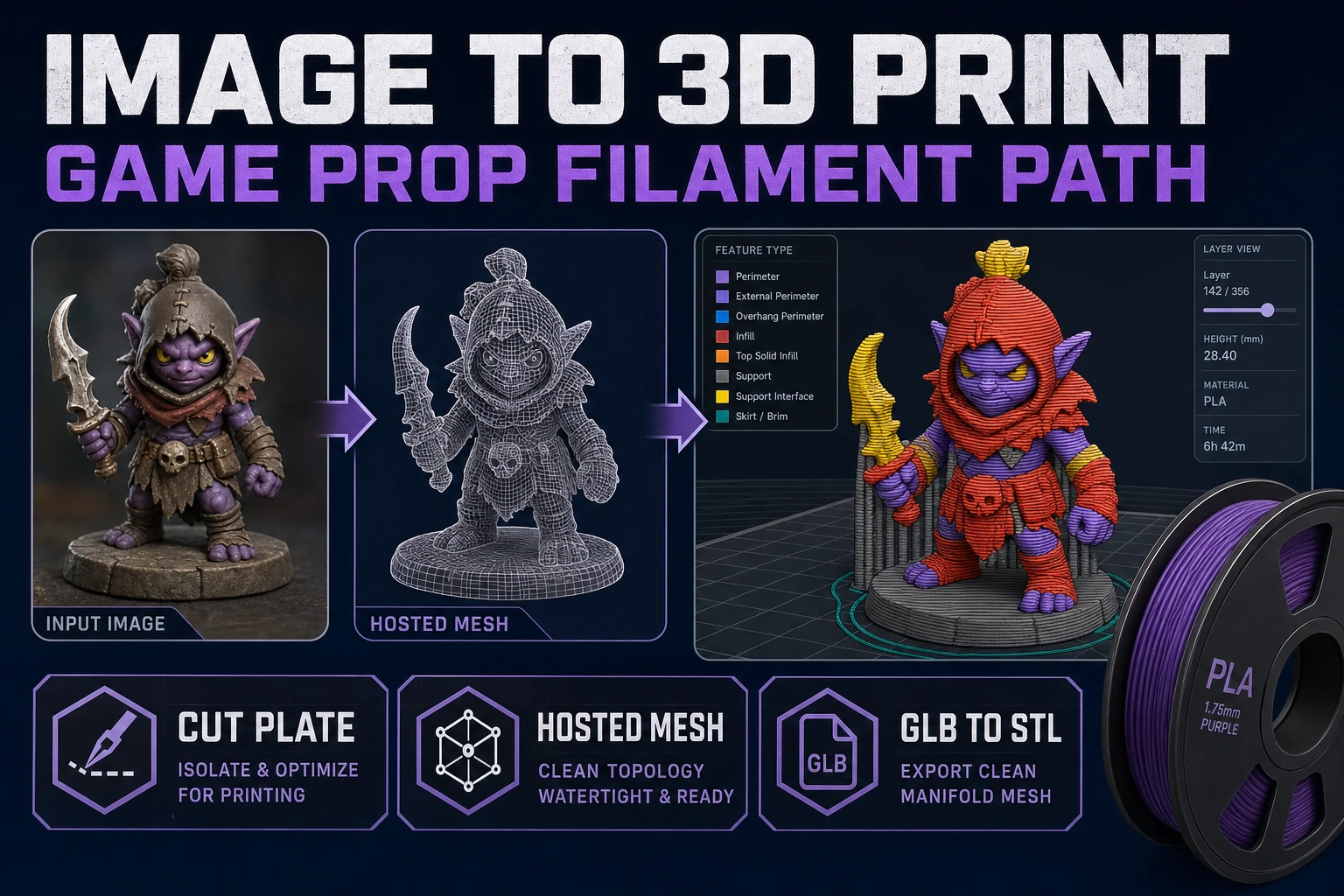
Turn an Image to 3D Print (Game Prop Filament Path)
Image to 3d print looks like one button and is really three tools chained together: cut the plate, mesh the subject in Sorceress 3D Studio, then convert the GLB to an STL your slicer can actually load. Honest credit math and stop rules inside.
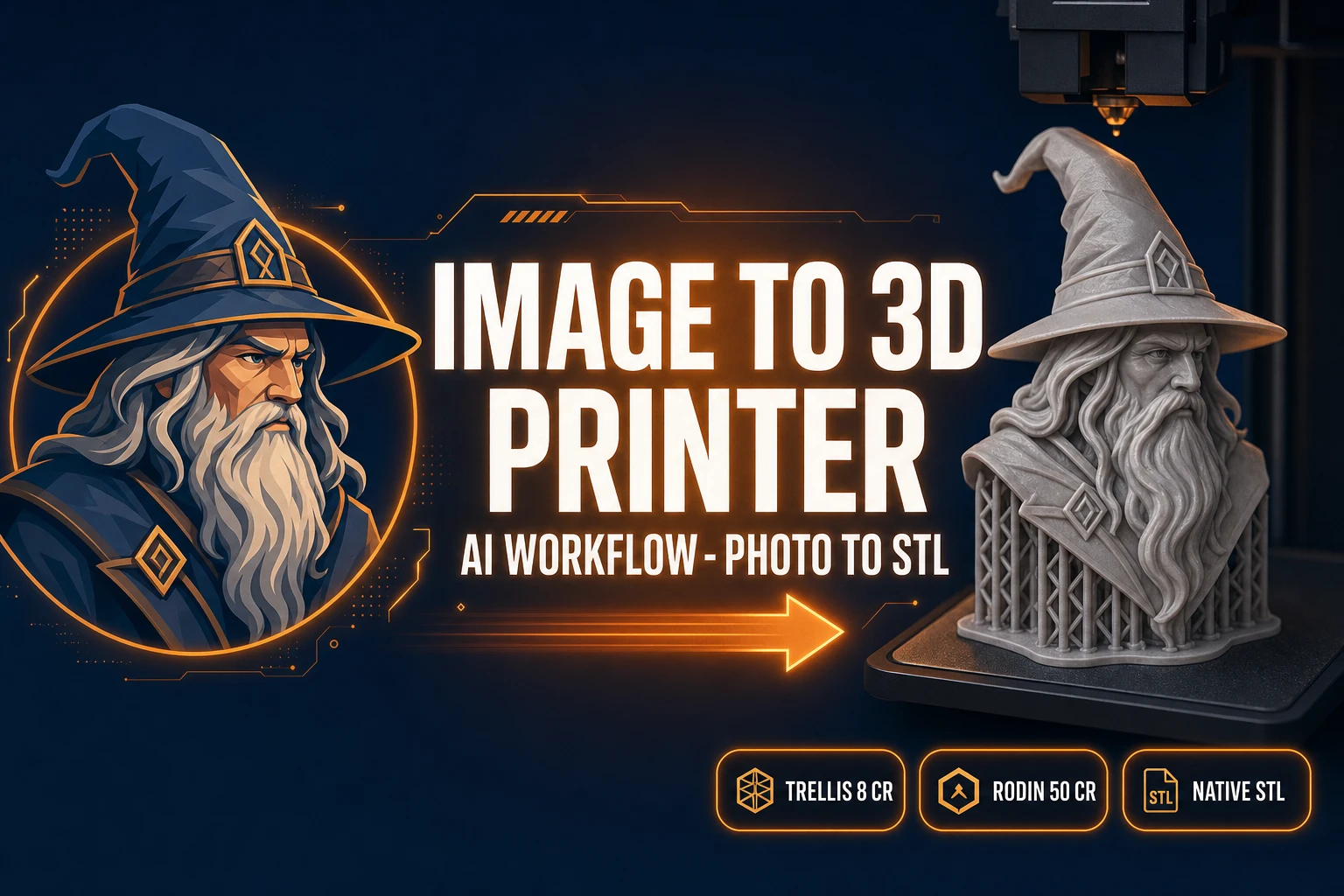
Carve an Image to 3D Printer Workflow (AI Pipeline)
The browser-first image to 3D printer workflow that survives the slicer in 2026: clean source photo, AI lift to a watertight mesh in 3D Studio, native STL out of Rodin 2.0, slice in any modern slicer, and what to do when the mesh fails the printability check.
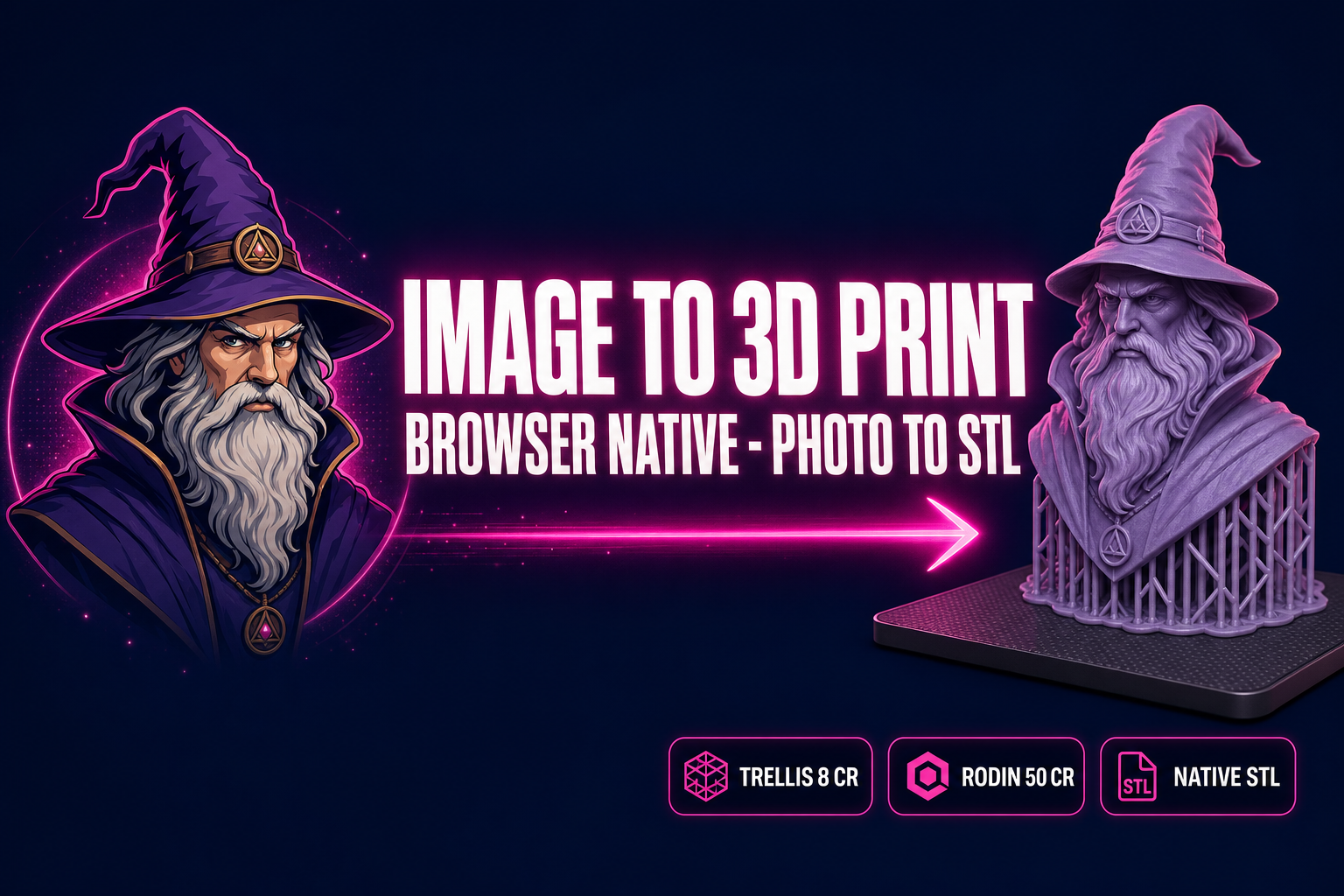
Image to 3D Print: AI Pipeline in Your Browser
The honest browser path from a photo to a 3D-printable STL: pick a clean source image, lift it to a watertight mesh in Sorceress 3D Studio, export STL, slice, print. Five steps, the right model picks for printable geometry, and the failure modes that kill prints.