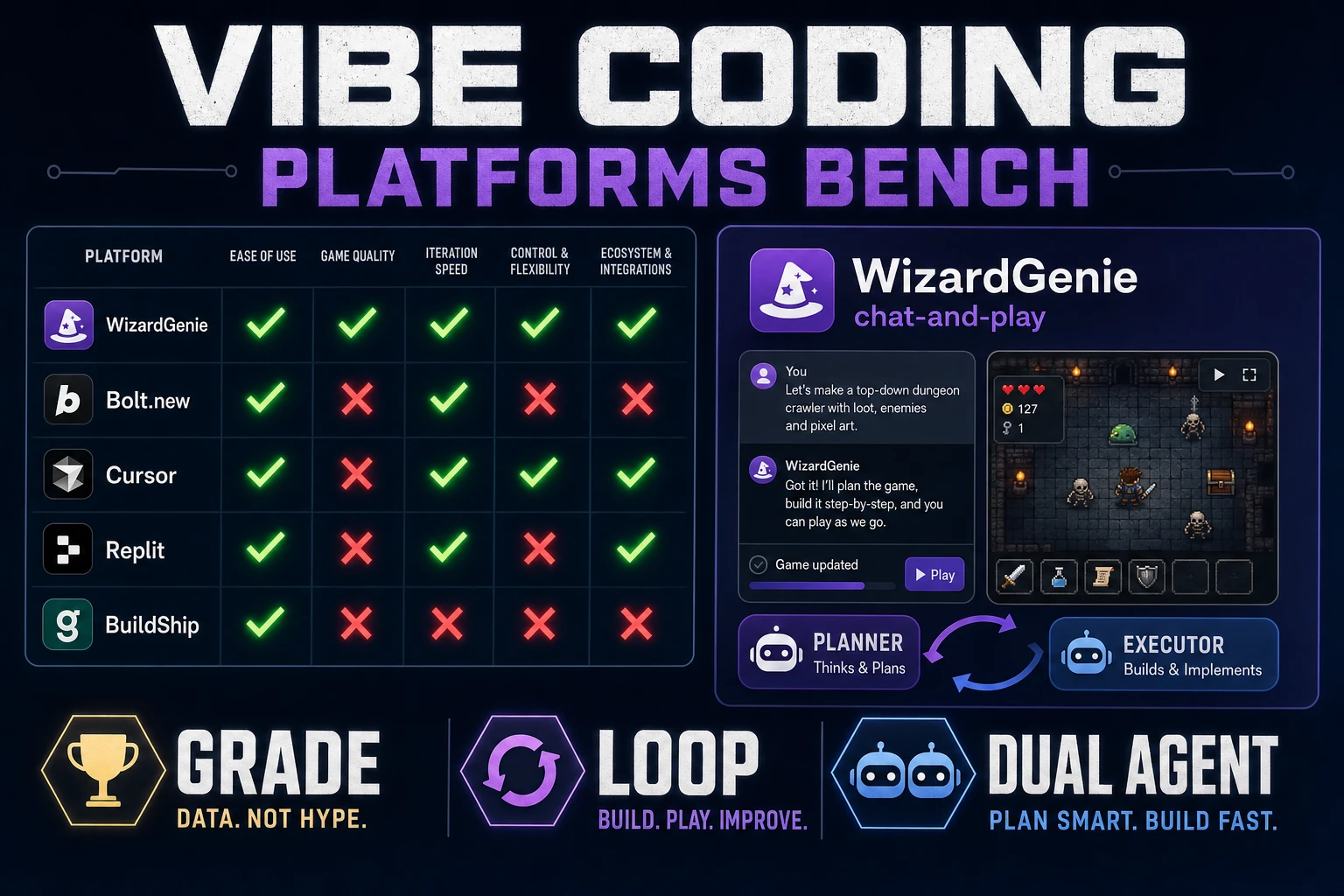
Vibe coding platforms sell landing-page reels: one prompt, a demo GIF, applause. That framing hides the second hour, which is where every weekend game jam actually lives or dies. This post grades platforms on the axes that matter for a playable loop — bench rules first, then how WizardGenie scores against generic chat apps and IDE-embedded assistants, and where AI Image Gen hooks without asking the agent to rebuild the world. Coding model names match the Sorceress CODING_MODELS catalog in src/app/_home-v2/_data/tools.ts, verified July 29, 2026. Phaser v4.2.1 "Giedi" was live-checked the same day against the official GitHub release notes.
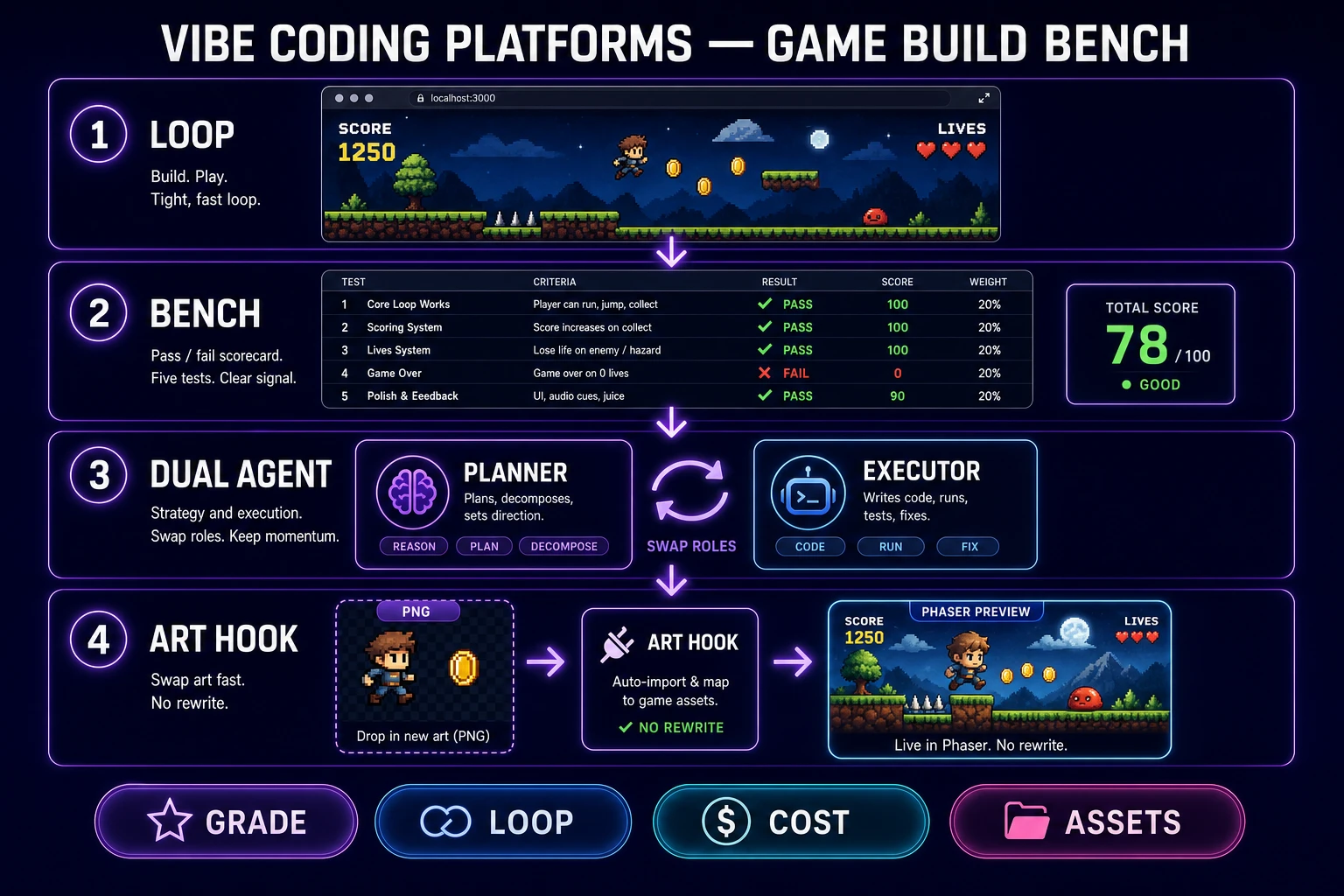
What vibe coding platforms means for games
DataForSEO lists vibe coding platforms at 1,600 monthly searches with KD 21 in research-supplement.md, verified July 29, 2026. Readers typing that phrase are shopping for a durable surface — not the twin query vibe coding tool, which reads as "one CLI I install and forget." A platform implies multiple agents, a persistent project, and enough plumbing to hand off between roles. The sibling post on the best vibe coding tool ranks single-tool picks; this article grades whole platforms against a game-build bench.
Wikipedia's vibe coding entry (checked July 29, 2026) traces the term to Andrej Karpathy on February 2, 2025 and marks it Collins English Dictionary's Word of the Year for 2025. Martin Fowler separates pure "forget the code exists" vibe coding from agentic programming where structure still matters. Games sit firmly in the second bucket. You may not hand-type every line, but you absolutely care whether gravity, hitboxes, and score rules survive the next prompt.
So for a game jam, the phrase collapses to five demands. A vibe coding platform must:
- Keep one project folder warm across sessions.
- Show a live playable preview beside the chat.
- Accept "enemy speed 90 feels unfair; set it to 70" without regenerating the scene.
- Let sprites and SFX enter as file swaps, not full rebuilds.
- Split expensive planning from cheap typing so feel iteration stays affordable.
Platforms that fail any single demand are demotion candidates. The bench in the next section formalizes that into a scorecard you can run before your first prompt.
Bench rules: what to grade a platform on
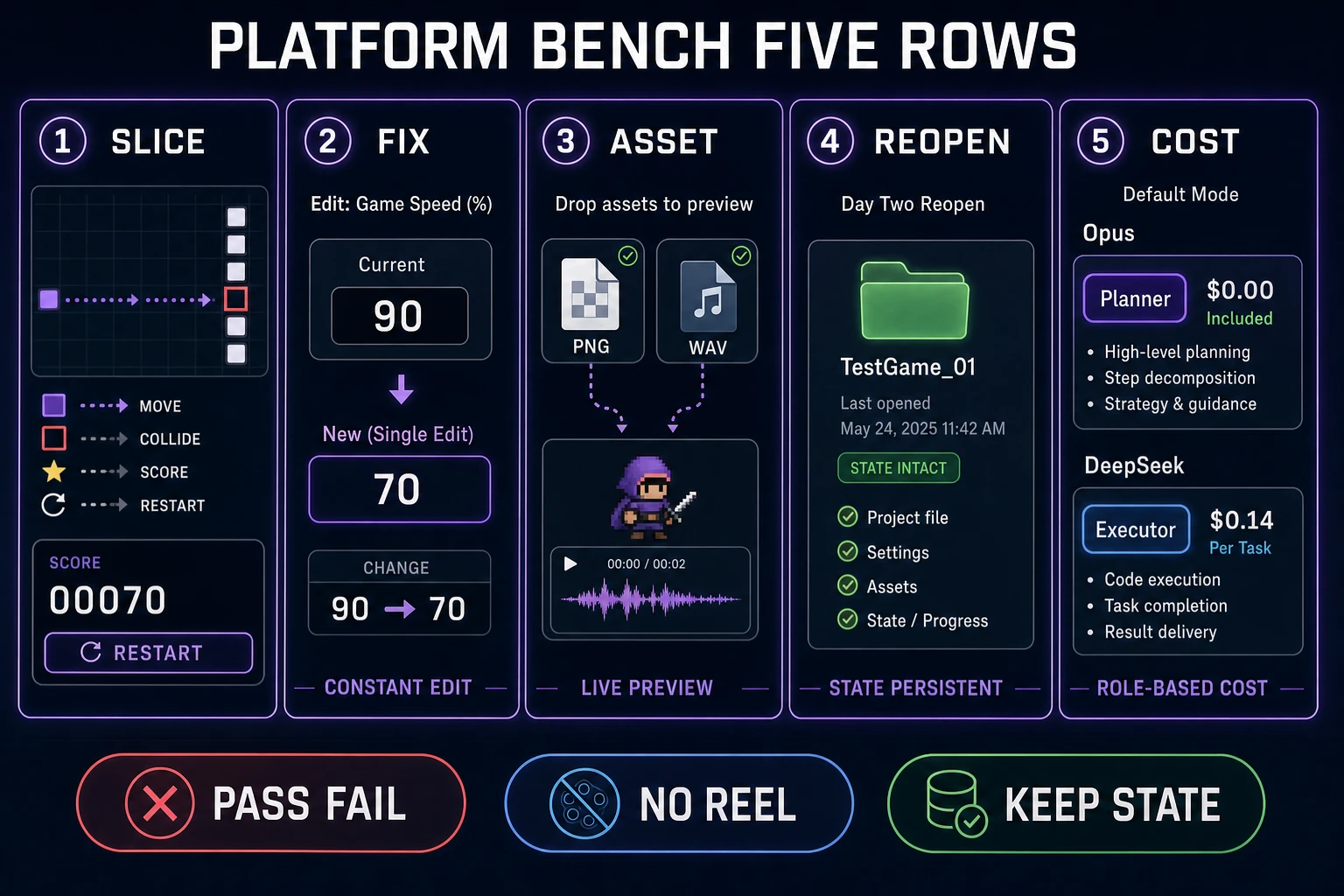
Ignore the trailer. Score five rows before you commit a weekend to any candidate. MDN's overview of web games still centers on a running loop, input handling, and asset intake — your bench should center on the same surfaces.
| Check | Pass looks like | Fail looks like |
|---|---|---|
| Playable slice | Move, collide, score, restart in one screen | Pretty menu with no loop |
| Single-variable fix | One constant changes; rest stays | Whole scene regenerates |
| Asset add | One PNG + one SFX drop in cleanly | "Rebuild the game with art" |
| Reopen continuity | Day-two folder still runs | Disposable sandbox evaporates |
| Cost split | Frontier plans; cheap model types | Frontier model on every gravity tweak |
Two housekeeping rules make the bench honest. First, pin a runtime before you scaffold. As of July 29, 2026, the stable Phaser release on phaser.io/download/stable is Phaser v4.2.1 "Giedi" (released July 9, 2026 per the GitHub release notes). Naming the version in every scaffold prompt keeps physics behavior identical across every platform you grade.
Second, run the same prompt on each candidate. If you vary the prompt to make one platform look smarter, the bench is a marketing exercise, not a grade. Copy this into every platform:
Build a one-screen browser action prototype on Phaser v4.2.1. Side-view. Player moves and collides with platforms. Collect three pickups to raise score. Touching an enemy restarts the run. Colored rectangles only. No inventory, no dialogue. Expose moveSpeed and enemySpeed as named constants. Do not invent extra systems.
Then demand a single-variable fix: "Enemy speed 90 feels unfair on the first screen; lower to 70 and keep player speed fixed." Any platform that rewrites the world for that request gets a red mark on row two. The rest of the sections walk each platform class through the bench.
Grade WizardGenie against the loop
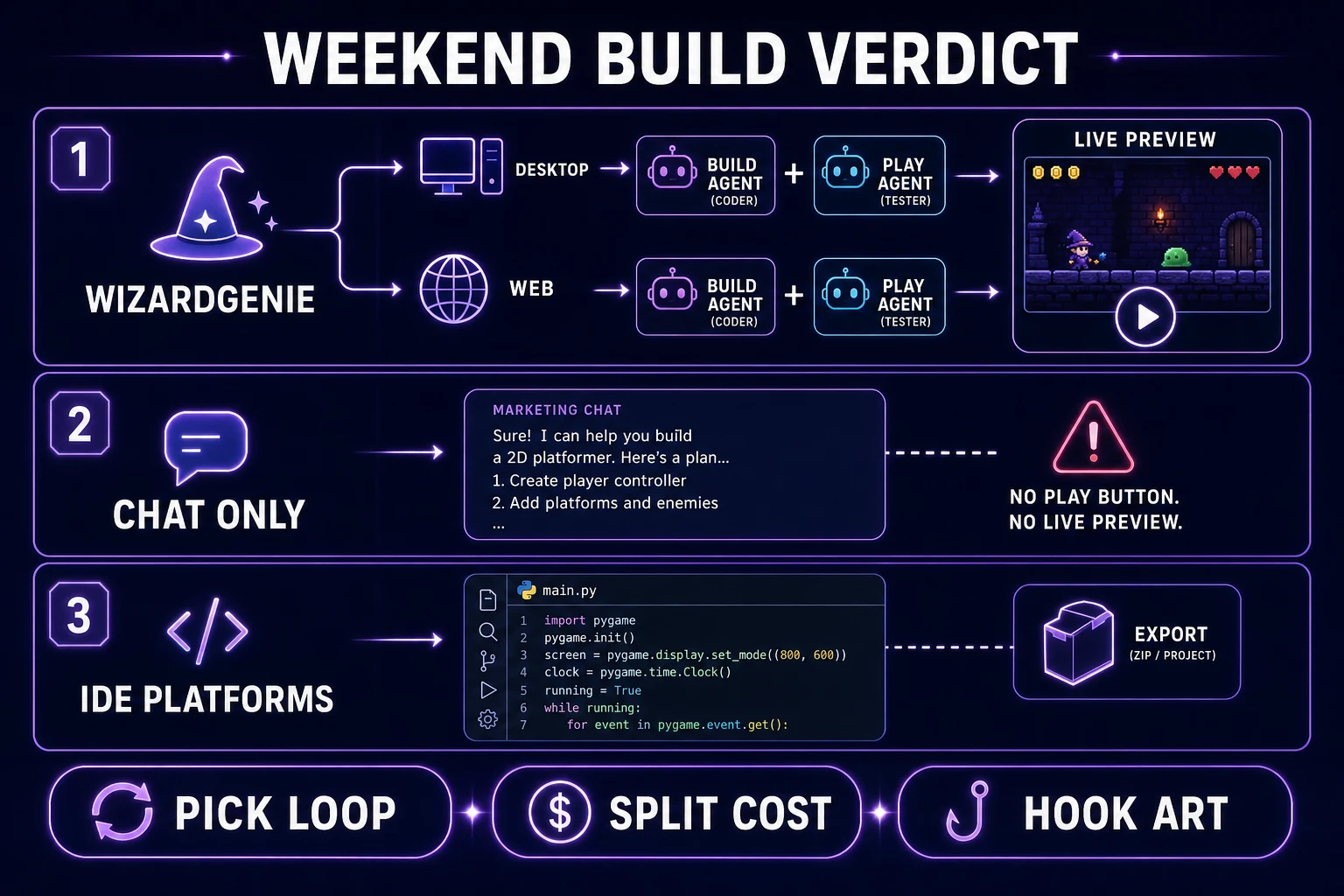
WizardGenie is the Sorceress AI-native game engine: describe the game, watch it run, iterate in real time. It ships as a Windows desktop app and as a web entry at /wizard-genie/app. Both paths share the same project format, so a bench run on either counts for the same grade — and the dual path is the reason WizardGenie earns a top-row pass on reopen continuity without asking you to bring your own filesystem discipline.
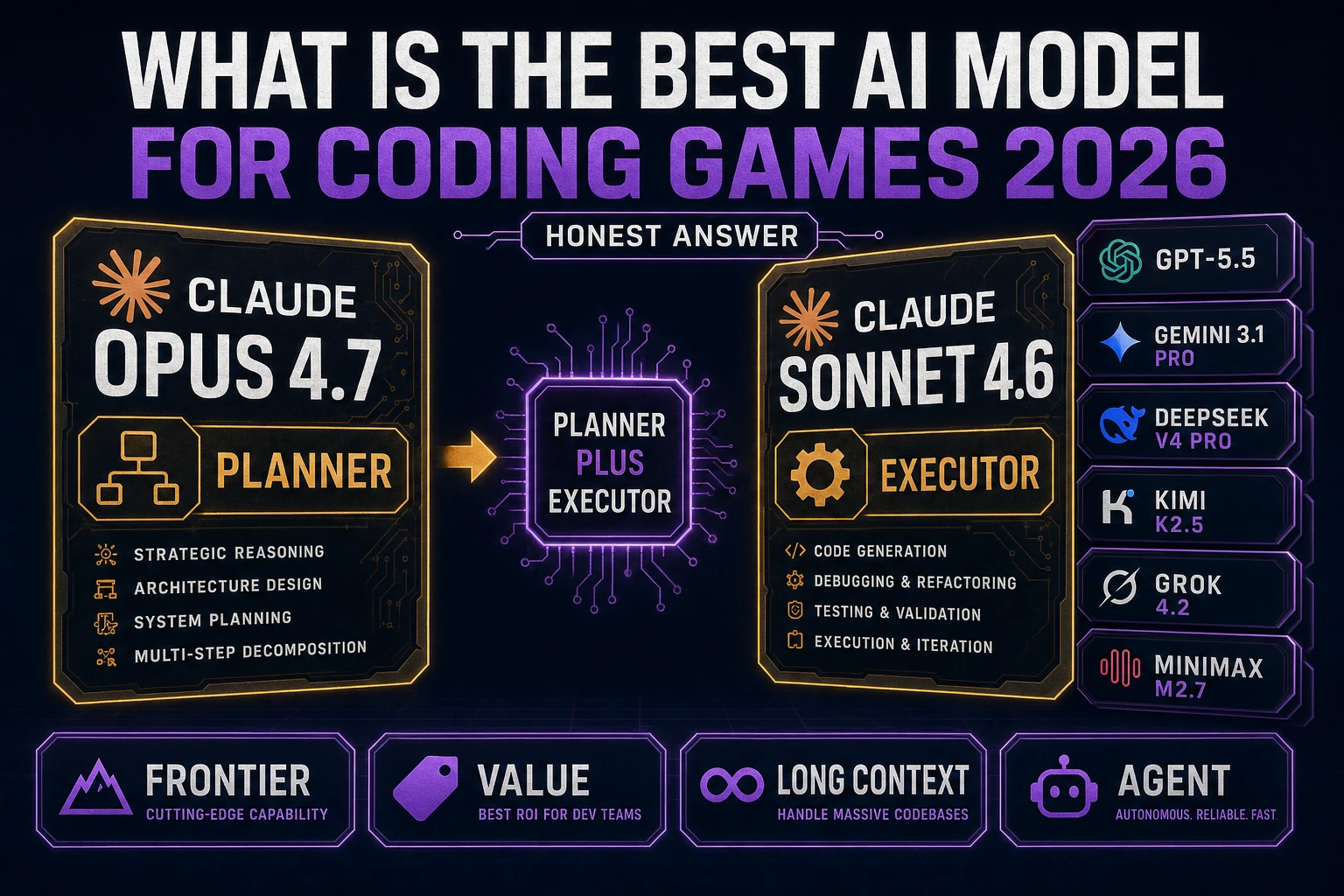
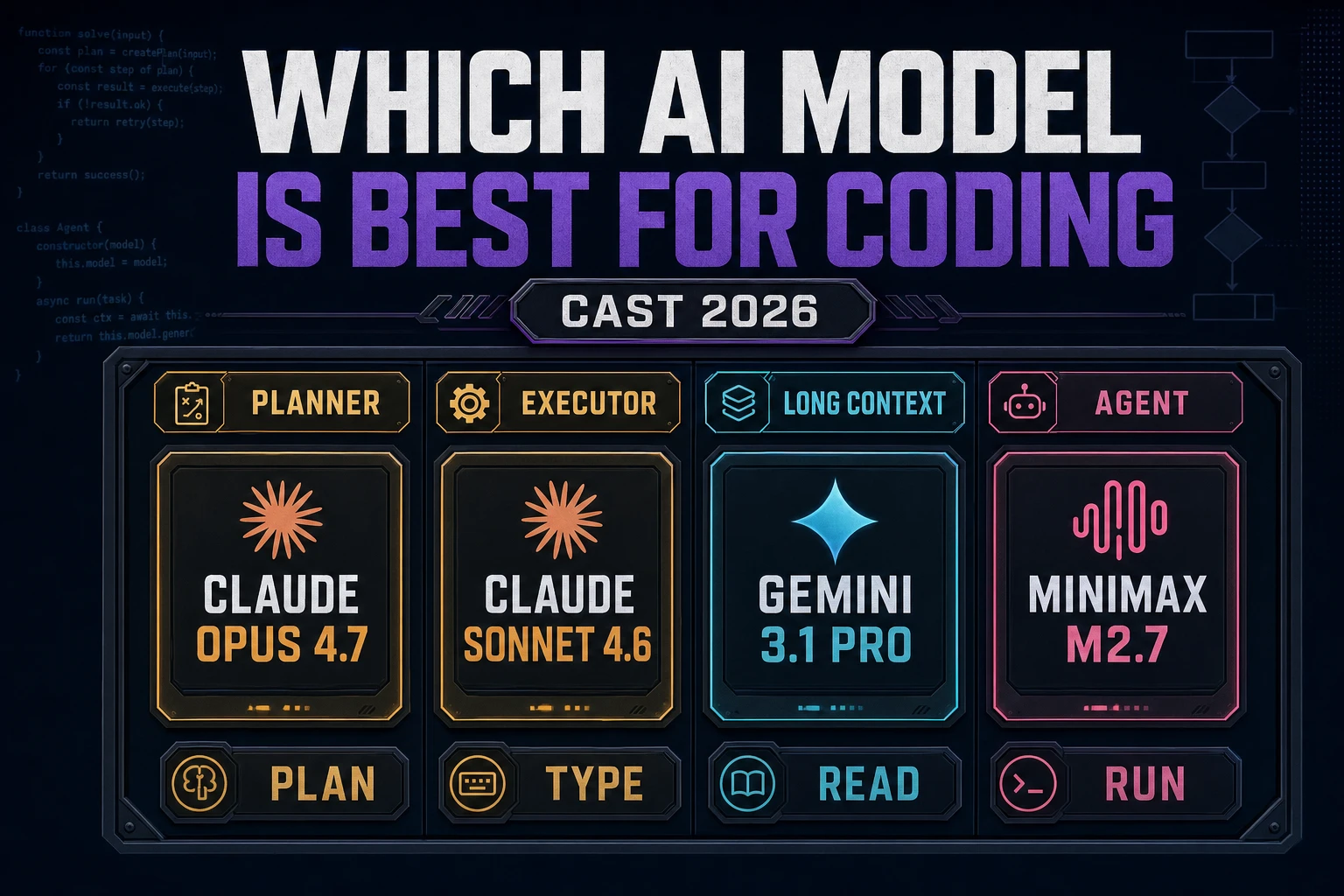
Row by row: the playable slice passes because the product is built around a live preview, not a code dump. The single-variable fix passes because sacred constants stay in the project instead of vaporizing when you mention art. Asset add passes because you can hand it a PNG plus a texture-swap instruction and keep the loop running. Reopen continuity passes on desktop (the folder is real) and passes on web when the project is saved to your account. Cost split passes because WizardGenie exposes a Planner and an Executor slot, so a frontier model plans and a cheap model types.
Where WizardGenie can still stumble is prompt discipline. If you type "make it more fun" instead of a scoped diff, any agent — WizardGenie included — will invent systems you did not ask for. The fix is not a new platform; the fix is a smaller prompt. Sibling advice on scoping lives in the vibe coding tool workflow post, which pairs cleanly with this bench.
Browse the wider Sorceress surface when you need non-coding assets alongside the agent: the tools guide maps image, audio, and 3D tools that stay on the same account and project habit.