Roblox
5 posts on Sorceress about roblox.
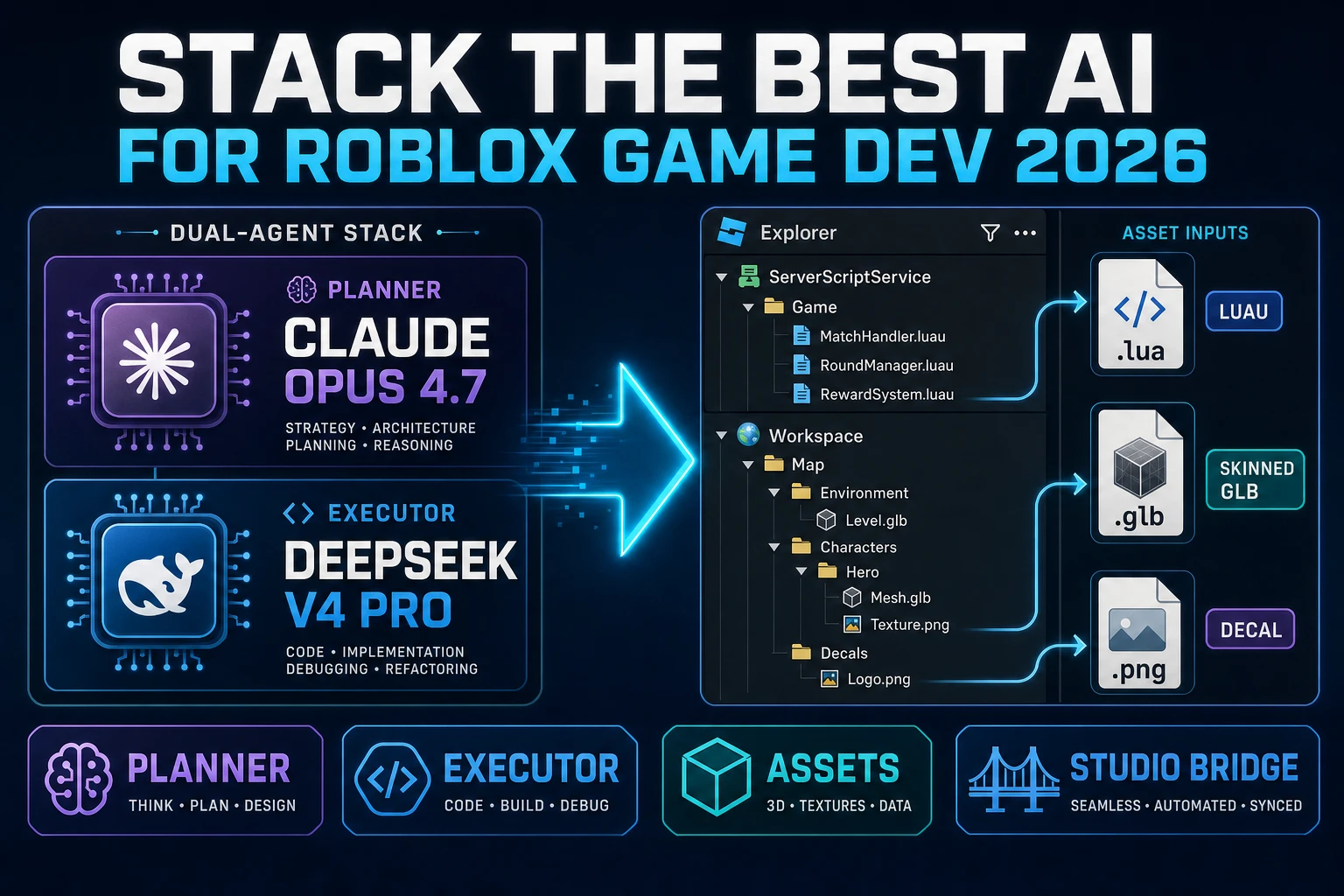
Stack the Best AI for Roblox Game Development (Studio 2026)
Best ai for roblox game development in 2026 is two agents on one place: the Studio Assistant with Planning Mode plus the built-in MCP server for scene-graph nudges, plus a Sorceress WizardGenie planner-plus-executor stack driving Opus 4.7 through DeepSeek V4 Pro for the Luau modules and the asset pipeline.
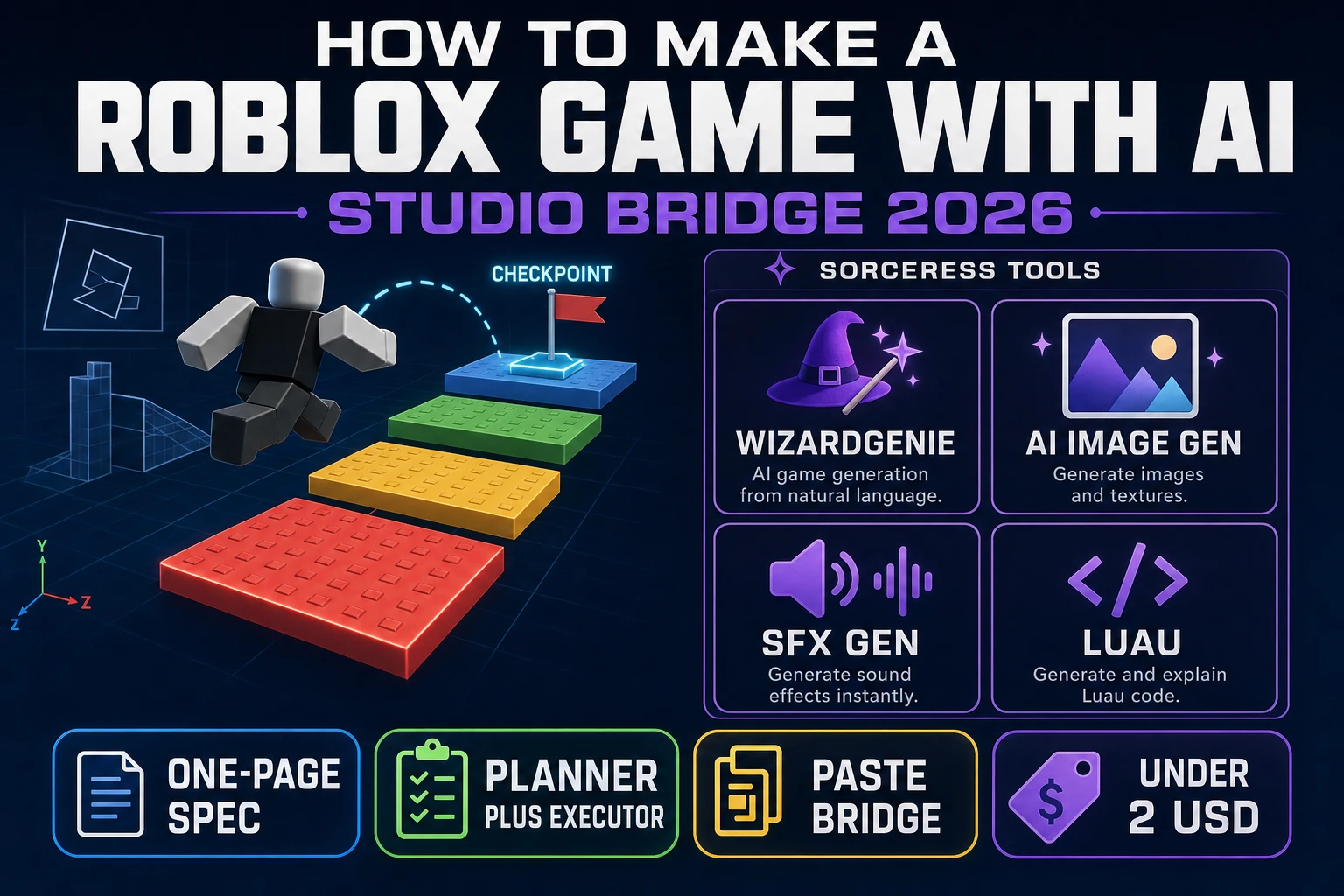
How to Make a Roblox Game With AI (Studio Bridge 2026)
How to make a Roblox game with AI in 2026 as an honest agent workflow: describe the experience in a one-page spec prompt, let WizardGenie draft the Luau modules for the game loop, paste them into Roblox Studio, dress the place with AI Image Gen decals and SFX Gen cues under two dollars.
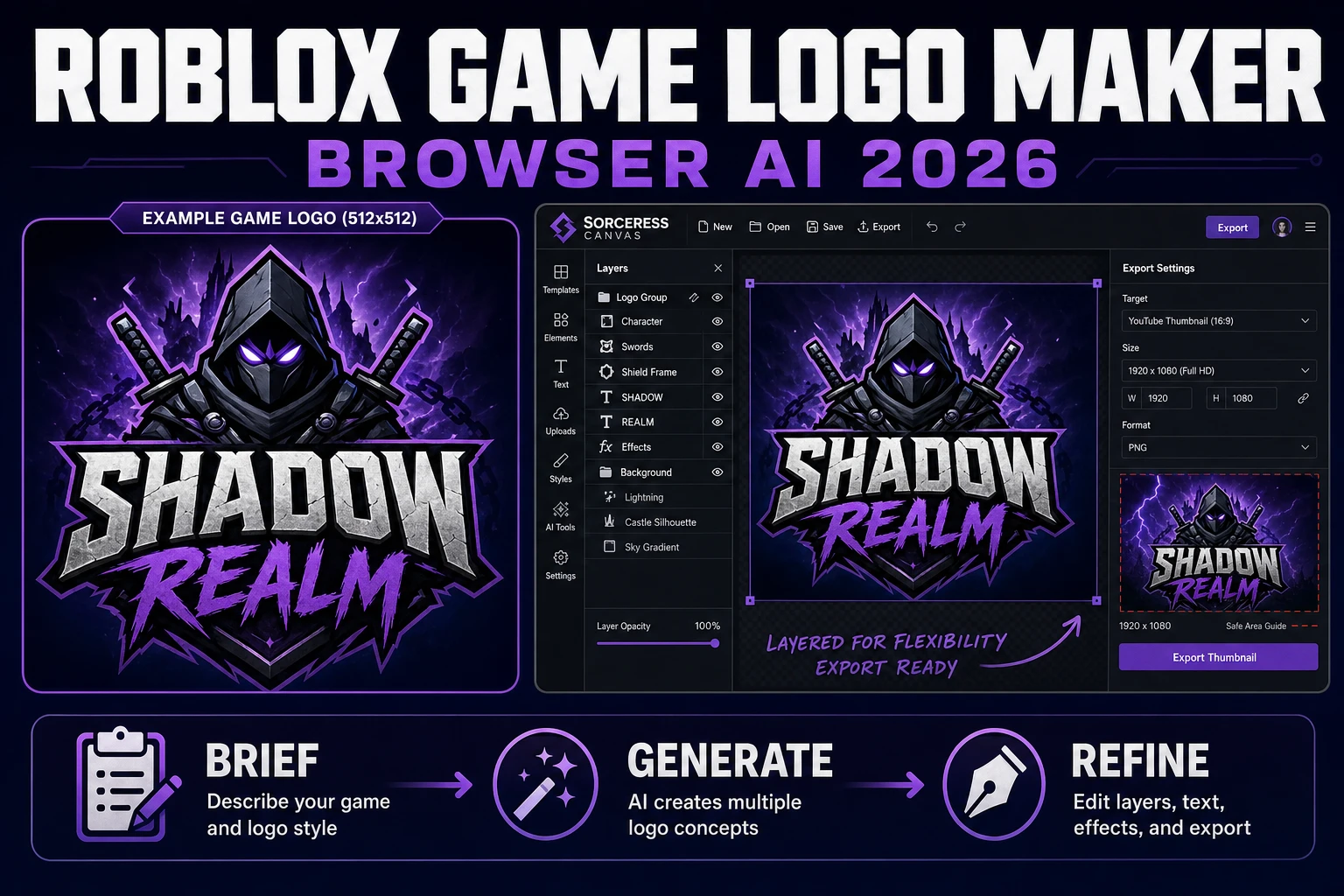
Emblem a Roblox Game Logo Maker (Browser AI 2026)
A Roblox game logo maker workflow that actually respects the 512×512 icon and 1920×1080 thumbnail specs. Brief the concept, generate typography-safe rounds in Sorceress AI Image Gen, finish in Canvas. Verified August 3, 2026.
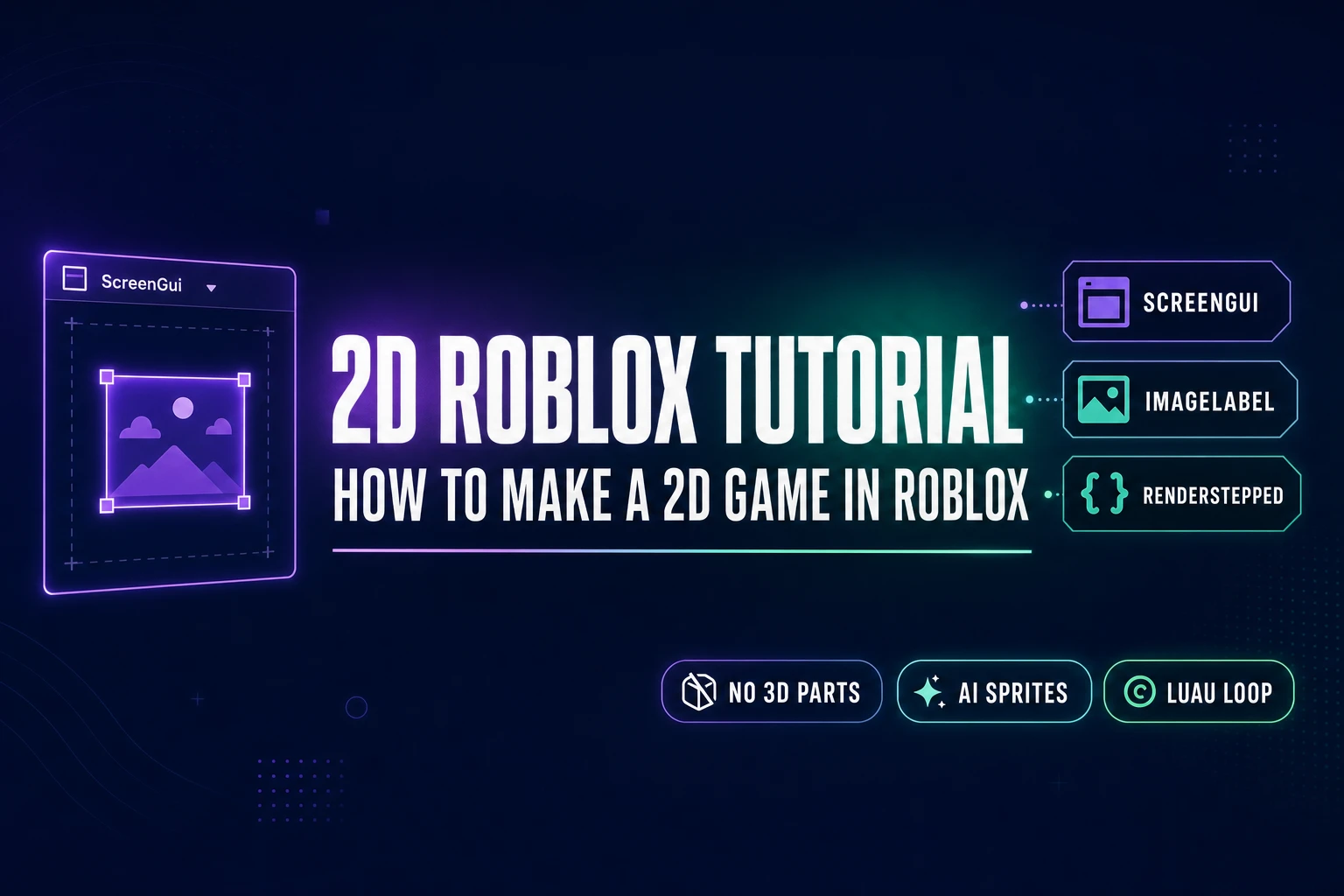
2D Roblox Tutorial: How to Make a 2D Game in Roblox
How to make a 2D game in Roblox in 2026 without 3D Parts — render the game inside a ScreenGui, drive sprites via ImageLabel ImageRectOffset, generate the art in Sorceress Quick Sprites and Tileset Forge, and run the Luau loop on RenderStepped. Verified June 15, 2026.
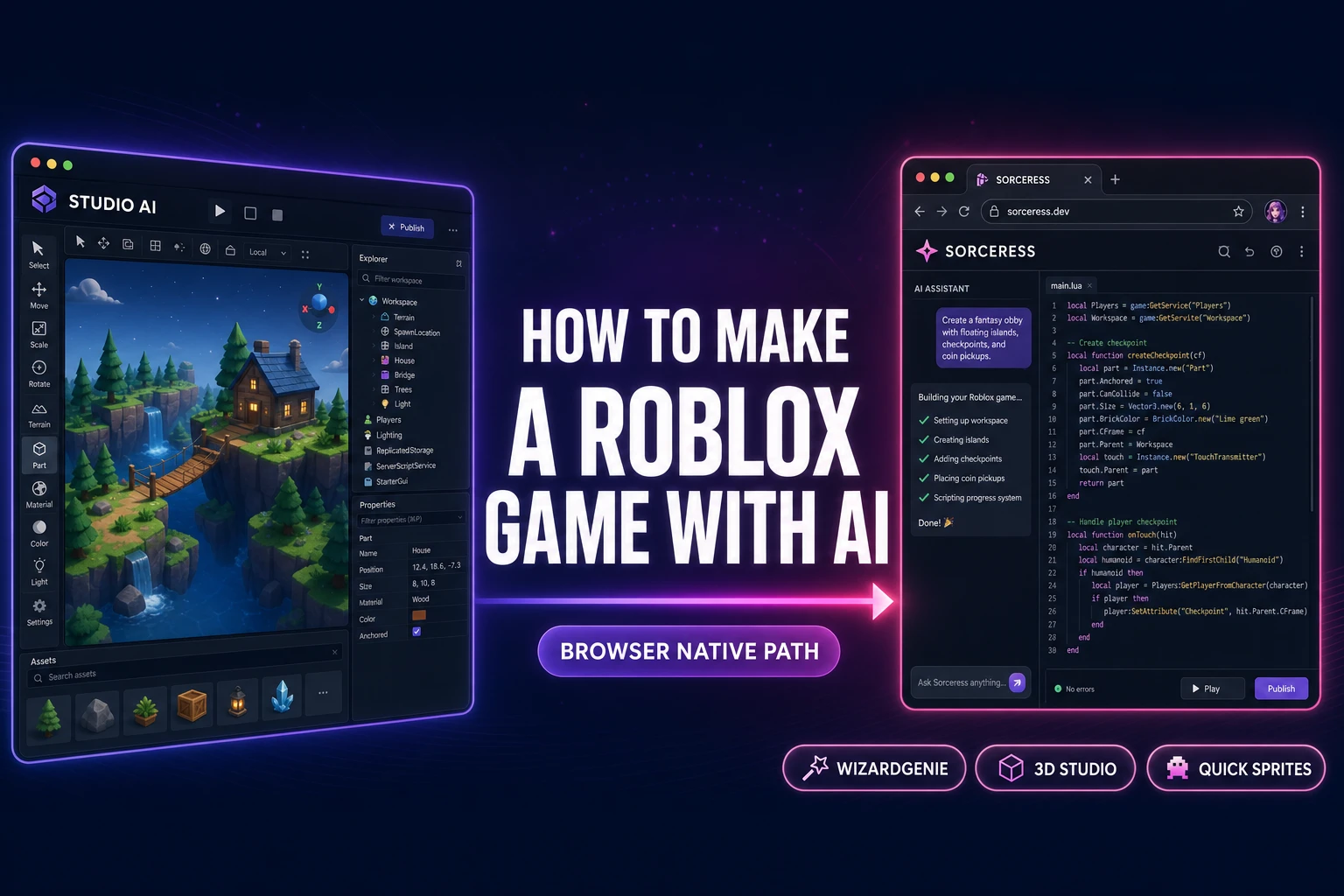
How to Make a Roblox Game With AI (Browser-Native Path)
How to make a Roblox game with AI in 2026: download Roblox Studio on Windows or macOS, use the four built-in AI tools (Code Assist, Assistant, Material Generator, Texture Generator beta), then build cross-platform games in the browser through Sorceress. Verified June 4, 2026.