Pixel Art
42 posts on Sorceress about pixel art.
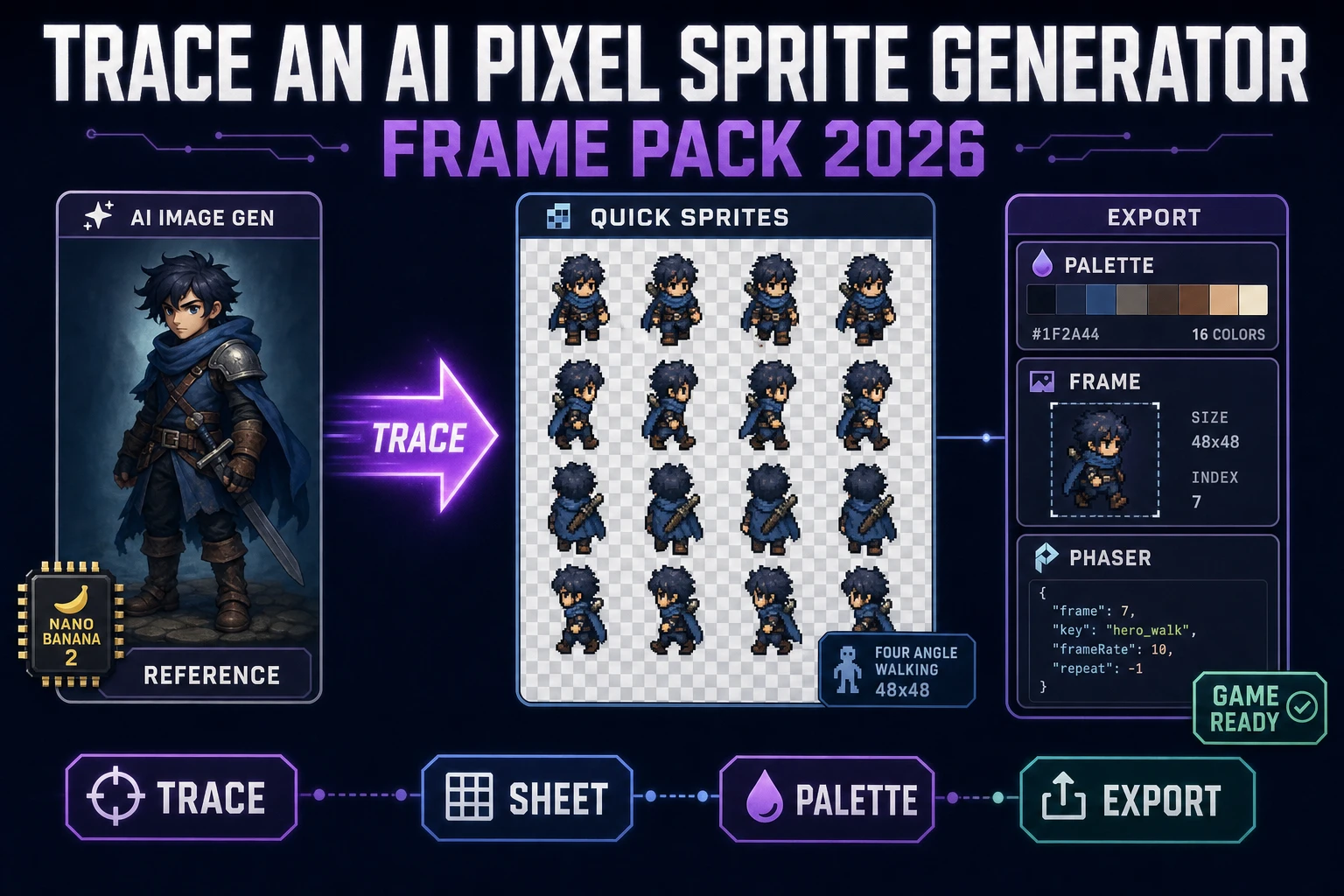
Trace an AI Pixel Sprite Generator (Frame Pack 2026)
The honest 2026 recipe for an AI pixel sprite generator frame pack: trace the character silhouette in AI Image Gen, hand the reference to Quick Sprites for a transparent PNG sheet on Retro Diffusion rd-animation, palette-lock in True Pixel, and export via Slicer for Phaser.
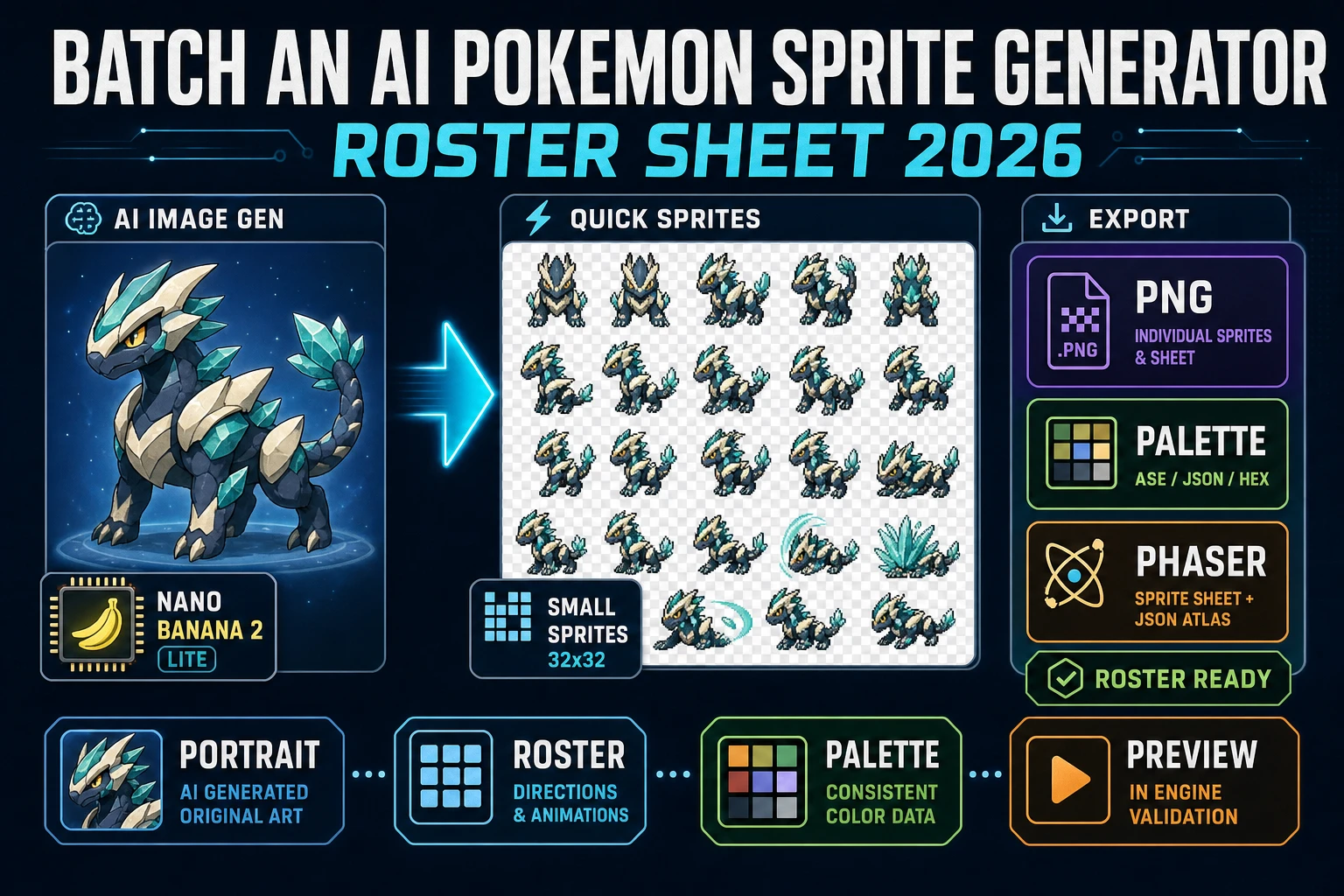
Batch an AI Pokemon Sprite Generator (Roster Sheet 2026)
The honest 2026 recipe for an ai pokemon sprite generator roster: draft each creature in AI Image Gen, prompt Quick Sprites with the portrait for a transparent PNG roster grid on Retro Diffusion rd-animation, palette-lock with True Pixel, and preview through Sprite Analyzer.
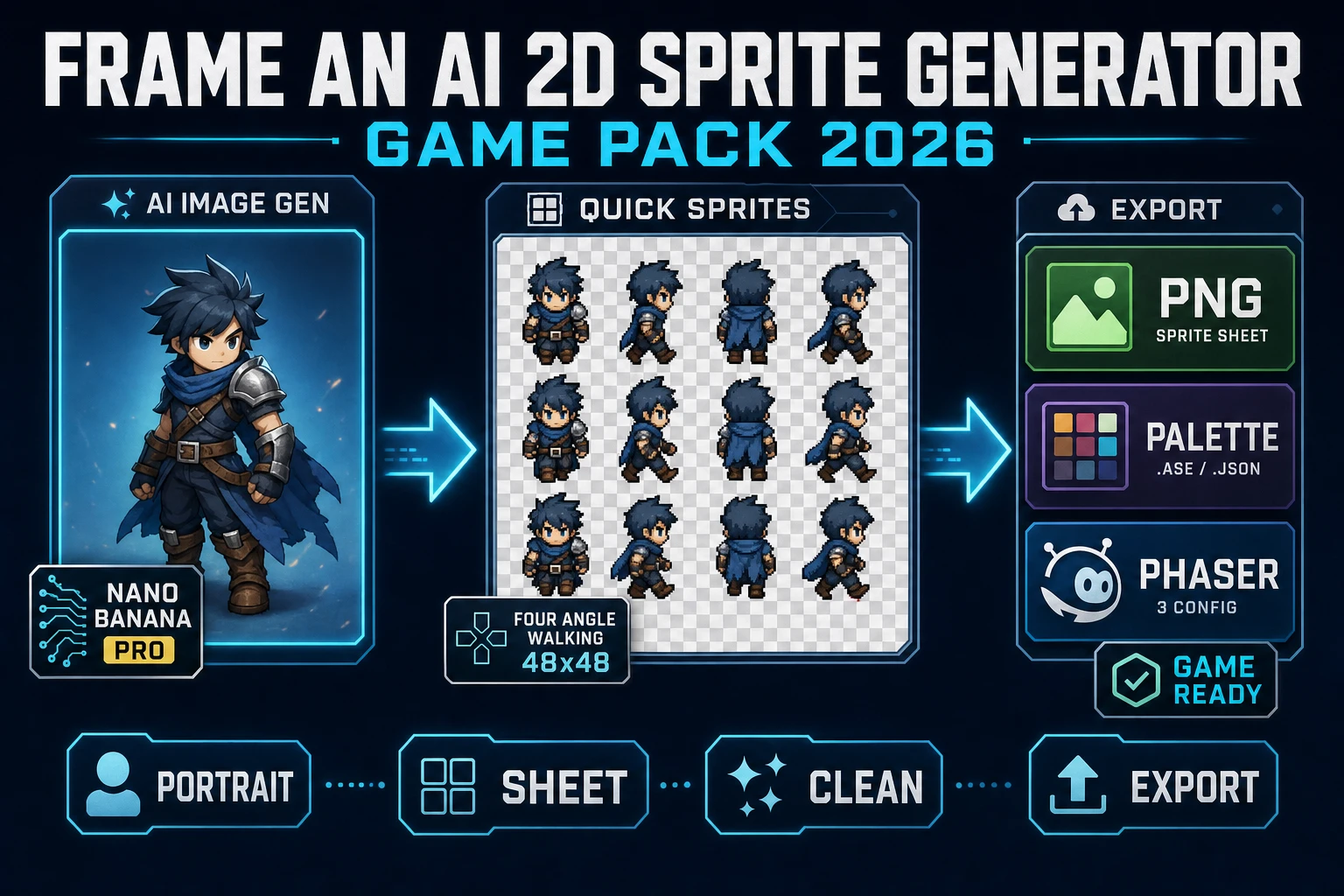
Frame an AI 2D Sprite Generator (Game Pack 2026)
The honest 2026 recipe for an ai 2d sprite generator game pack: draft the character in AI Image Gen, run Quick Sprites on Retro Diffusion rd-animation for a transparent PNG sheet, clean stray alpha with BG Remover, and lock the palette in True Pixel before Phaser slices the atlas.
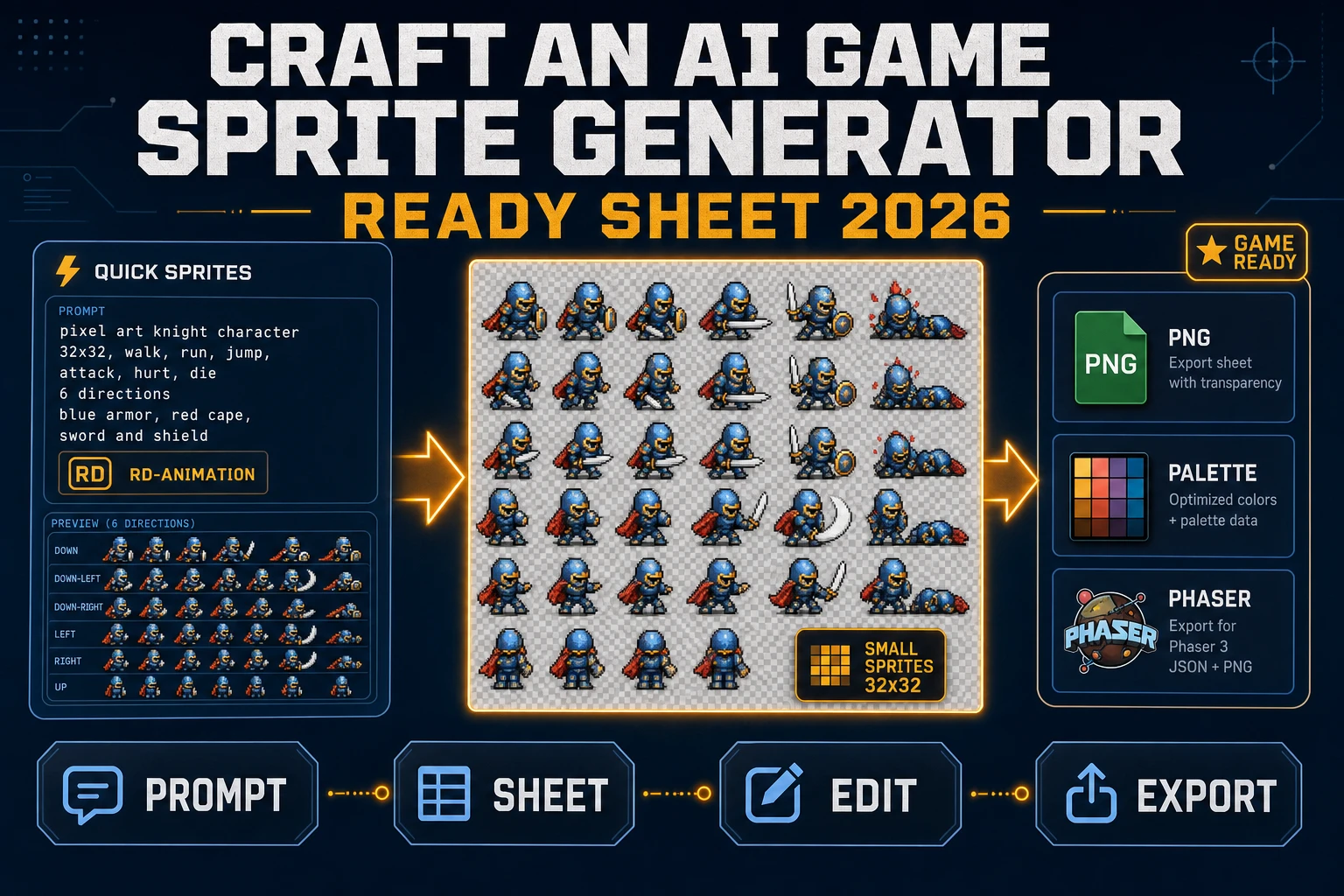
Craft an AI Game Sprite Generator (Ready Sheet 2026)
The honest 2026 recipe for an ai game sprite generator ready sheet: prompt Quick Sprites on Retro Diffusion rd-animation for a transparent PNG, upgrade to Auto-Sprite v2 for a custom walk cycle, and lock the palette in True Pixel before Phaser loads the atlas.
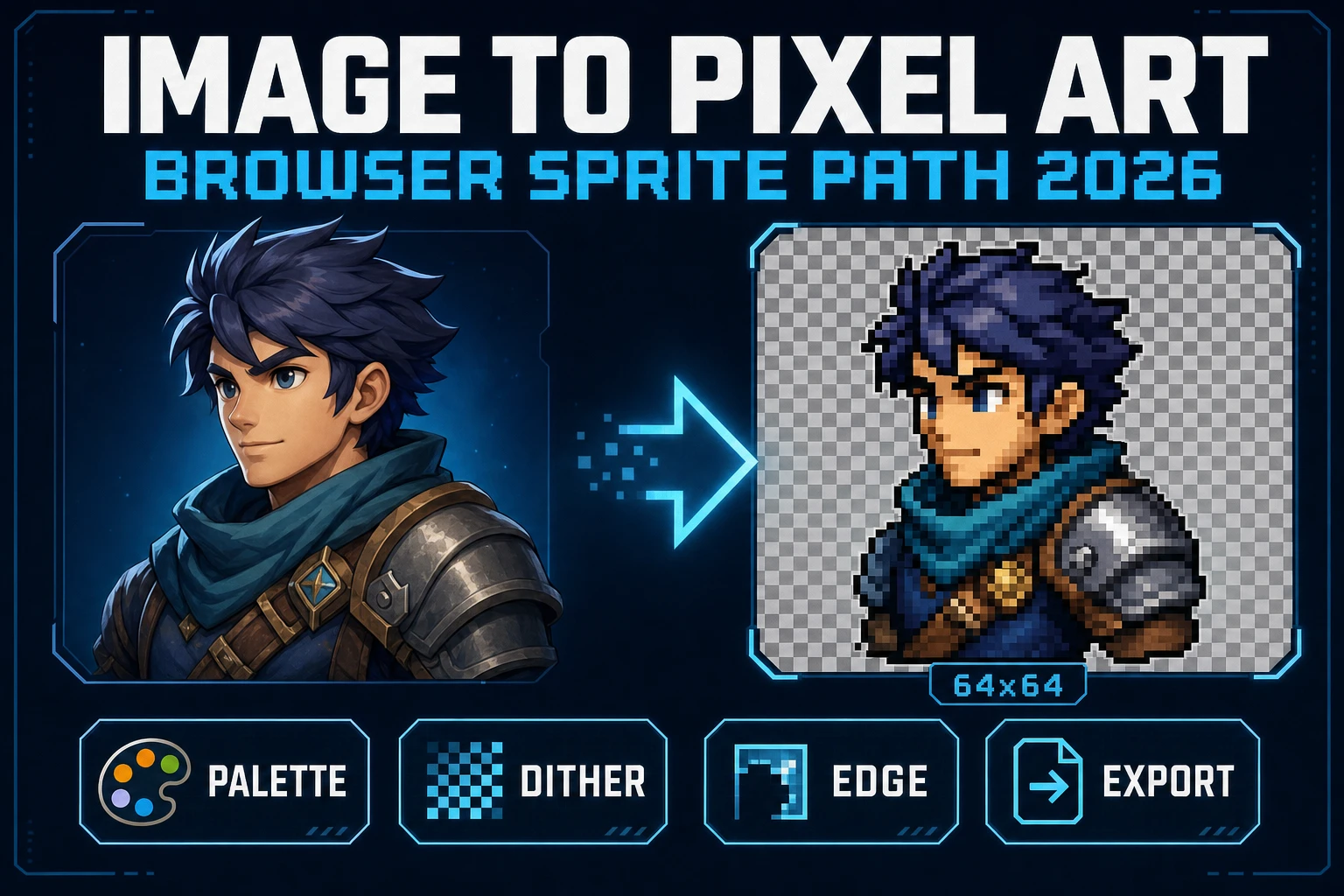
Image to Pixel Art in the Browser (Sprite Path 2026)
Image to pixel art in 2026 is Sorceress True Pixel - upload a source, lock a target resolution, pick one of 8 palette presets from PICO-8 to NES, choose a dither mode, and export a game-ready PNG sprite in the browser. Local mode is free; batch and video pipelines share the same surface.
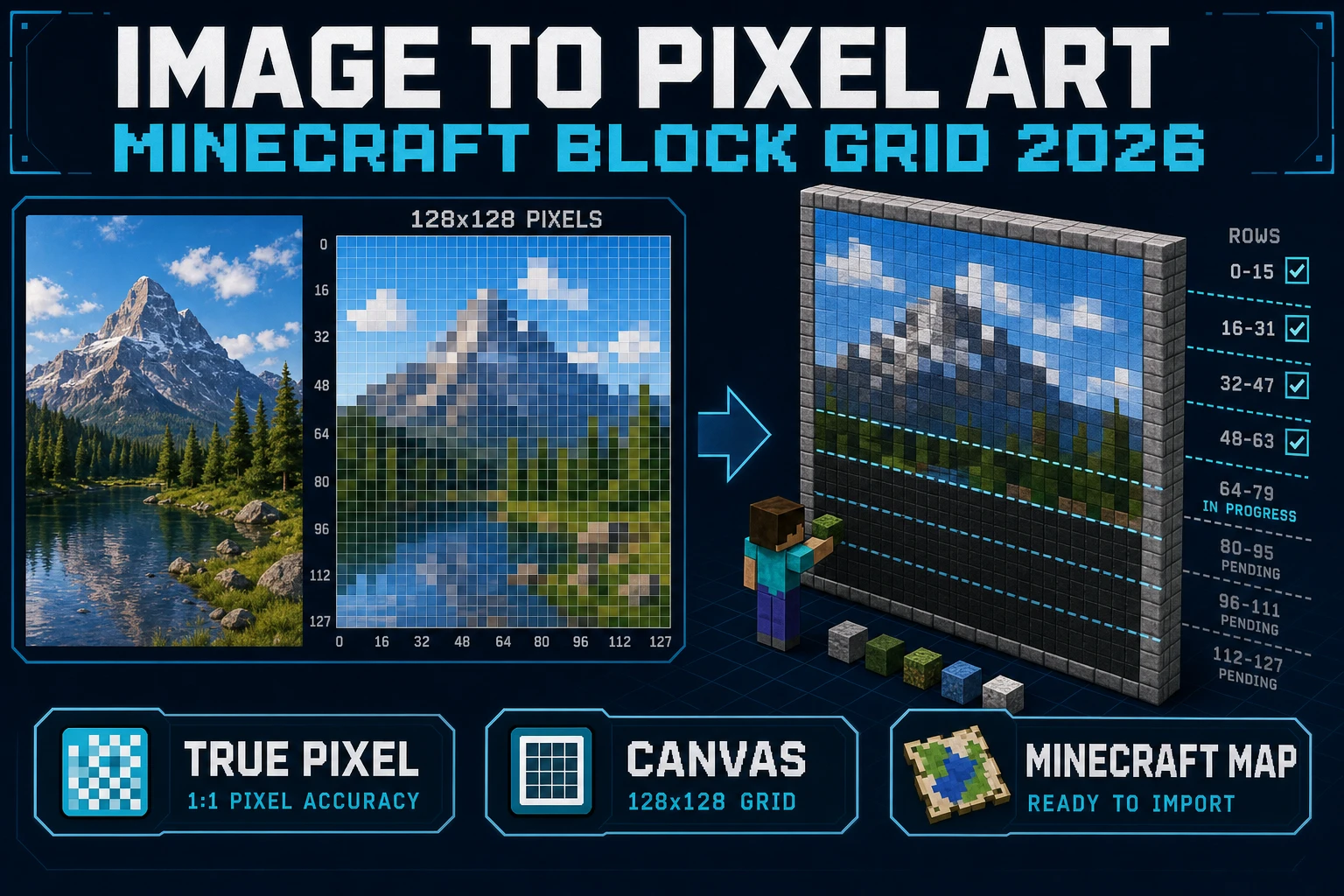
Chunk Image to Pixel Art Minecraft (Block Grid 2026)
Convert any image to pixel art Minecraft builders can rebuild block-by-block: 128x128 map math, a wool-friendly palette, and a grid overlay you actually place from. No mods, no server, no schematic plugin.
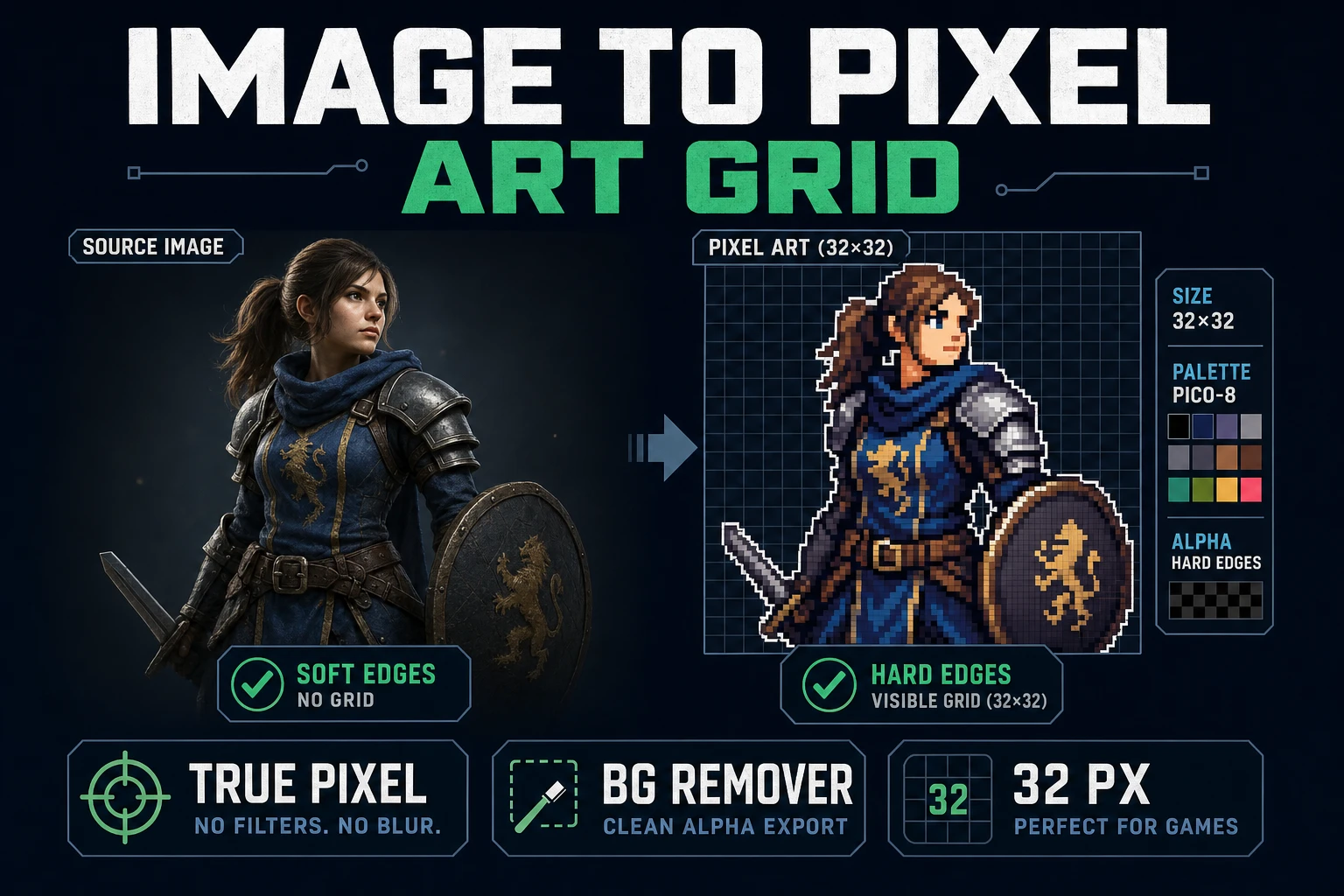
Fit an Image to Pixel Art Grid (Tile-Ready)
When you fit an image to pixel art grid, tile size wins before palette. Pick 16, 24, 32, or 48 in True Pixel, prep a hard-alpha plate with BG Remover, quantize against PICO-8 or Endesga 32, and export nearest-neighbor so the game engine imports the sprite pixel-perfect on its tilemap.
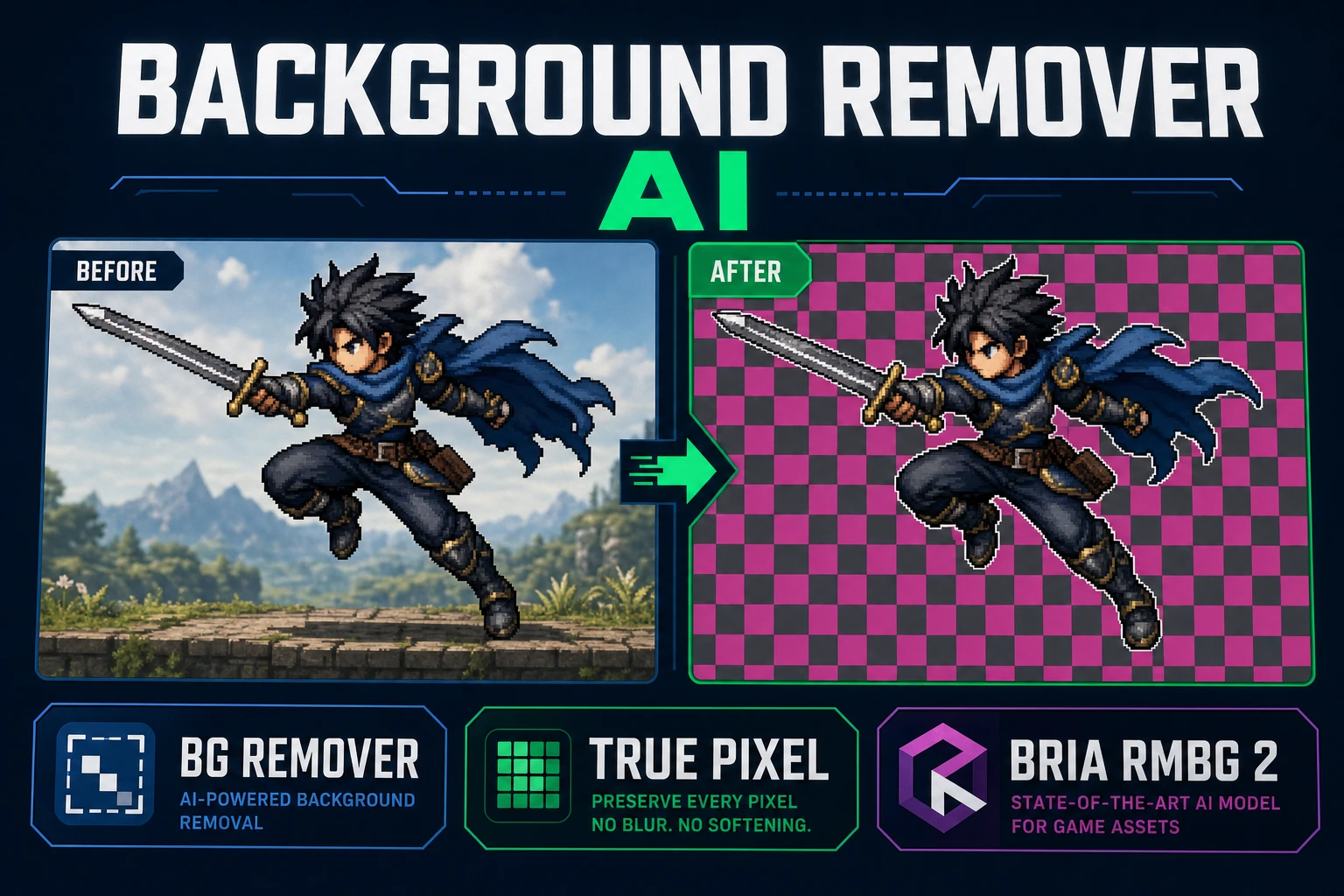
Erase Background Remover AI (Alpha Matte Path)
Pick a background remover AI that returns a real alpha channel, not a soft ecommerce halo. Prep the plate, run Bria RMBG 2.0 in Sorceress BG Remover for 3 credits, inspect the matte on a checkerboard, then hand off to True Pixel when you need hard sprite edges for a game engine.
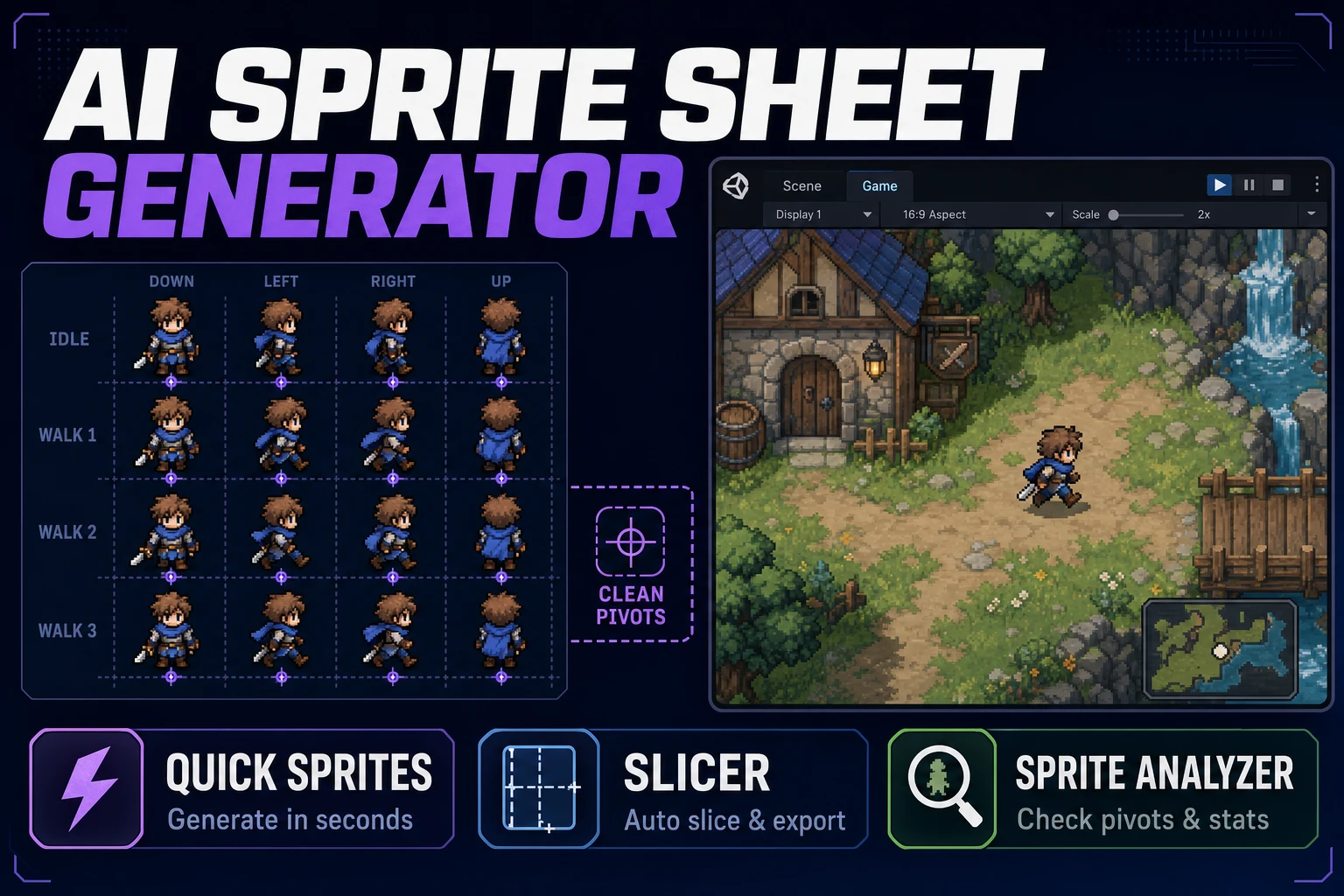
Align AI Sprite Sheet Generator (Atlas Pack)
Align an AI sprite sheet generator with your engine's grid rules: lock 32×32 or 48×48 first, generate one action row in Quick Sprites, slice uneven cells in Slicer, verify frames in Sprite Analyzer before you hand the atlas to Godot or Phaser.
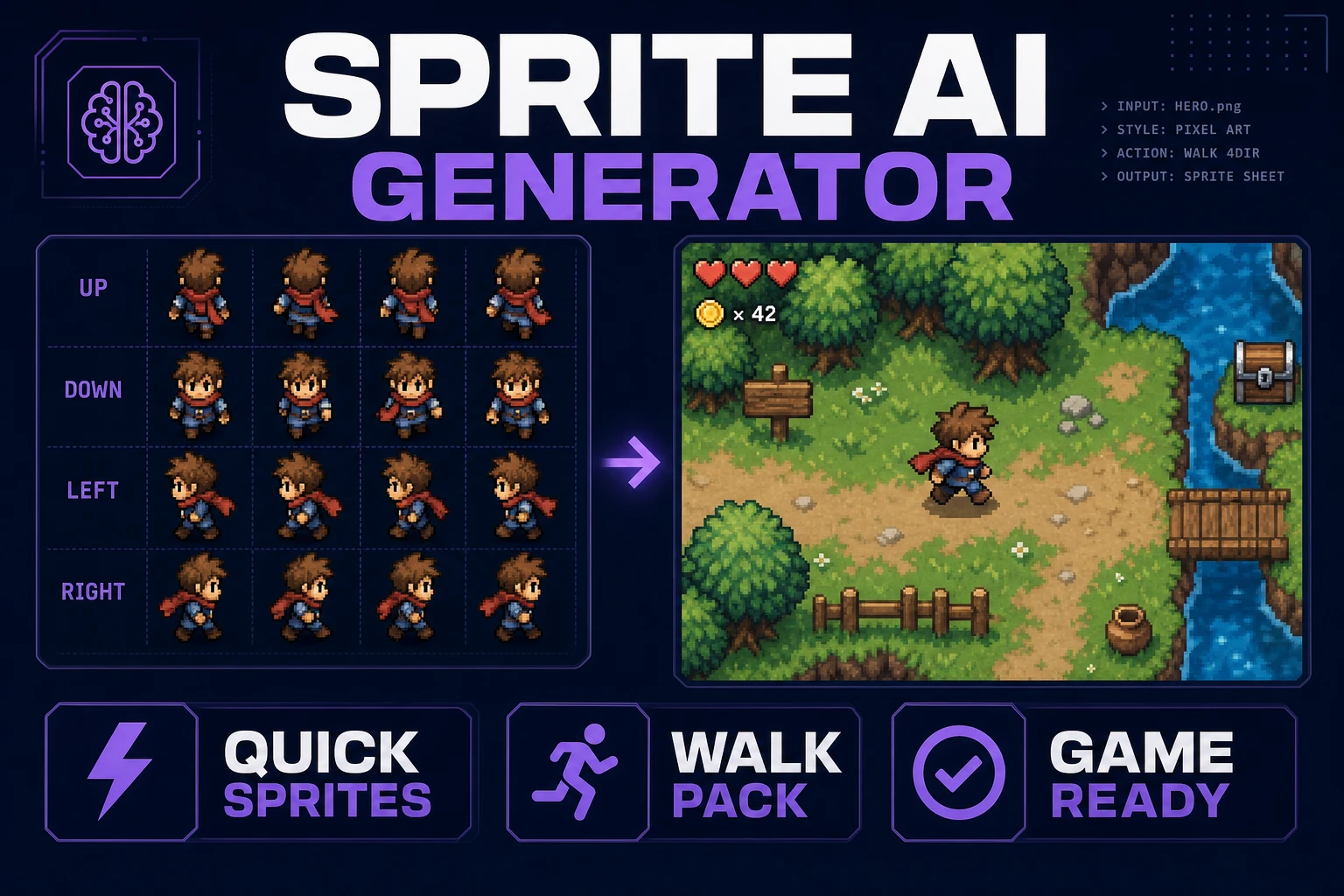
Stamp a Sprite AI Generator (Walk Pack)
Stamp a sprite AI generator walk pack in the browser: lock pixel size, generate directional walk rows in Quick Sprites, slice and name the grid, then drop the sheet into a one-screen playtest before you burn more credits.
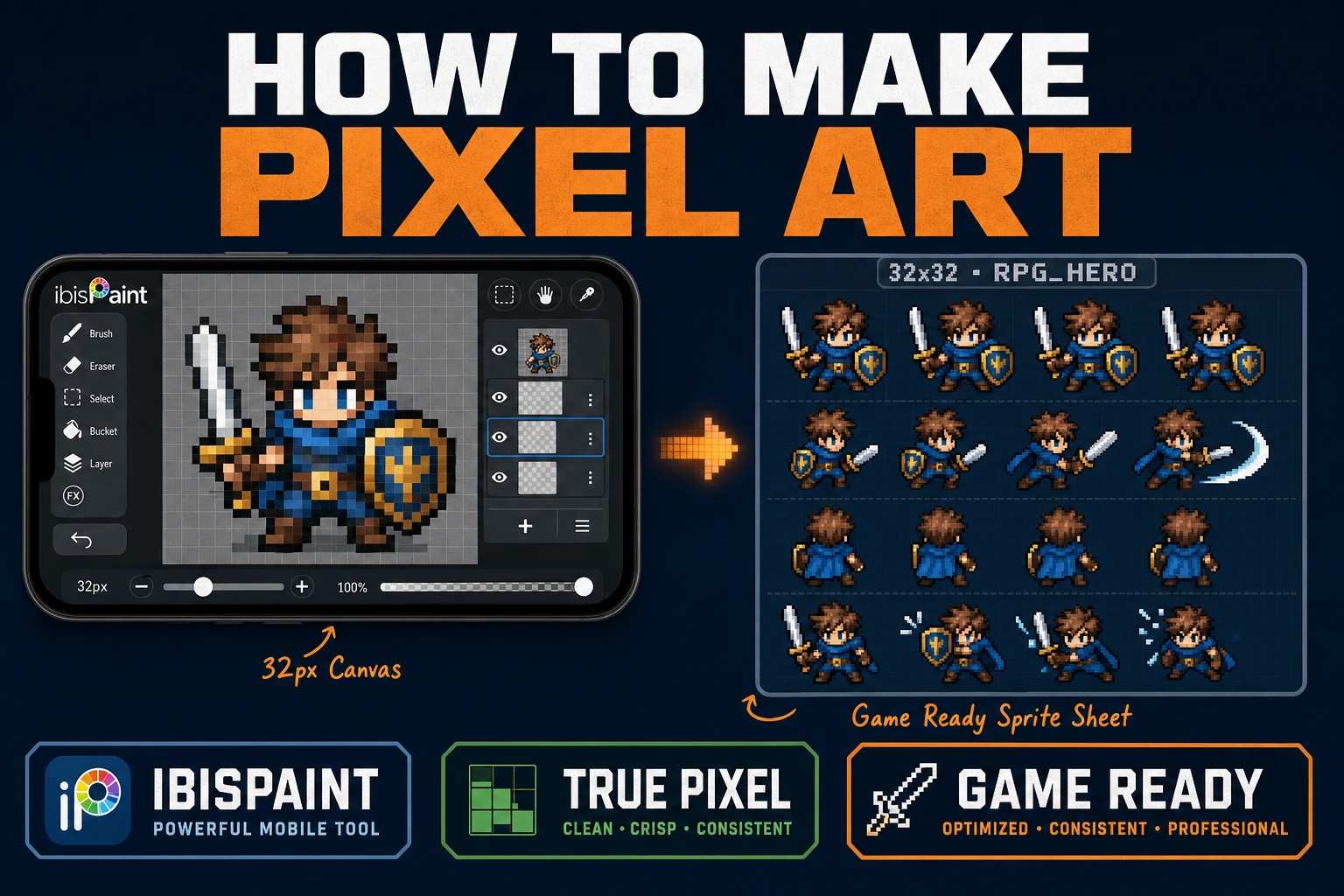
Learn How to Make Pixel Art in IbisPaint for Games
Learn how to make pixel art in IbisPaint for game sprites: lock a small grid, use Pixelated zoom and a 1px Digital Pen, export without soft resampling, then clean and sheet in True Pixel, Canvas, and Sprite Analyzer.
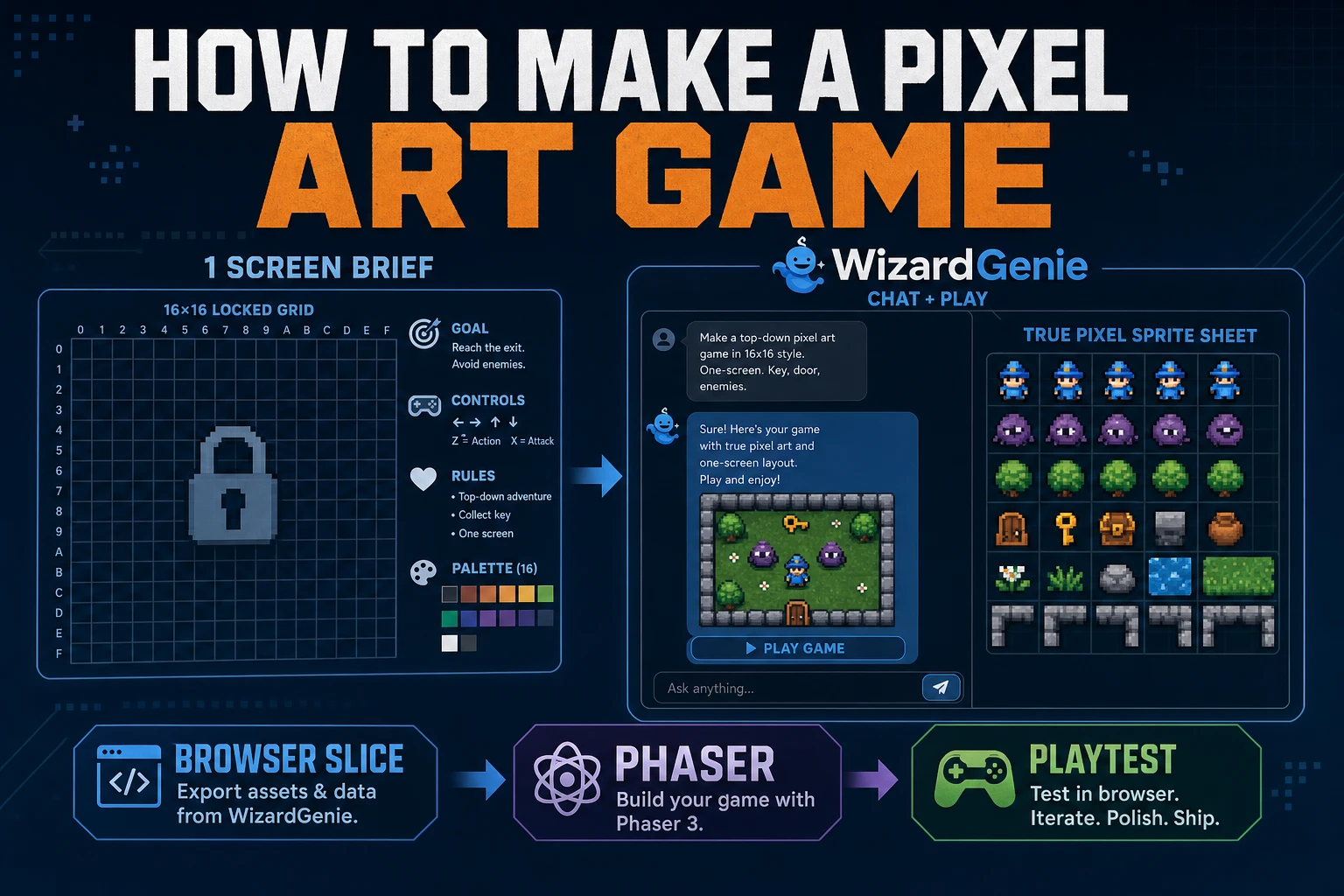
Forge How to Make a Pixel Art Game (Browser Slice)
A practical path for how to make a pixel art game: one-screen rules, WizardGenie scaffold, True Pixel sheets, and a jam playtest. Phaser v4.2.1 and models verified July 26, 2026.
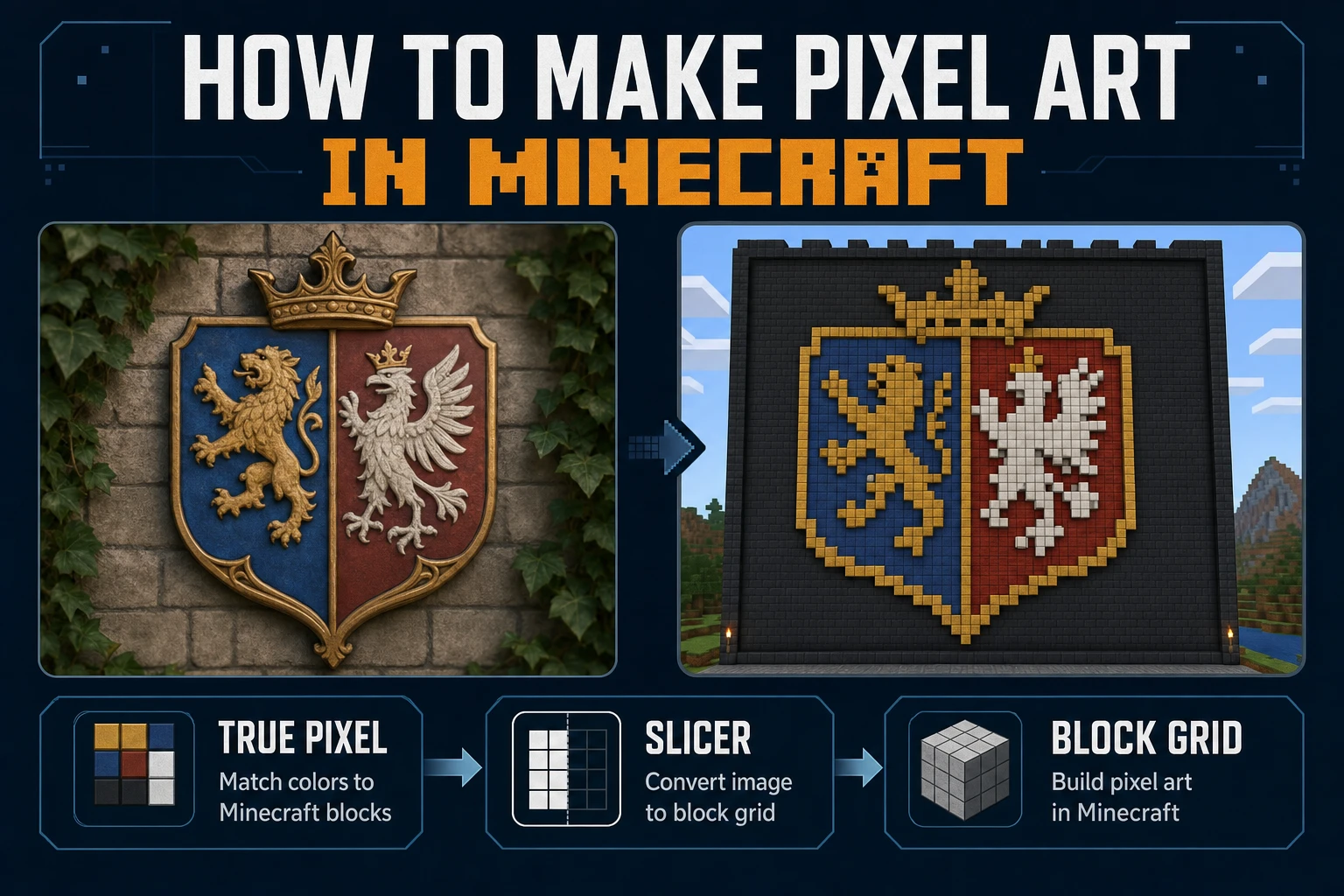
Mine How to Make Pixel Art in Minecraft (Block Grid)
Mine how to make pixel art in Minecraft on a block grid: lock mural size, map a limited block palette, convert the reference in True Pixel, slice rows in Slicer, and place without seam drift. Verified July 24, 2026.
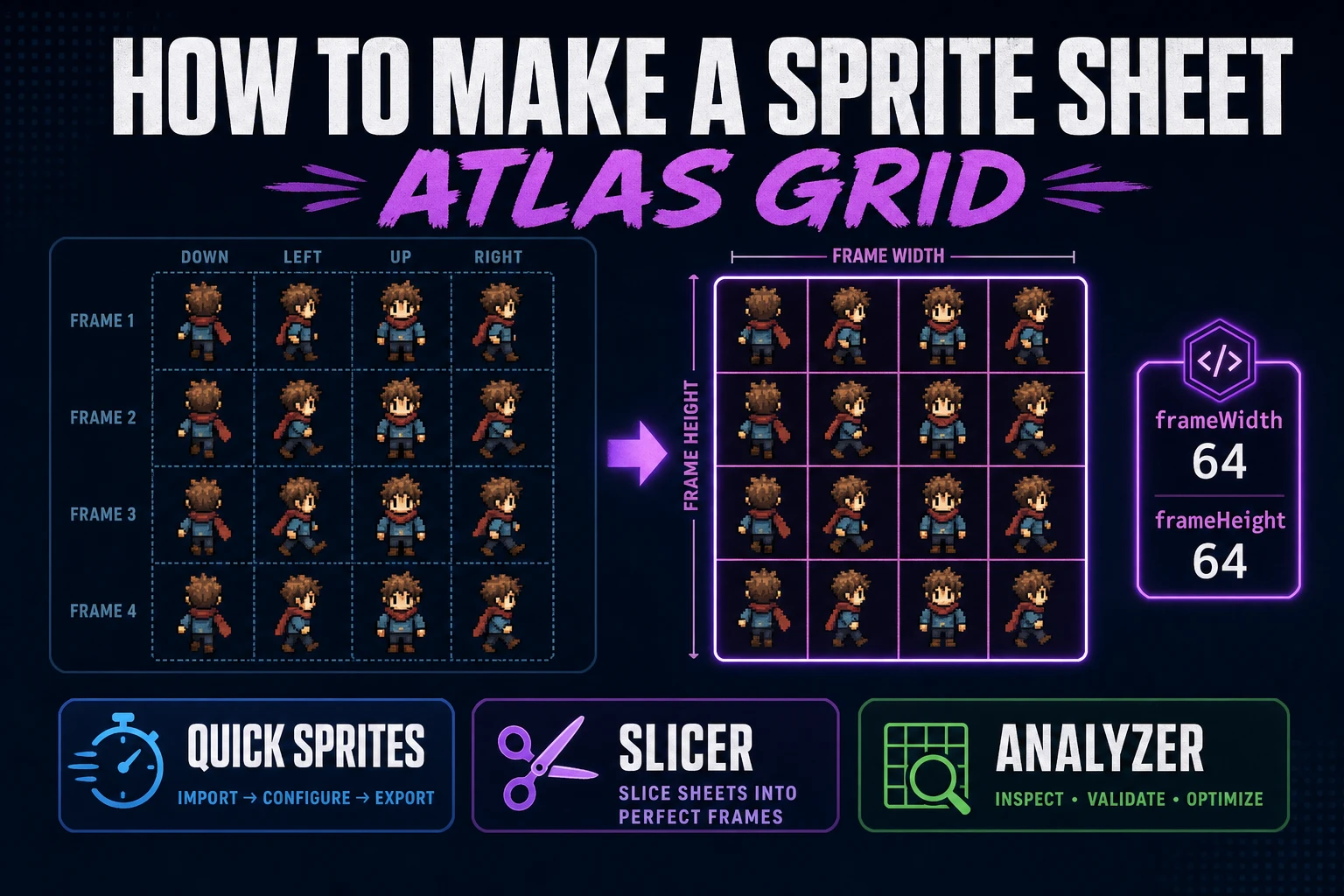
Pack How to Make a Sprite Sheet (Atlas Grid)
Pack how to make a sprite sheet as a fixed atlas grid: lock cell size, generate walk rows in Quick Sprites, preview timing, slice custom regions when needed, and load the PNG in a browser engine.
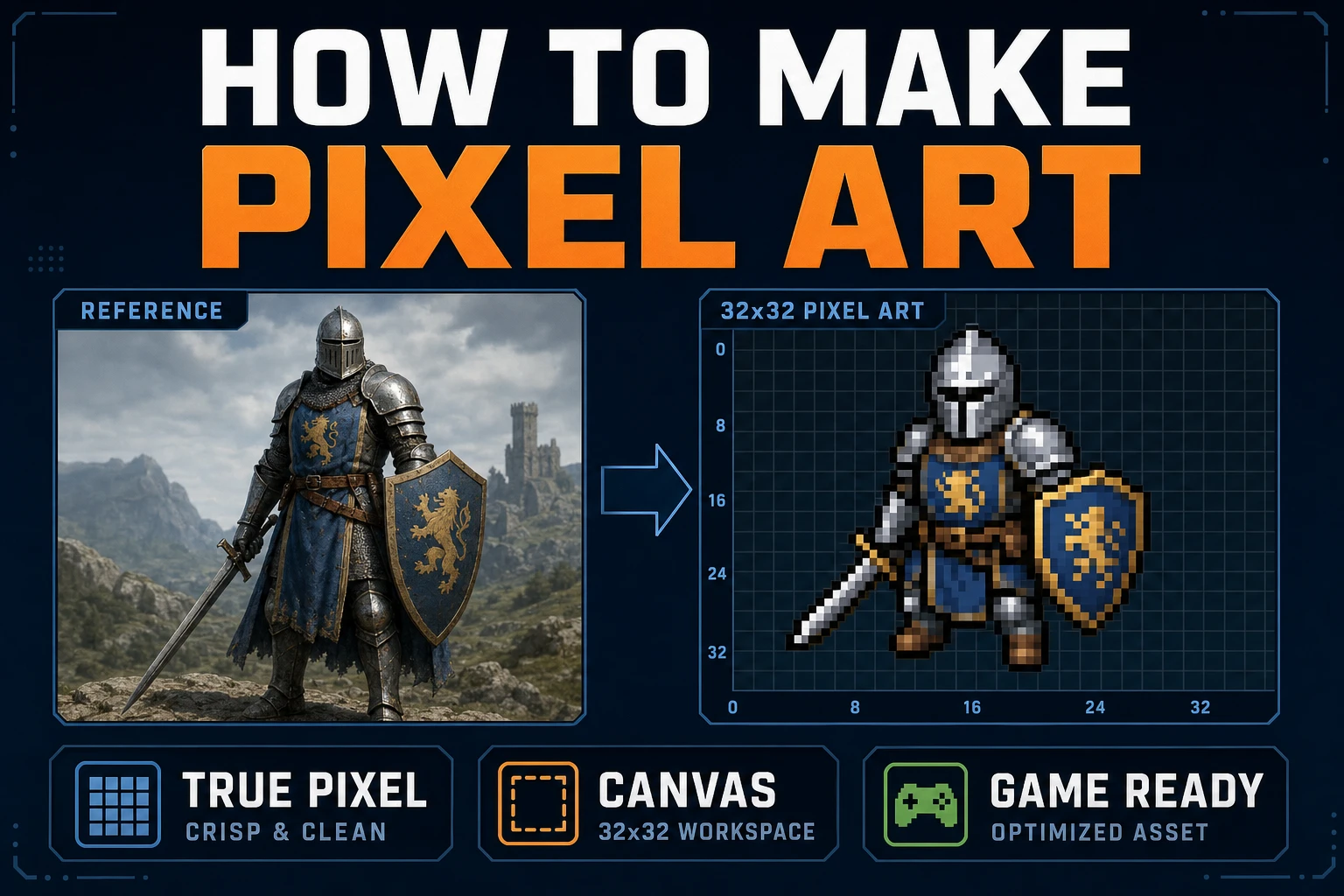
Map How to Make Pixel Art (Browser Canvas)
Map how to make pixel art on a browser canvas: lock grid size and palette, convert in True Pixel, clean cells in Canvas, export sharp PNGs, and drop frames into a one-screen playtest.
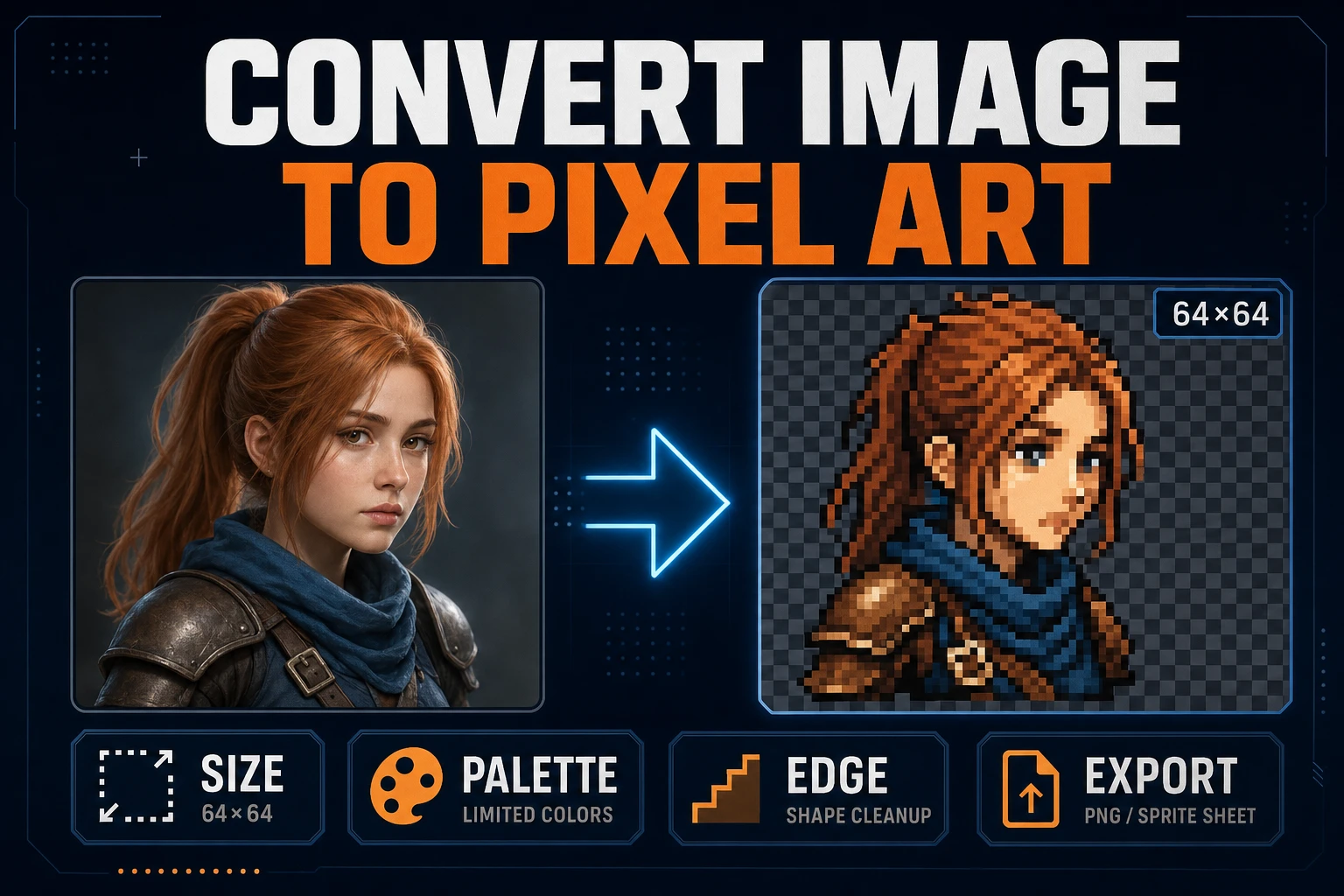
Convert Image to Pixel Art (Game Sprite Pipeline)
Lock target size and palette, convert a readable source in True Pixel, clean edges, inspect the grid, and export a sharp PNG sprite without resampling blur.
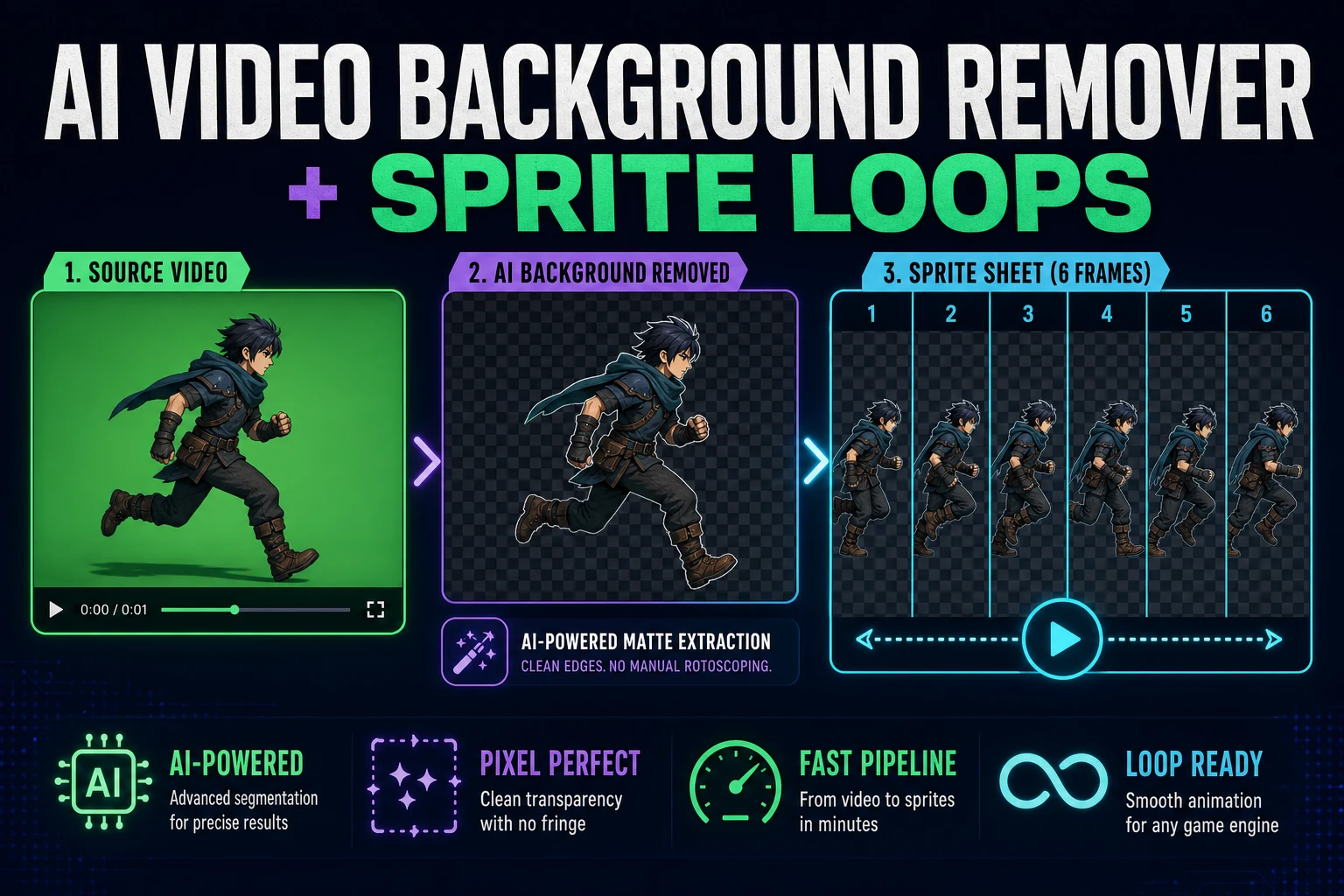
Clean an AI Video Background Remover for Sprite Loops
Turn a short character clip into transparent animation frames, clean edge spill, normalize the frame box, and export a sprite sheet that survives a loop preview.
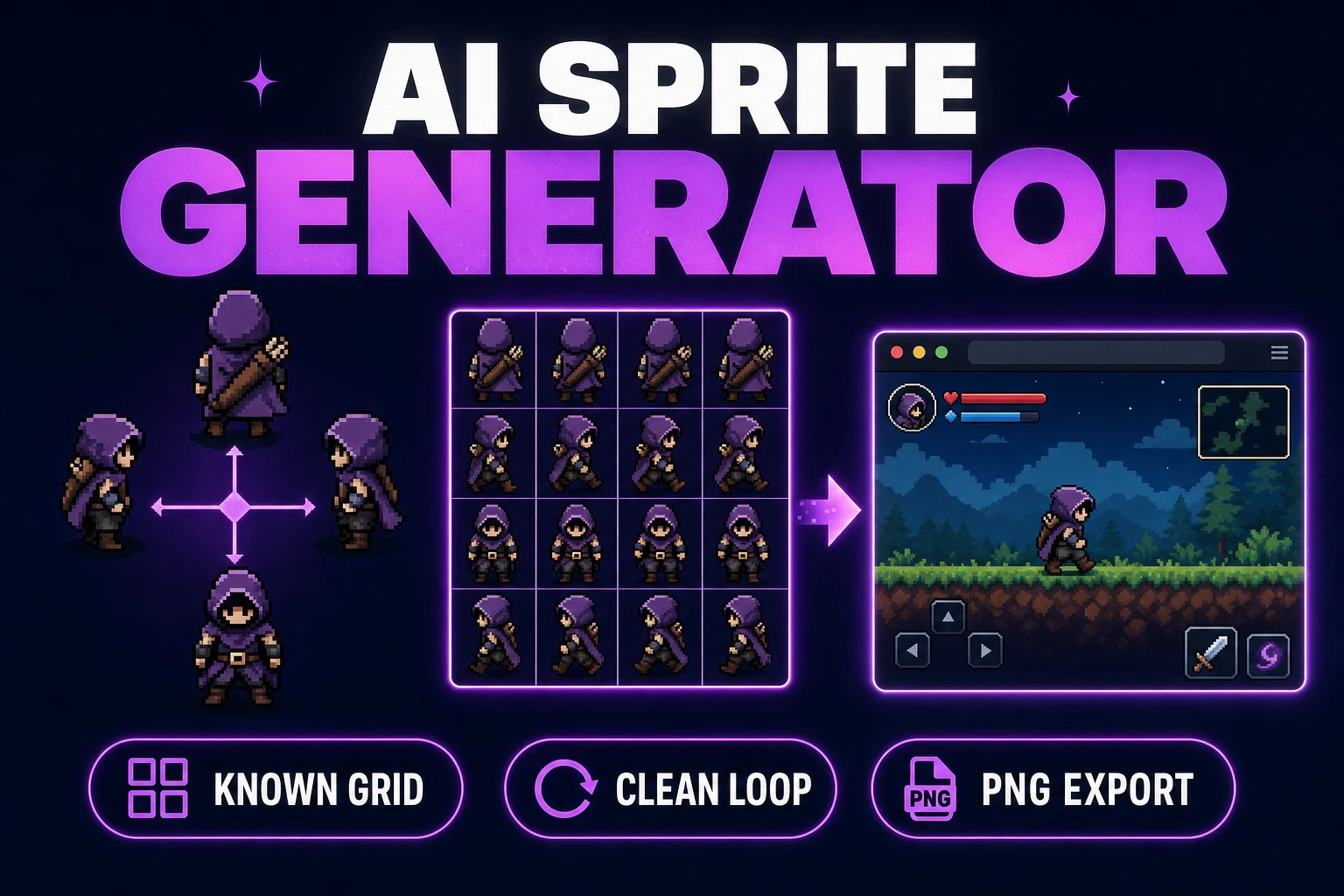
Use an AI Sprite Generator (Game-Ready Sheet)
Generate a directional sprite sheet in Quick Sprites, inspect every row and frame in Sprite Analyzer, clean pixel edges when needed, and export usable metadata.
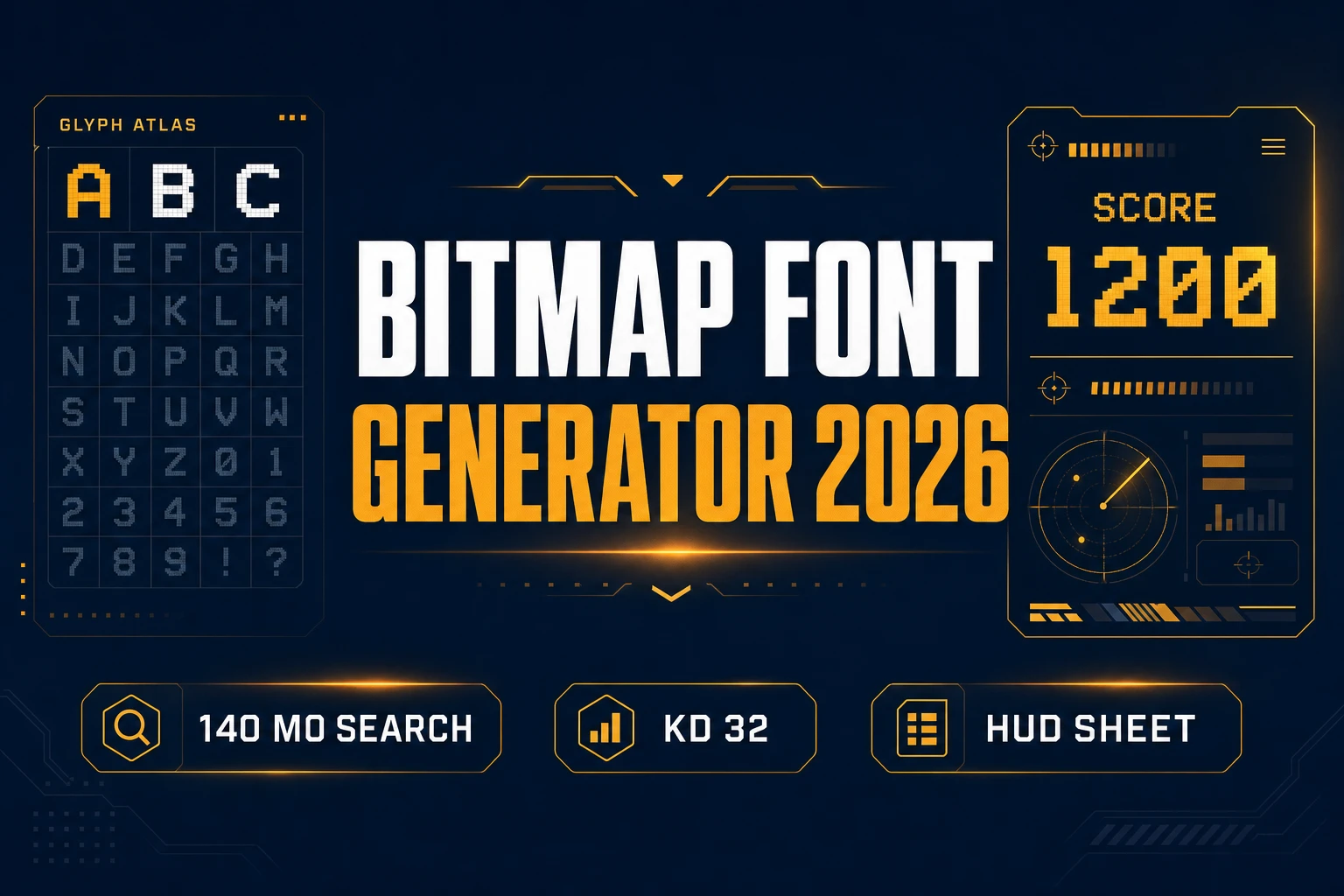
Stamp a Bitmap Font Generator (HUD Type Sheet 2026)
Build a bitmap font generator HUD sheet: AI Image Gen atlas, Canvas/True Pixel edge snap, Phaser 4.2 BitmapText load — verified July 16, 2026.
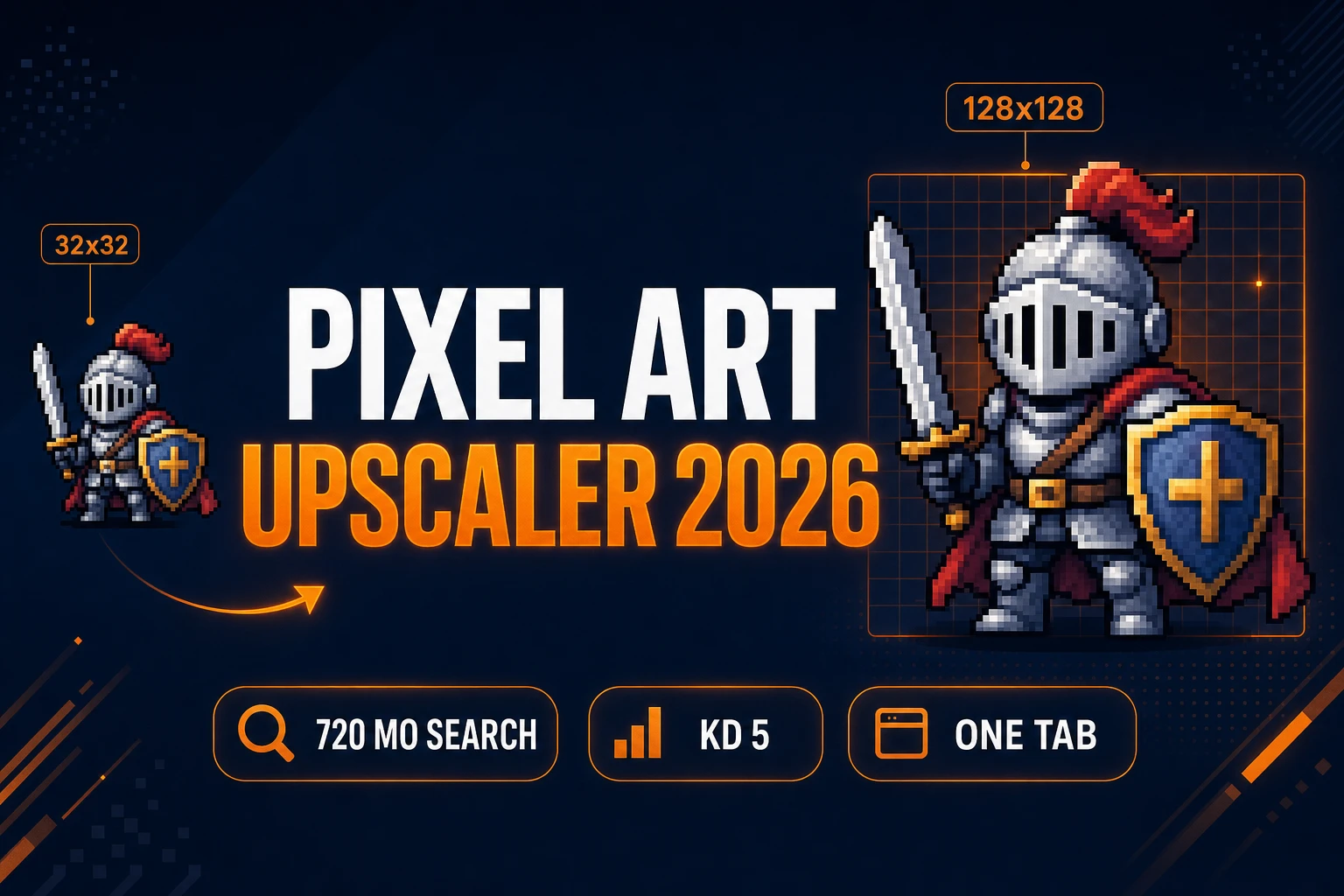
Scale a Pixel Art Upscaler (Sprite Clarity 2026)
Upscale pixel art without blur: Quick Sprites base sheet, True Pixel Pixel Scale export at 2x–16x, Phaser 4.2 pixelArt wiring — verified July 9, 2026.
Glyph a Pixel Font Generator (Game UI Type 2026)
Build HUD type with a pixel font generator: AI Image Gen atlas, Canvas grid cleanup, Phaser 4.2 BitmapText wiring — verified July 9, 2026.
Summon an AI Monster Generator (Indie Enemy Pipeline 2026)
Build indie enemy rosters with an ai monster generator: AI Image Gen for concept silhouettes, Quick Sprites for pixel sprites, WizardGenie for Phaser 4.2 spawn logic — verified July 6, 2026.
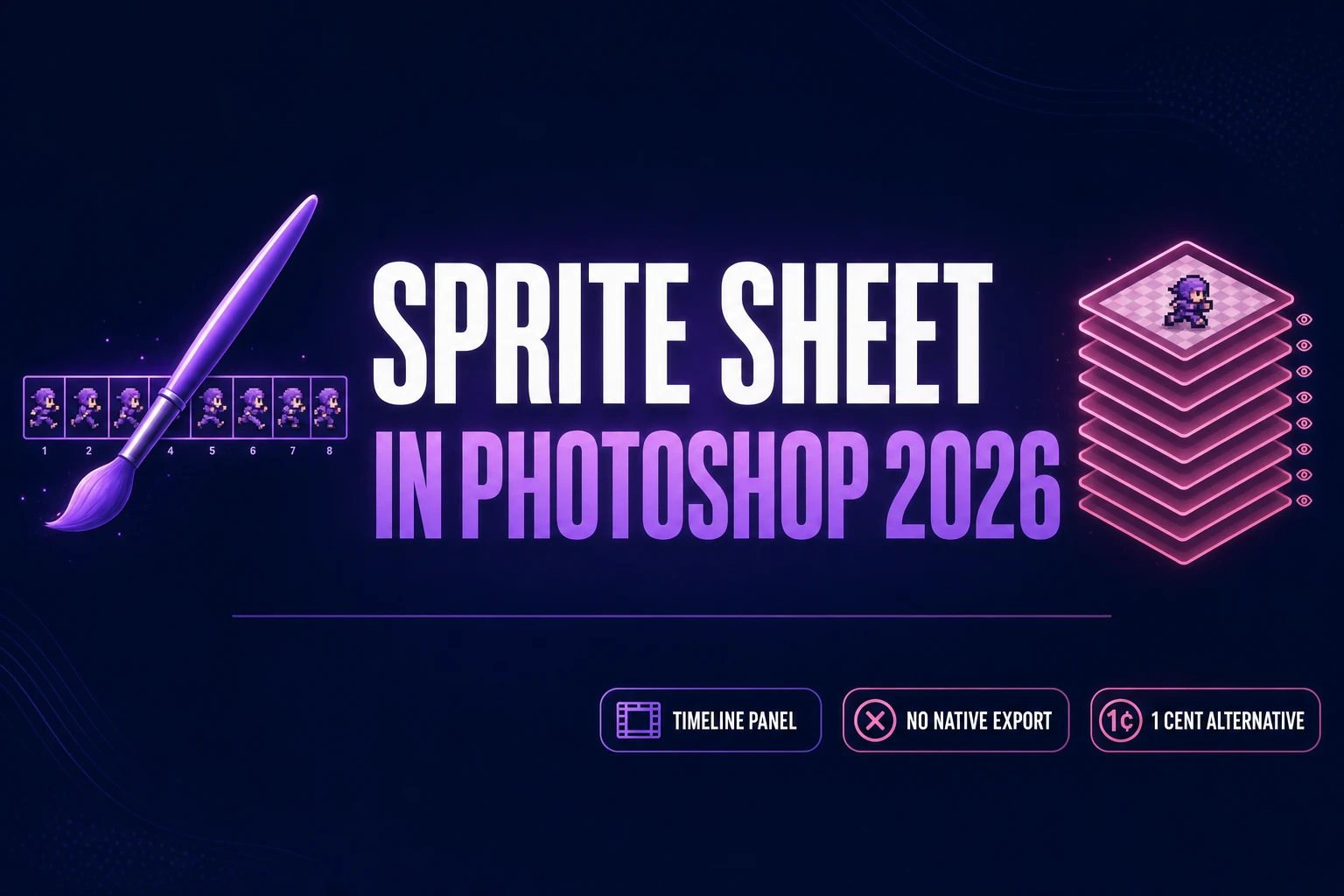
Paint How to Make a Sprite Sheet in Photoshop 2026
How to make a sprite sheet in Photoshop 2026: the classic Timeline-plus-frame-animation workflow still works but has no native export button. This walks the Photoshop path step by step, then shows the browser-native alternative that costs about a cent per walk cycle.
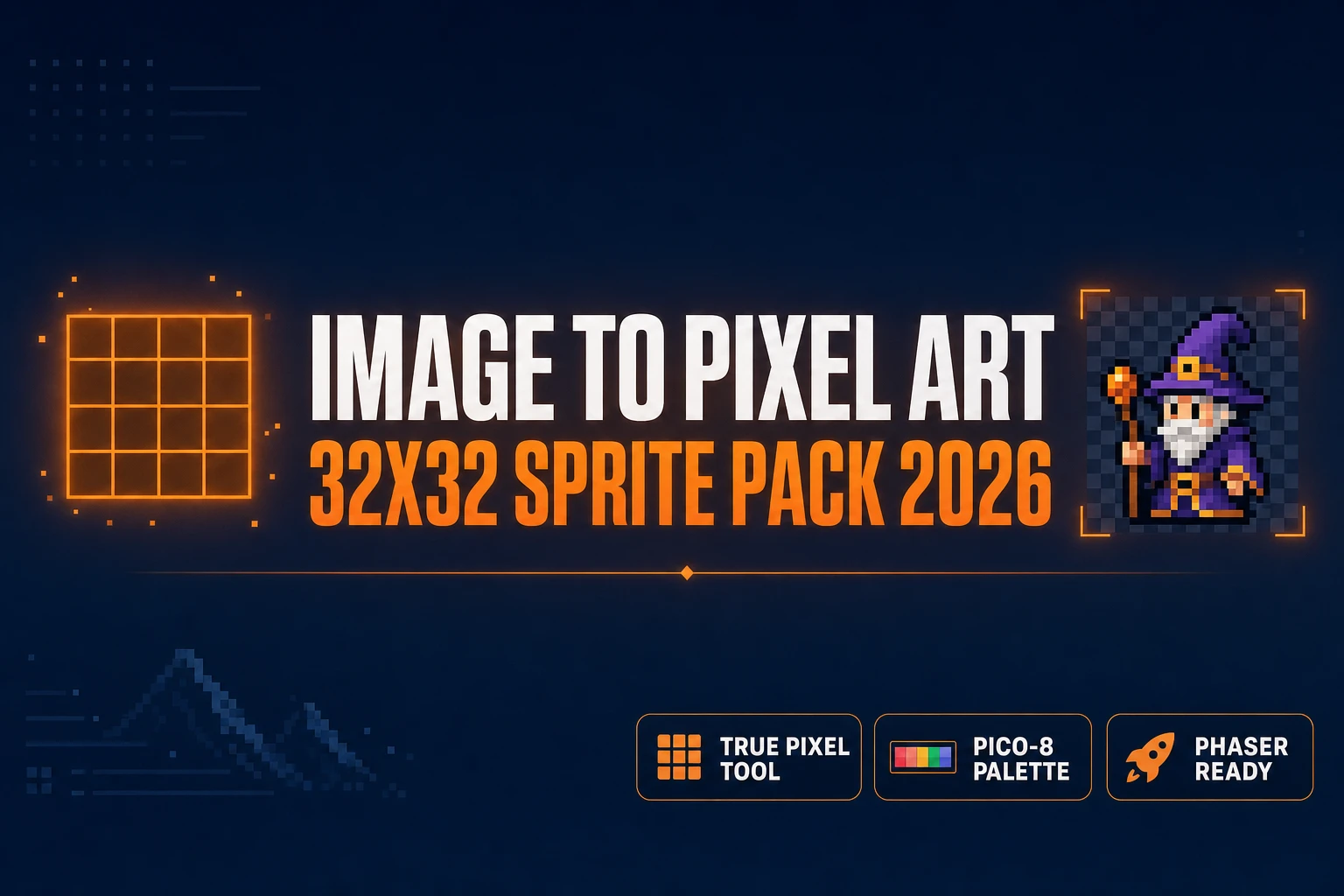
Size an Image to Pixel Art 32x32 (Game Sprite Pack 2026)
32x32 is the canonical small-sprite size for indie 8-bit and 16-bit games. This how-to walks the True Pixel pipeline that takes any photo, AI render, or hand-drawn frame down to a clean 32x32 pixel art sprite on a retro palette — ready to drop into Phaser, three.js, or any 2D engine.
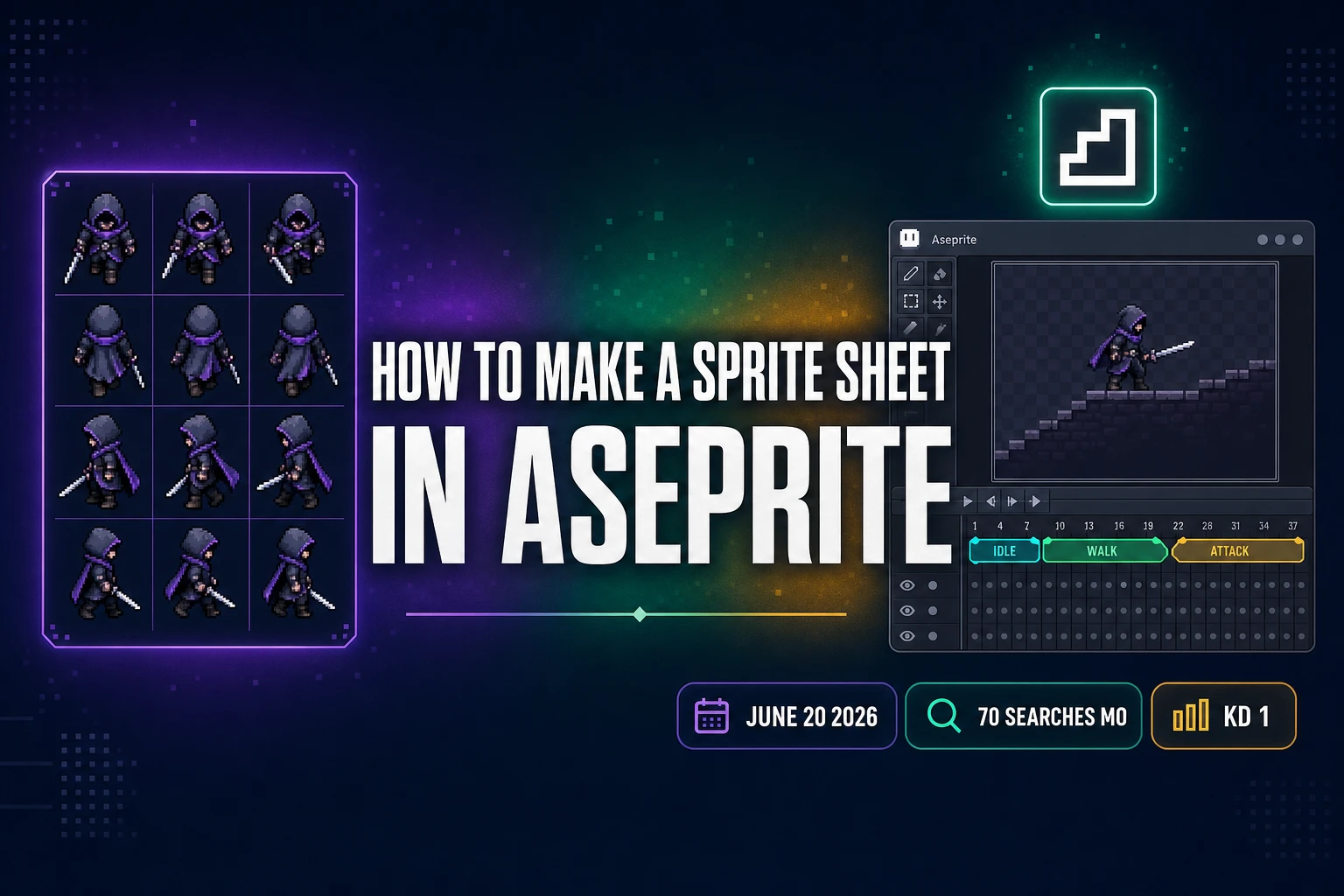
Frame How to Make a Sprite Sheet in Aseprite (AI 2026)
How to make a sprite sheet in Aseprite in mid-2026: the $19.99 editor still owns the pixel-perfect polish, but the upstream concept frame and walk-cycle draft now come out of a Sorceress browser tab in under five minutes per character. Verified June 20, 2026.
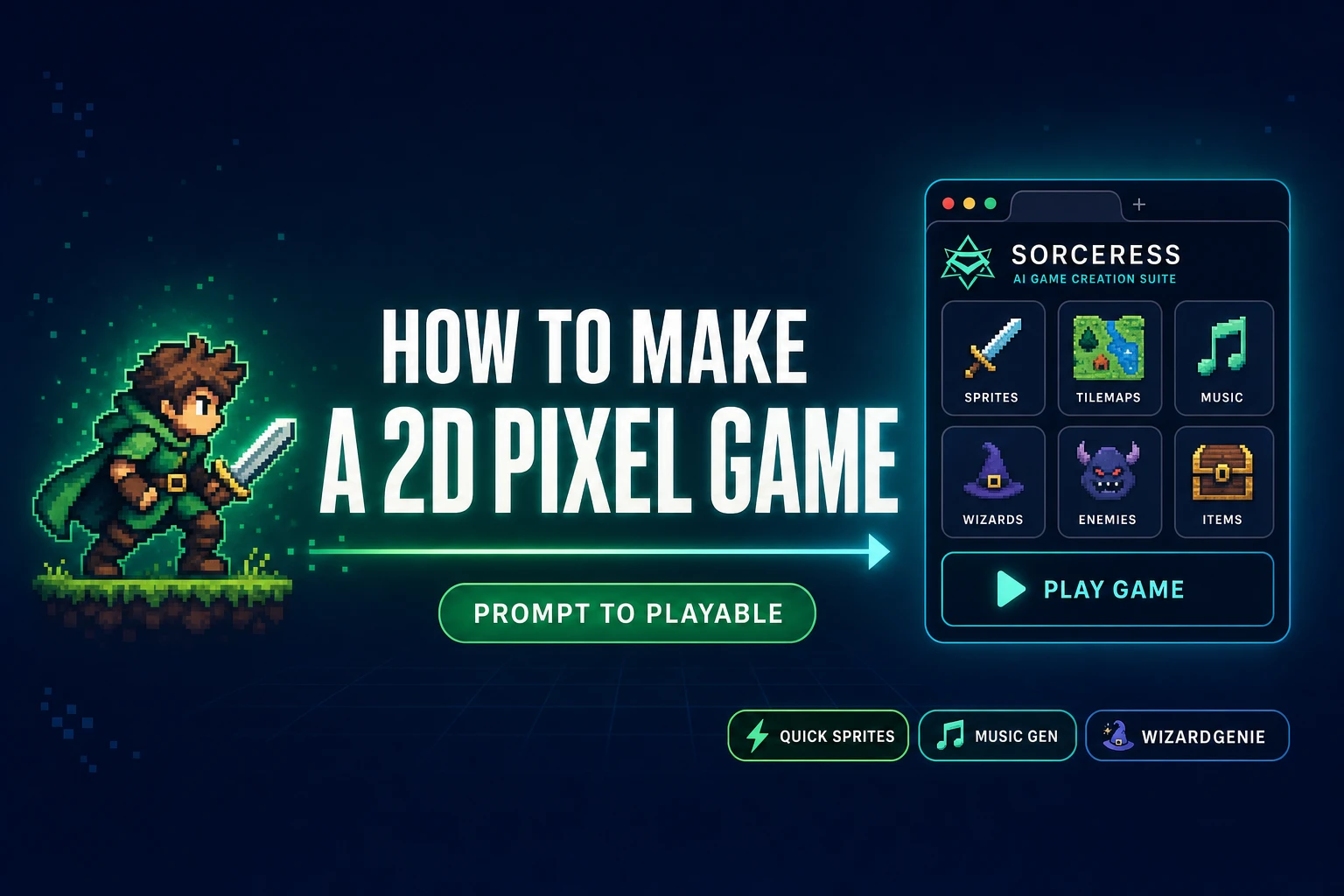
How to Make a 2D Pixel Game (Prompt to Playable)
How to make a 2D pixel game in 2026: the six pieces every shipped indie pixel game needs (sprite, tileset, props, music, SFX, code), the Sorceress browser tool chain that ships each one, and the WizardGenie engine wiring across Phaser, Three.js, or Canvas.
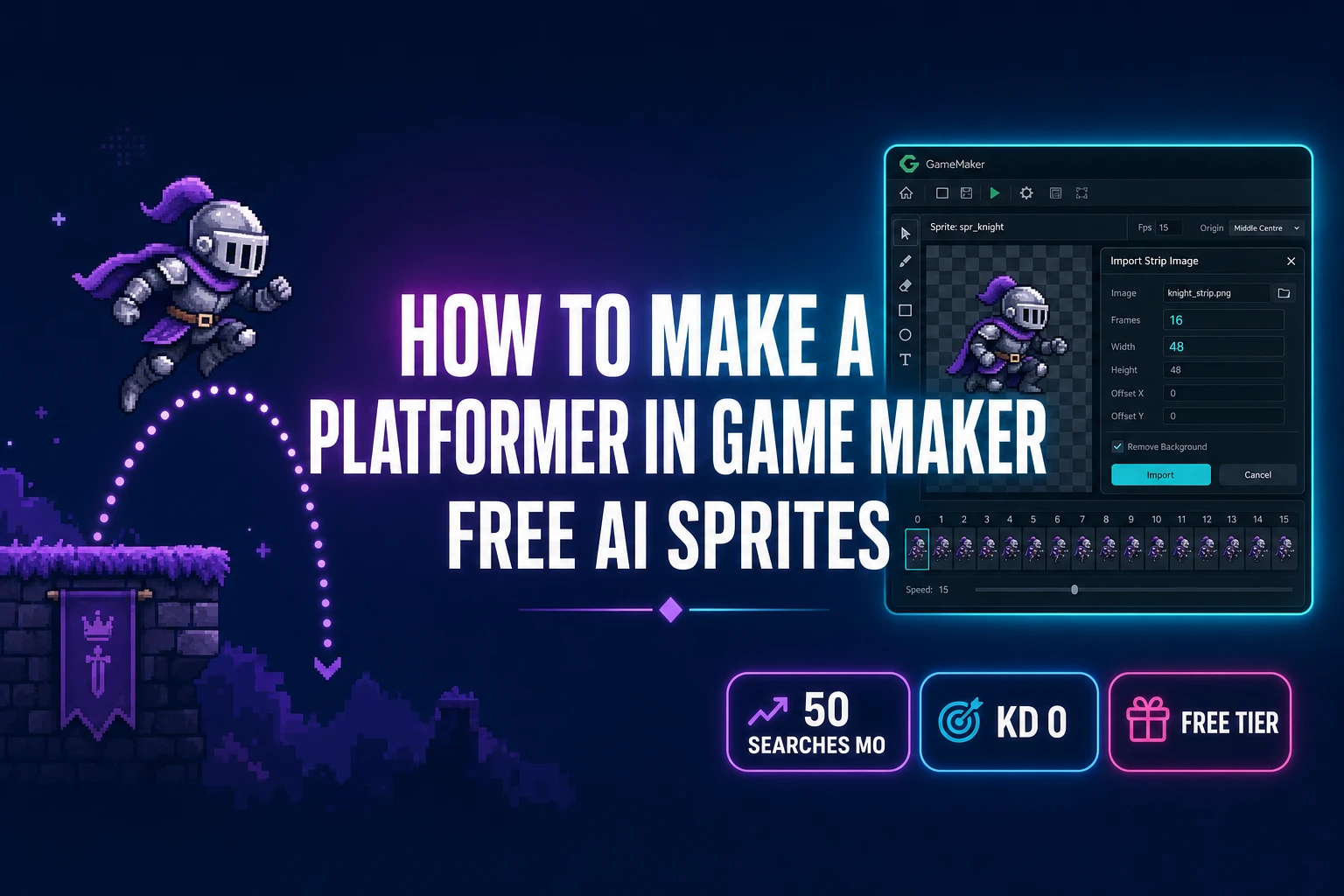
How to Make a Platformer in Game Maker (Free AI Sprites)
How to make a platformer in Game Maker that moves like a real platformer: the four-variable GML pattern (move_speed, jump_speed, place_meeting ground check, move_and_collide physics) plus a Sorceress AI sprite pack that drops into the Sprite Editor via Import Strip Image.
How to Make Pixel Art in Photoshop (The Adobe Path)
Photoshop ships every primitive a pixel artist needs: Nearest Neighbor interpolation, the 1-pixel Pencil tool, custom Swatches palettes, and indexed-color PNG export. The Adobe path costs $22.99 a month. The browser path through Sorceress True Pixel costs zero. This post walks both, side by side.
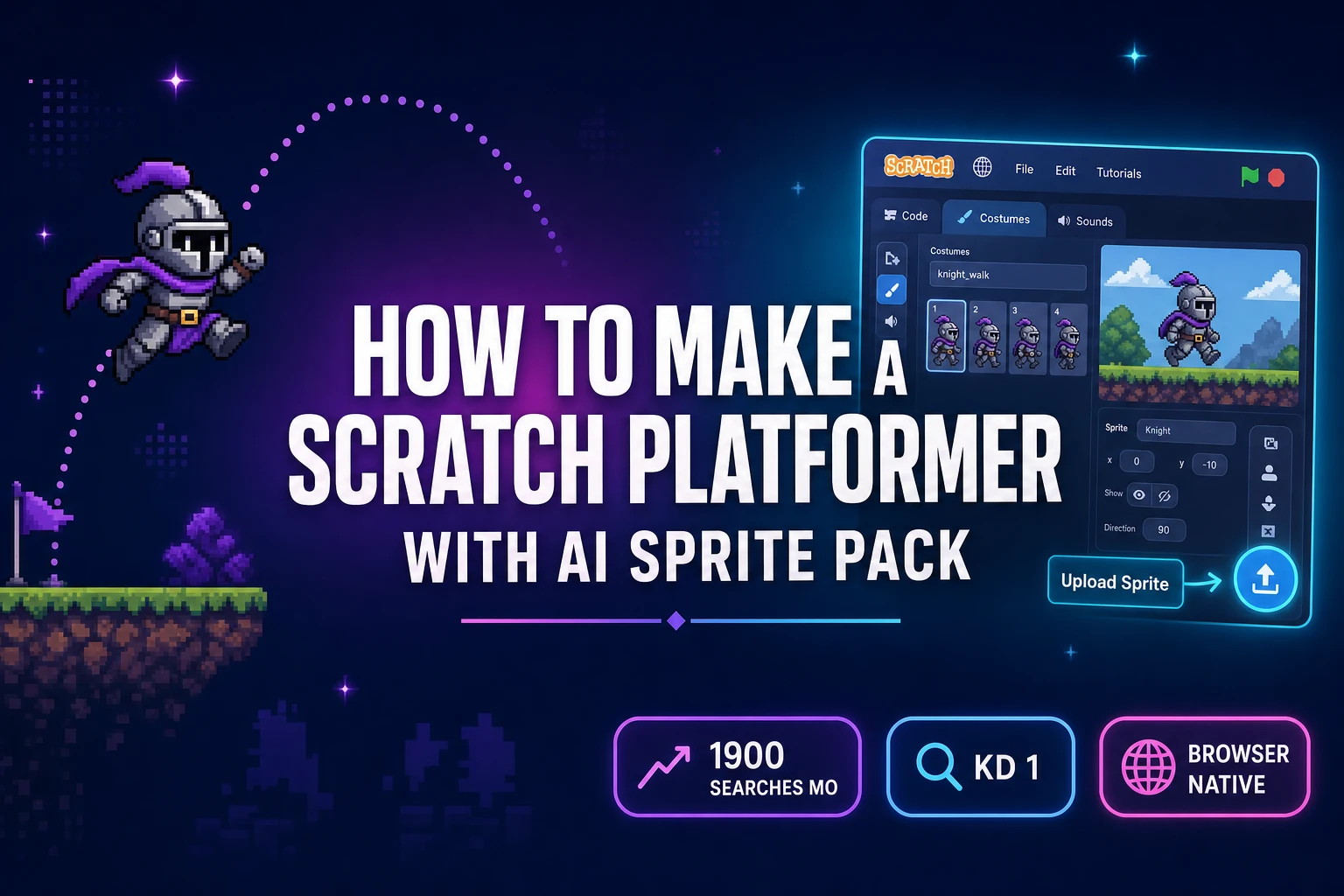
How to Make a Scratch Platformer (With AI Sprite Pack)
How to make a Scratch platformer that actually feels like a real platformer: gravity that accumulates over time, a touching-color ground check inside a run-without-screen-refresh custom block, a four-frame walk cycle from Quick Sprites, and a pixel-locked hero from True Pixel that drops into Scratch's Upload Sprite button.
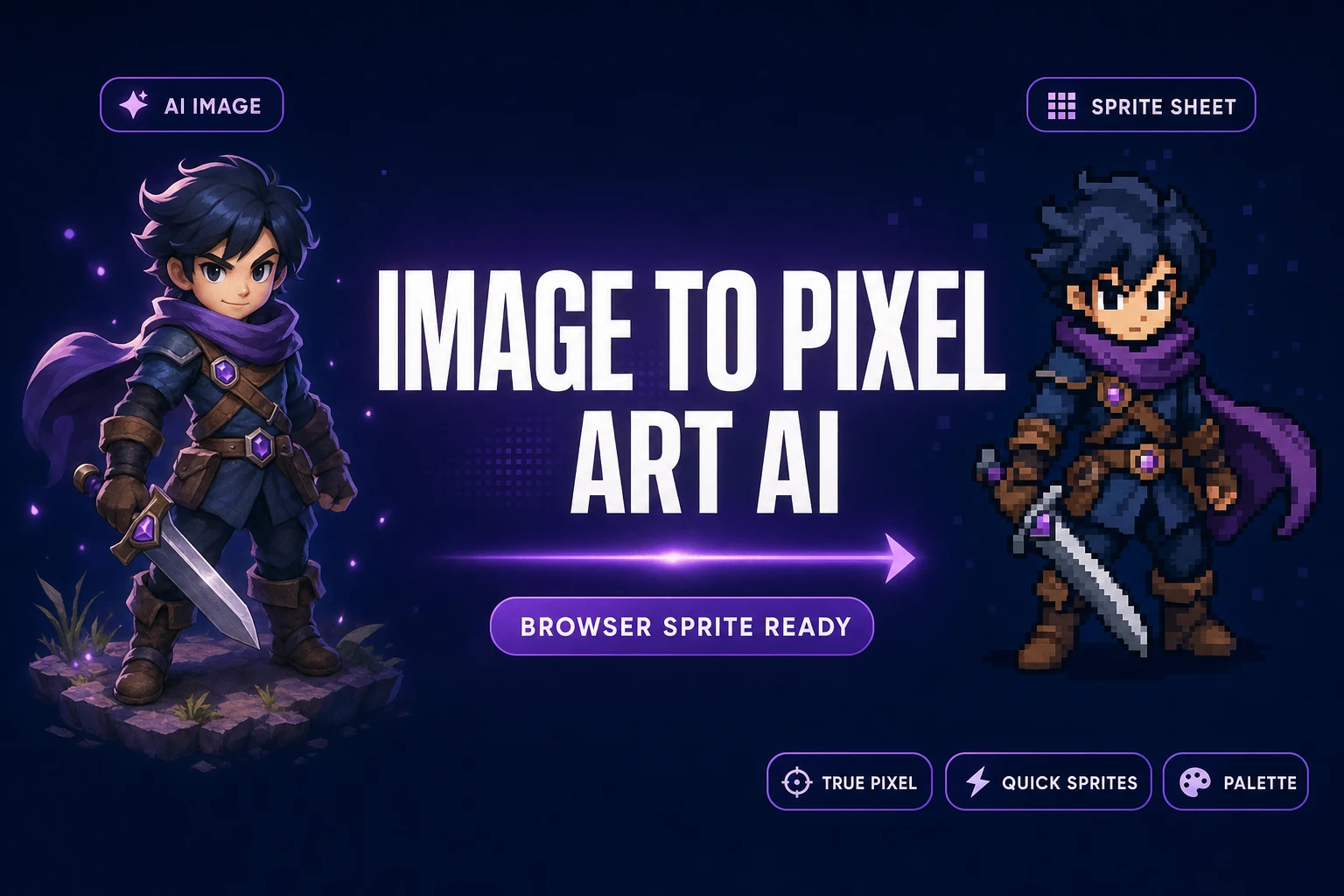
Snap an Image to Pixel Art AI (Browser, Sprite-Ready)
An image to pixel art AI workflow generates or accepts a still or video, then converts it into a palette-locked sprite sheet without pushing pixels by hand. Sorceress True Pixel ships the conversion side in the browser; Quick Sprites cuts the AI step out entirely with a prompt-to-sprite path.
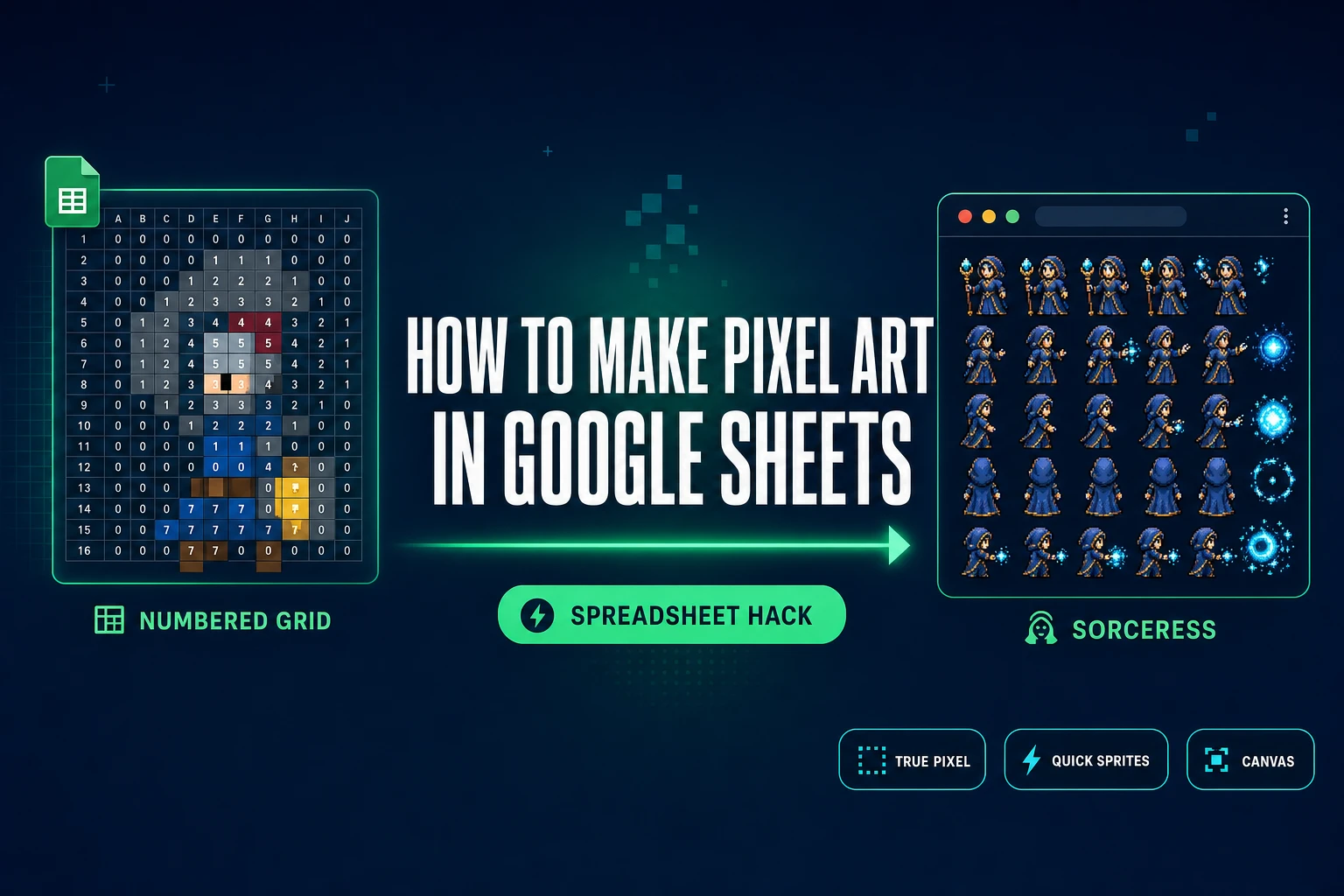
How to Make Pixel Art in Google Sheets (Spreadsheet Hack)
How to make pixel art in Google Sheets the right way in 2026: resize the grid into perfect squares, build a numbered palette, set conditional formatting to fill cells by number, and paint by typing digits. Or skip the spreadsheet entirely and convert any image into a packed sprite sheet in the browser with Sorceress.
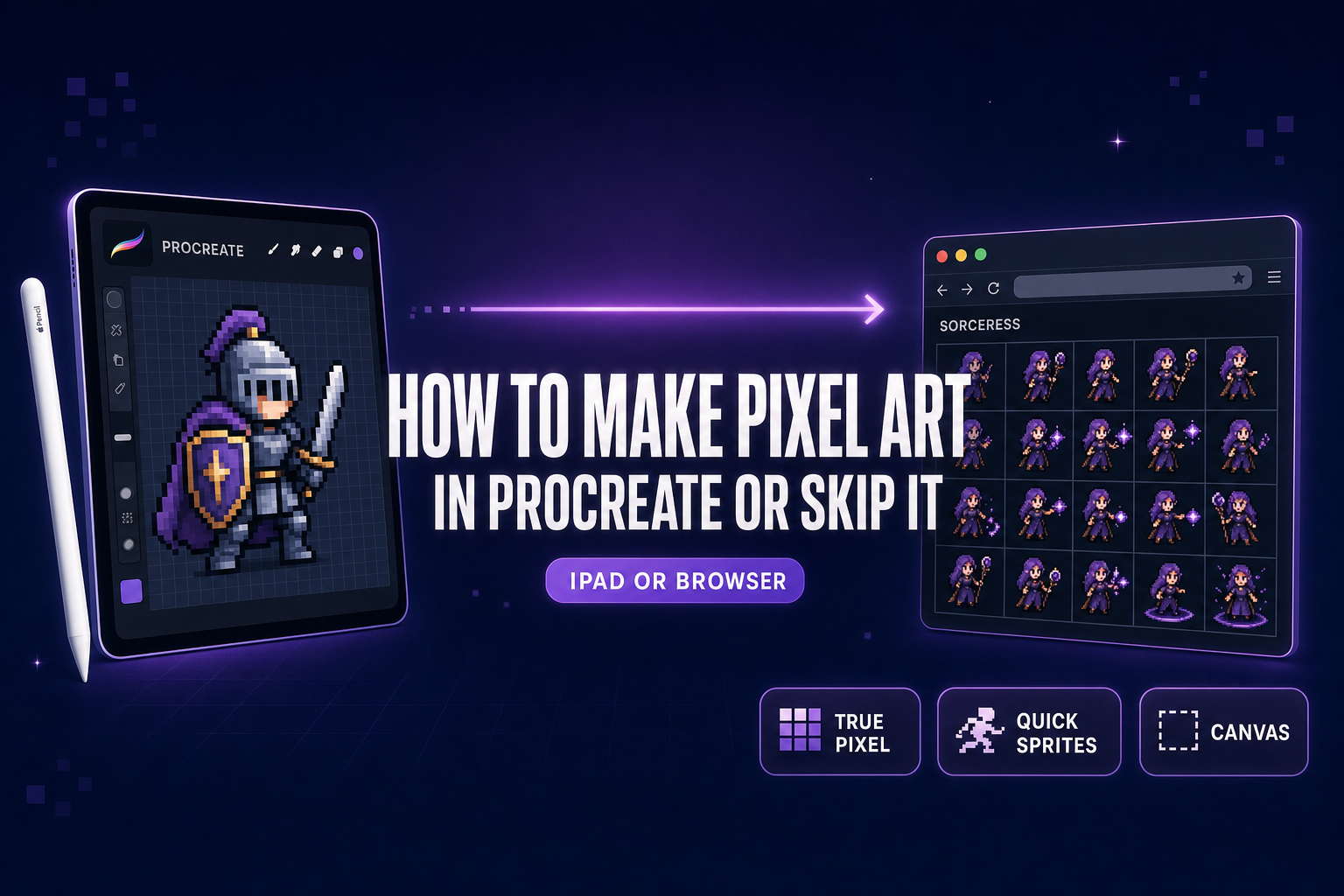
How to Make Pixel Art in Procreate (Or Skip the App)
How to make pixel art in Procreate the right way in 2026: build a 100%-spacing pixel brush in Brush Studio, lock the canvas to a small grid, pick a Game Boy or PICO-8 palette, animate with Animation Assist. Or skip the iPad-only app and prompt sprite sheets in the browser with Sorceress.
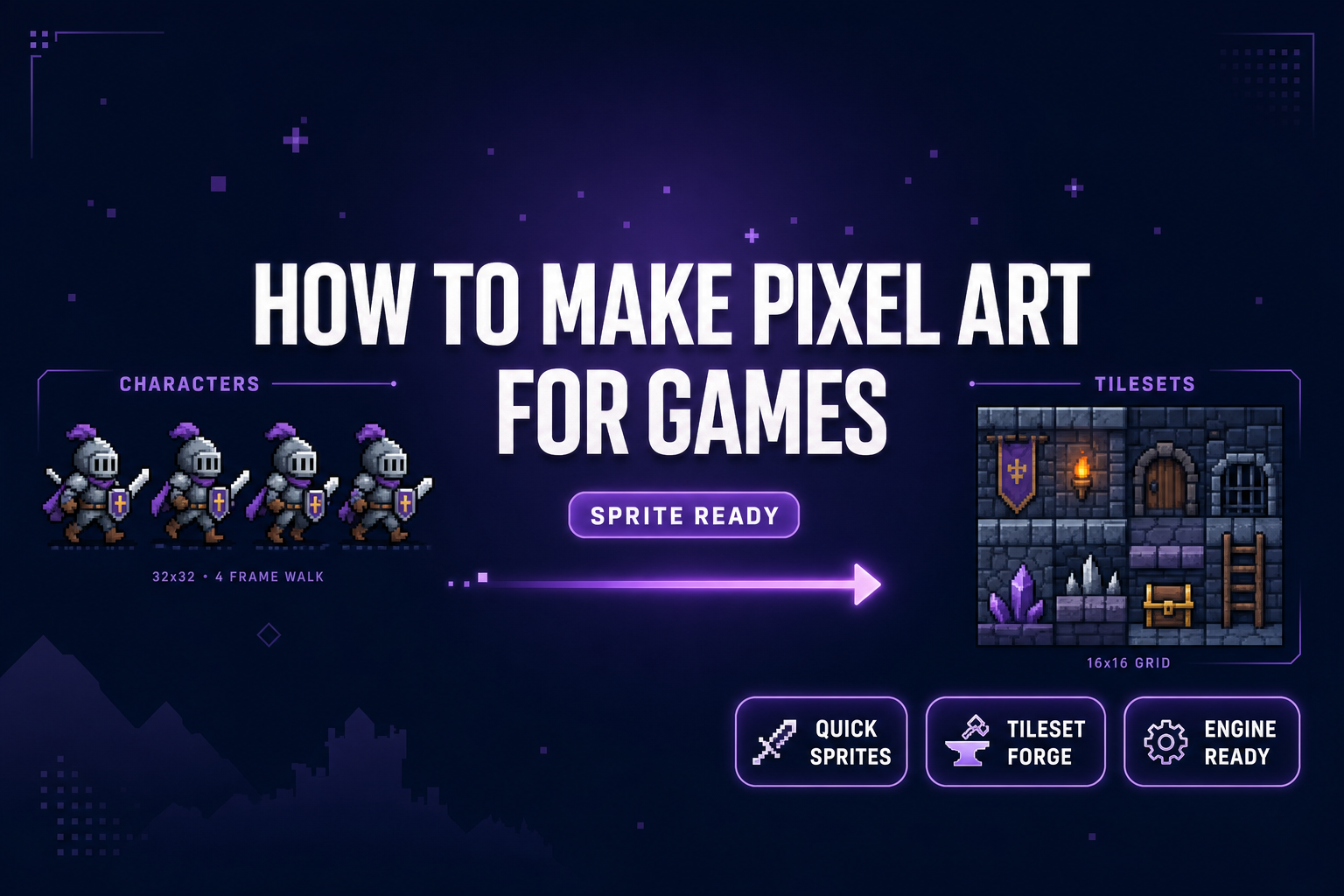
How to Make Pixel Art for Games (Sprite-Ready)
How to make pixel art for games in 2026 without a desktop pixel-art license: Sorceress Quick Sprites generates animated sprite sheets from a prompt, Tileset Forge aligns AI art onto a 16x16 grid, and the packed PNG drops into Phaser 4.1 or Godot 4.3 TileMapLayer.
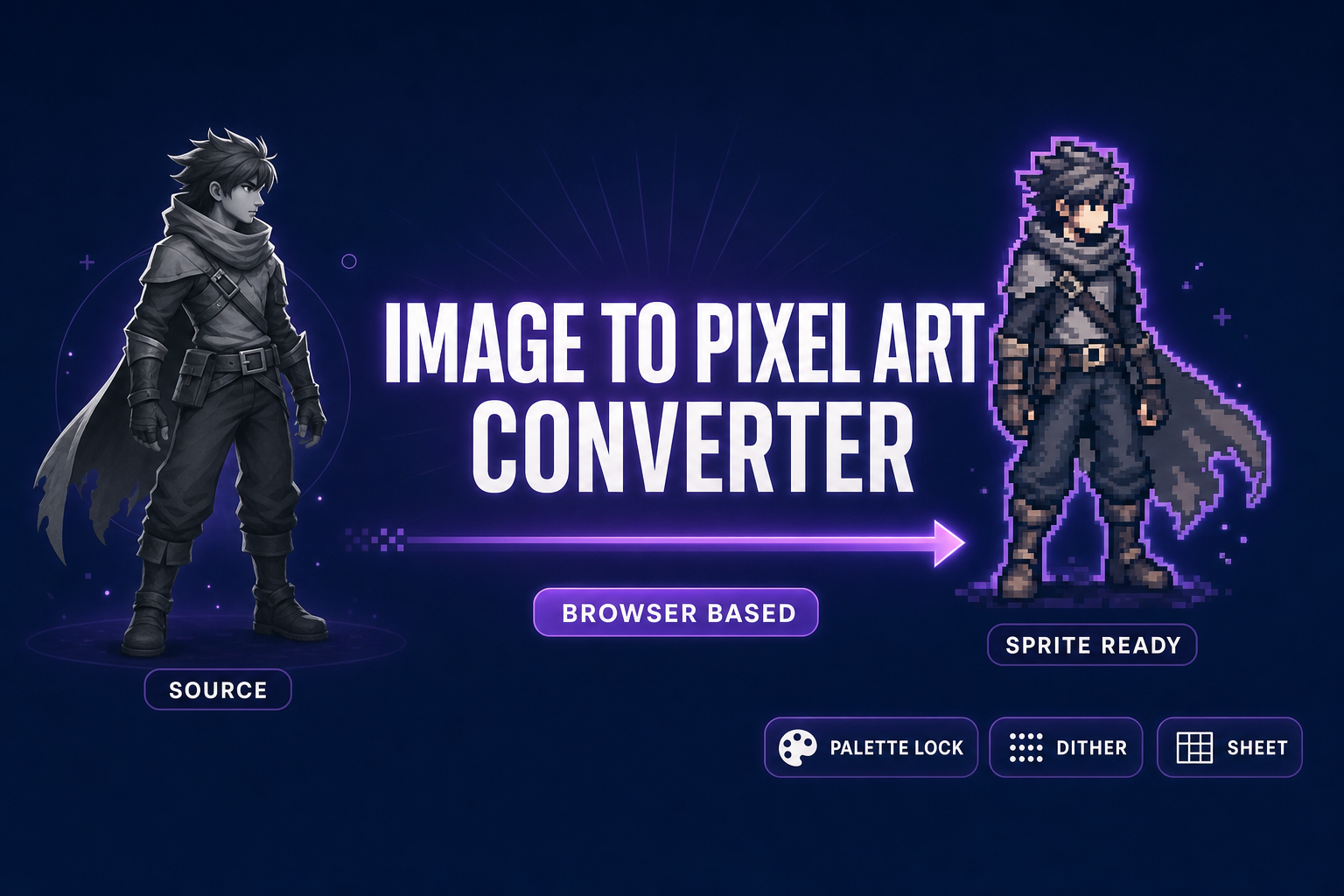
Pack an Image to Pixel Art Converter (Browser-Based)
An image to pixel art converter rewrites a still or video into palette-locked pixel sprites for any 2D engine. Sorceress True Pixel runs in the browser with classic palettes, Floyd-Steinberg dithering, edge cleanup, and packed sprite-sheet export. Verified May 29, 2026.
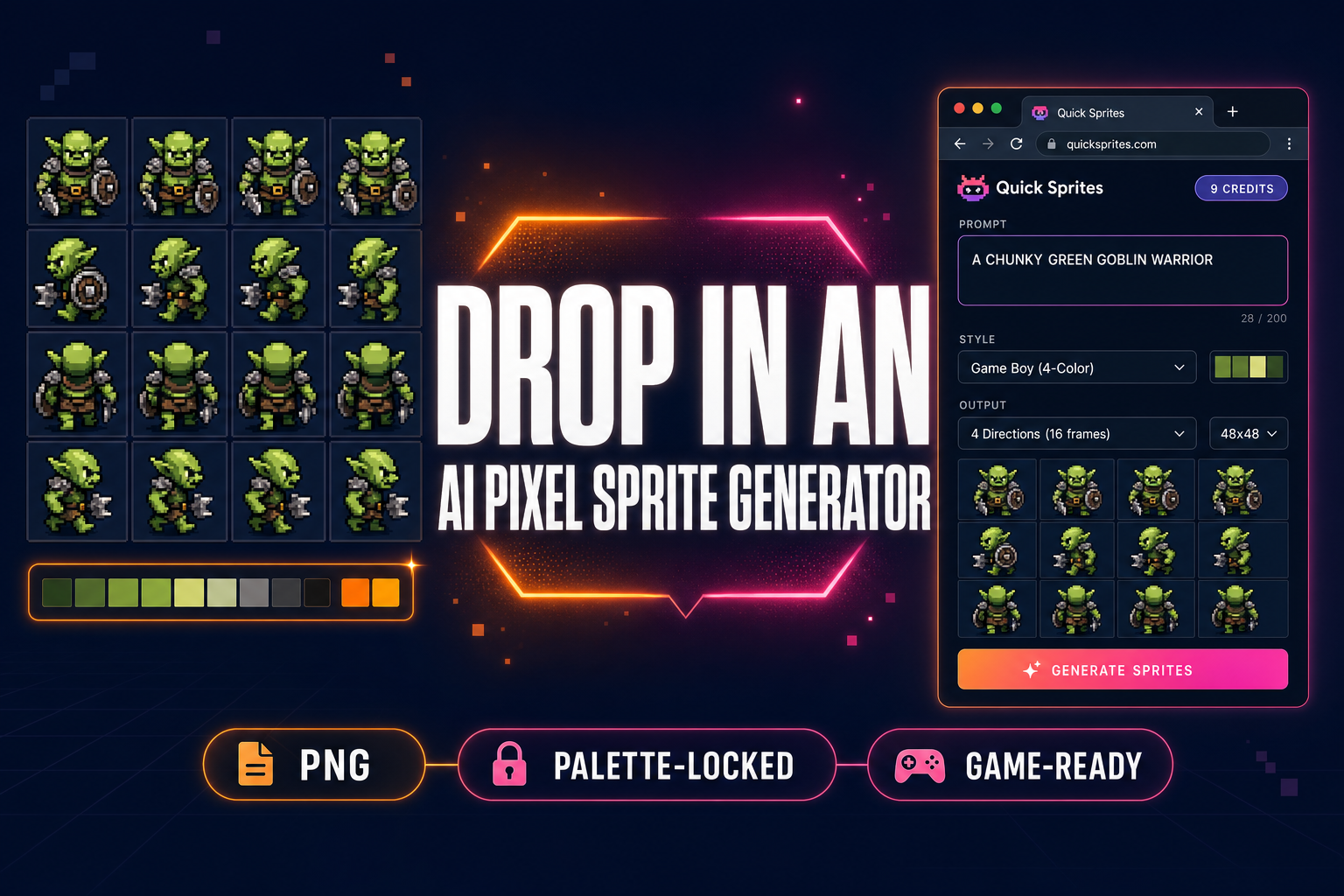
Drop In an AI Pixel Sprite Generator (No Aseprite)
An AI pixel sprite generator is the 2026 alternative to pushing pixels by hand in Aseprite. This guide walks the browser pipeline — prompt to four-direction walk cycle to palette-locked sprite sheet — using Quick Sprites + True Pixel. Verified May 22, 2026.
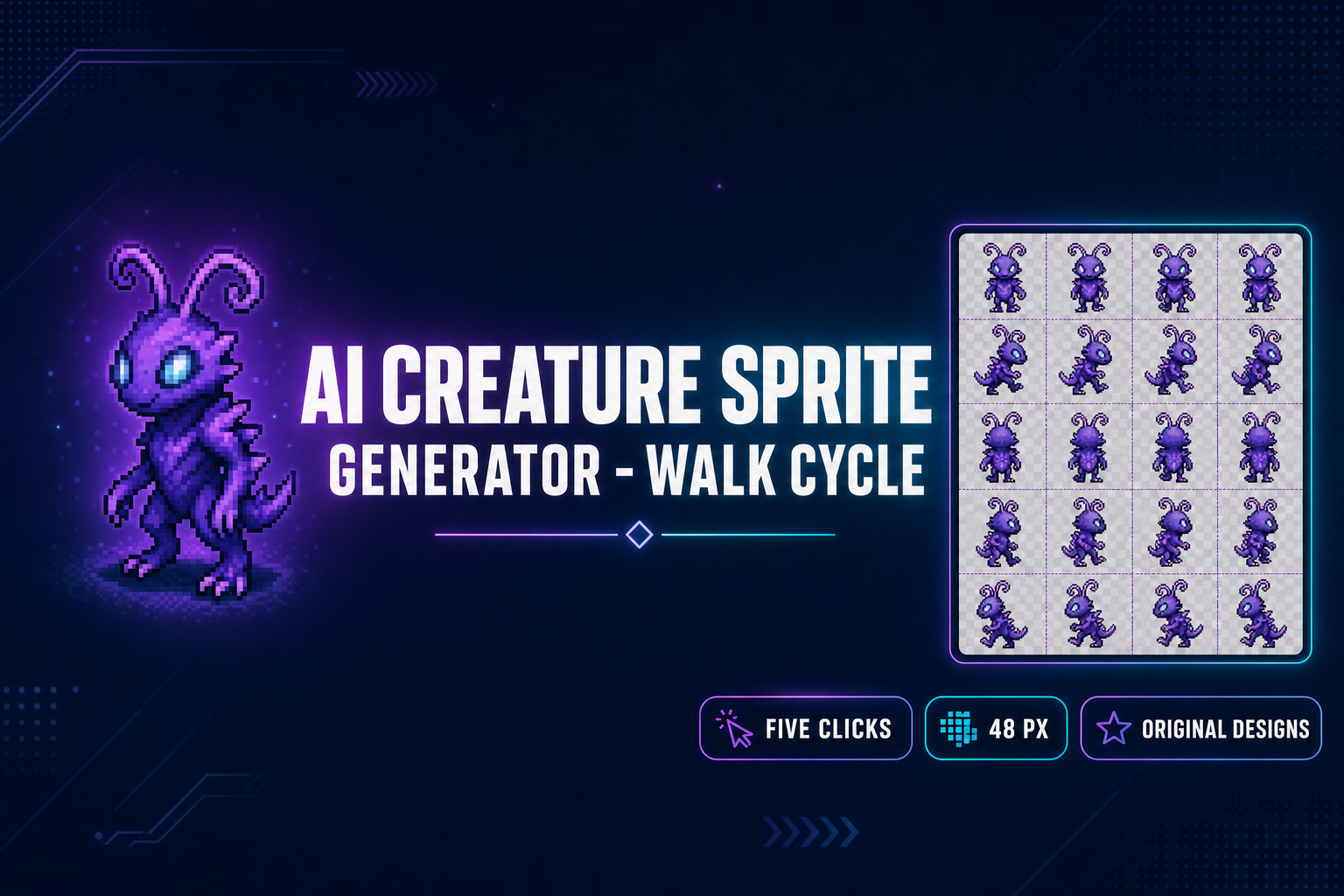
Use an AI Pokemon Sprite Generator (Walk Cycle in 5 Clicks)
An AI Pokemon sprite generator in five clicks. Sorceress Quick Sprites Four Angle Walking turns one prompt into a transparent 4-direction 48-pixel walk cycle, ready for Phaser, Godot, or RPG Maker. The prompt formula (era + type + contradiction) keeps the output on-style for fakemon and trainers.
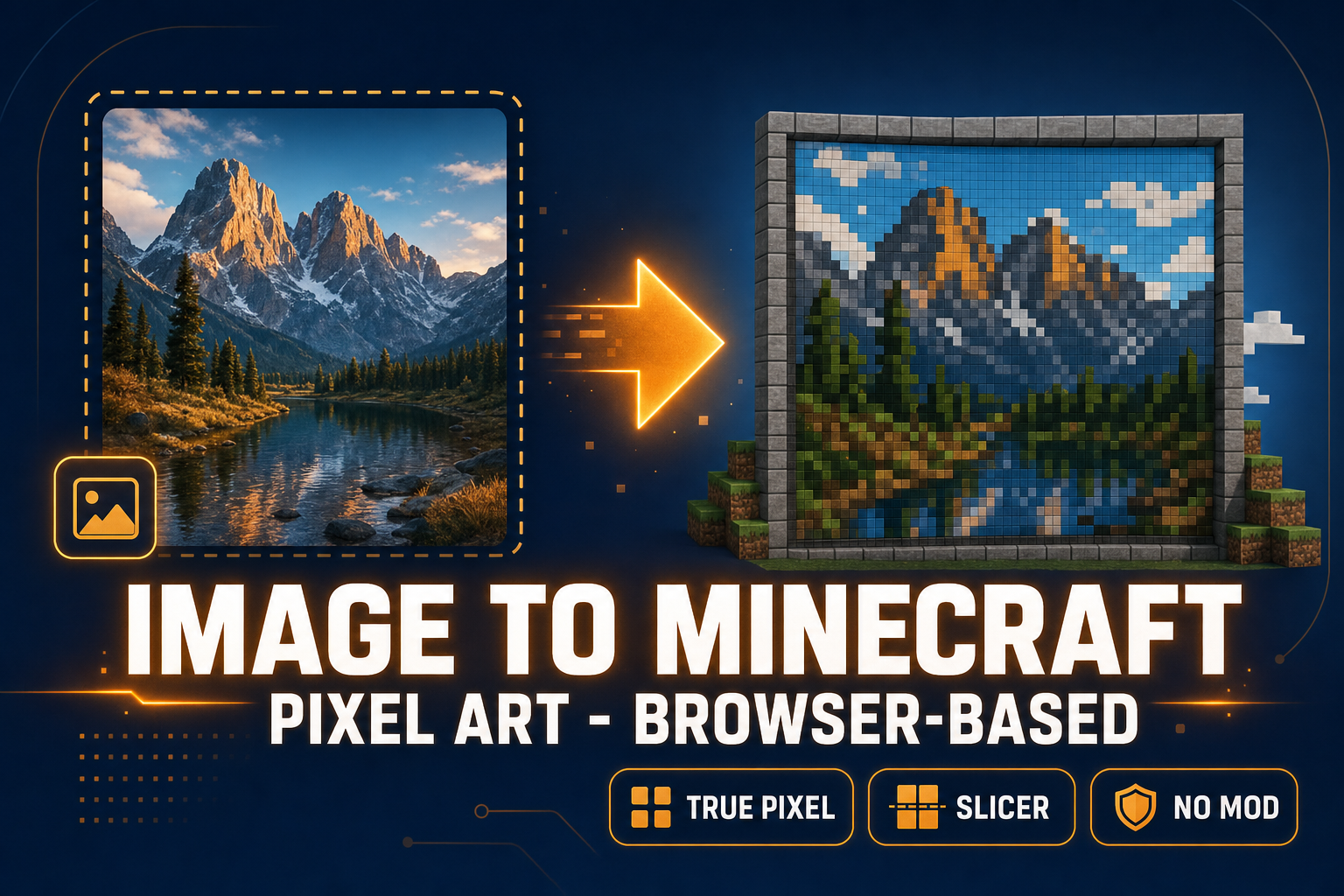
Image to Minecraft Pixel Art (Browser-Based, No Mods)
Most image to Minecraft pixel art tools stop at a colored grid. To actually build the picture in-game you need a reference at the right dimensions, a palette that matches what blocks you own, and per-row strips you can place one chunk at a time. Two browser tabs ship it in under a minute.
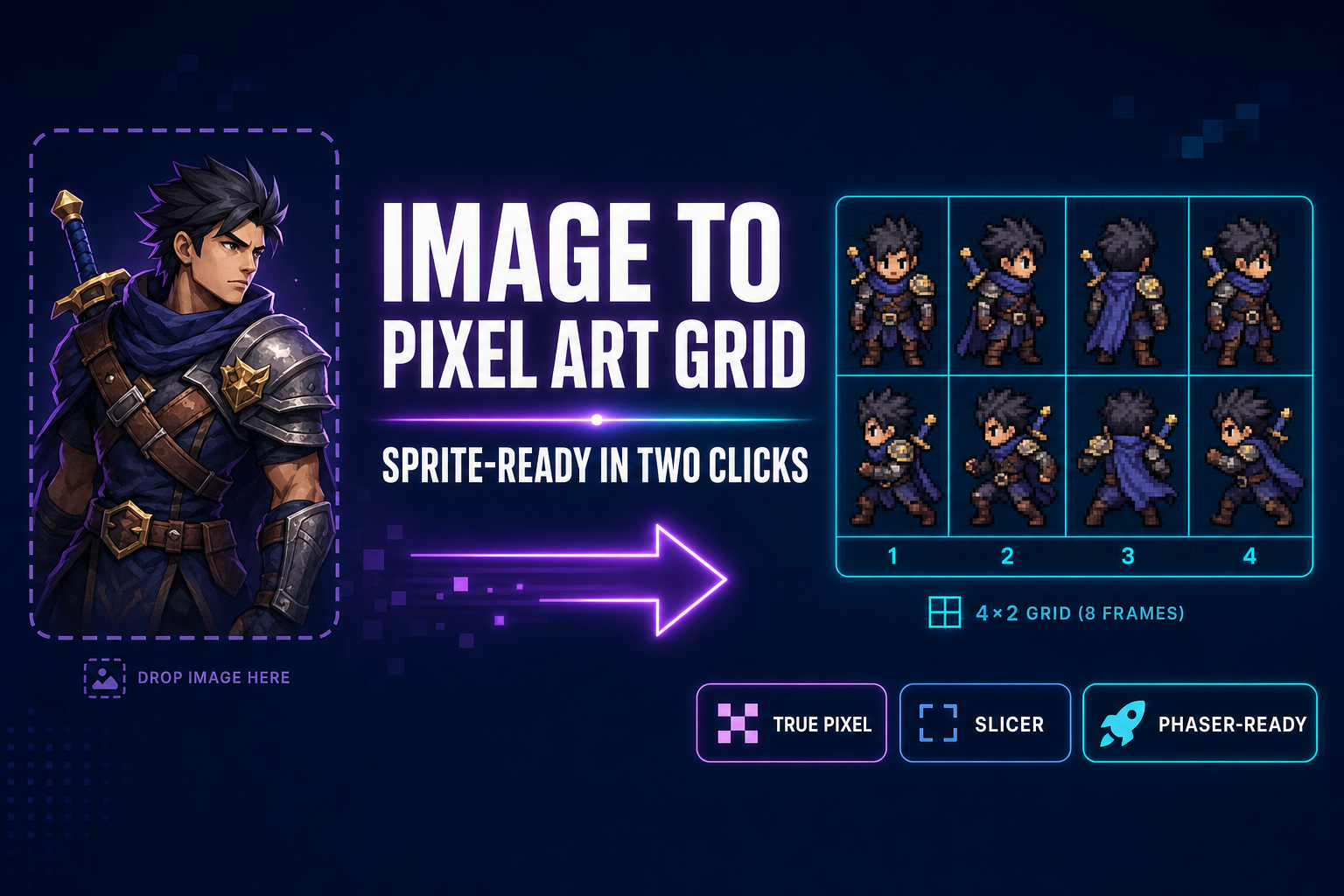
Image to Pixel Art Grid (Sprite-Ready in Two Clicks)
Most image-to-pixel-art tools stop at the still image. To ship a sprite sheet you need a real grid — fixed cell size, transparent background, frames numbered for Phaser. This guide chains True Pixel and Slicer in two clicks and shows the engine-side import.
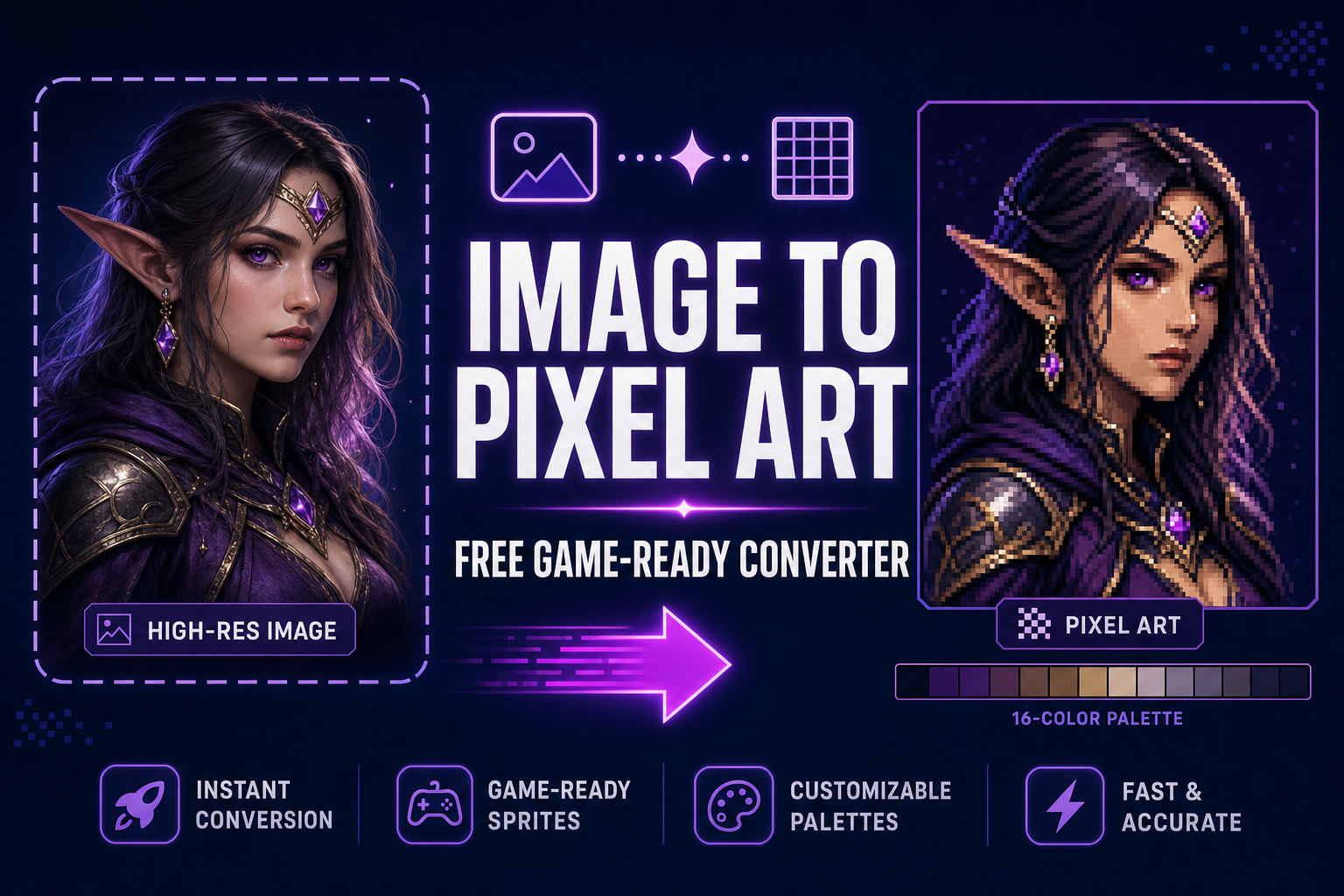
How to Convert an Image to Pixel Art (Free, Game-Ready)
Most image-to-pixel-art converters just downscale — the result is muddy colour and leaked backgrounds. This guide walks the actual five-step pipeline (upload, palette, quantize, clean, export), the math behind each step, and the True Pixel walkthrough for AI renders and photos.
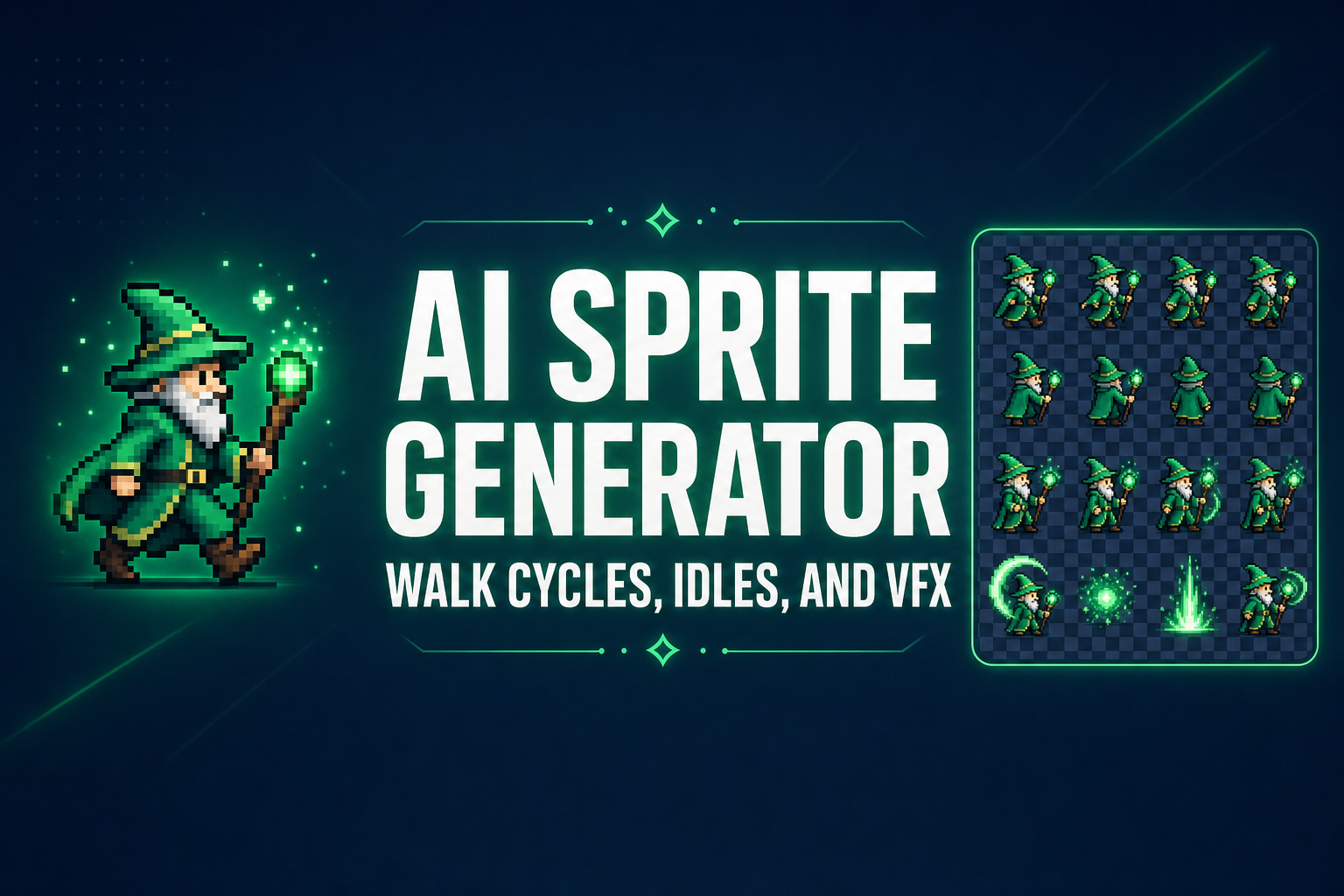
AI Sprite Generator (Pixel Walk Cycles, Idles, and VFX)
Two honest paths through an AI sprite generator in 2026. Quick Sprites turns a one-line prompt into a 4-direction walk cycle in 30 seconds. Auto-Sprite v2 turns a character render or a short video into a clean sprite sheet. Both export the formats Phaser, Godot, and every 2D engine actually want.
How to Make Pixel Art (Without Pushing Pixels in Aseprite)
Pixel art used to mean a week of pixel-pushing in Aseprite. Now there are three real AI paths to ship pixel art for an indie game in minutes, plus the palette tricks that separate good pixel art from blurry low-res mush.
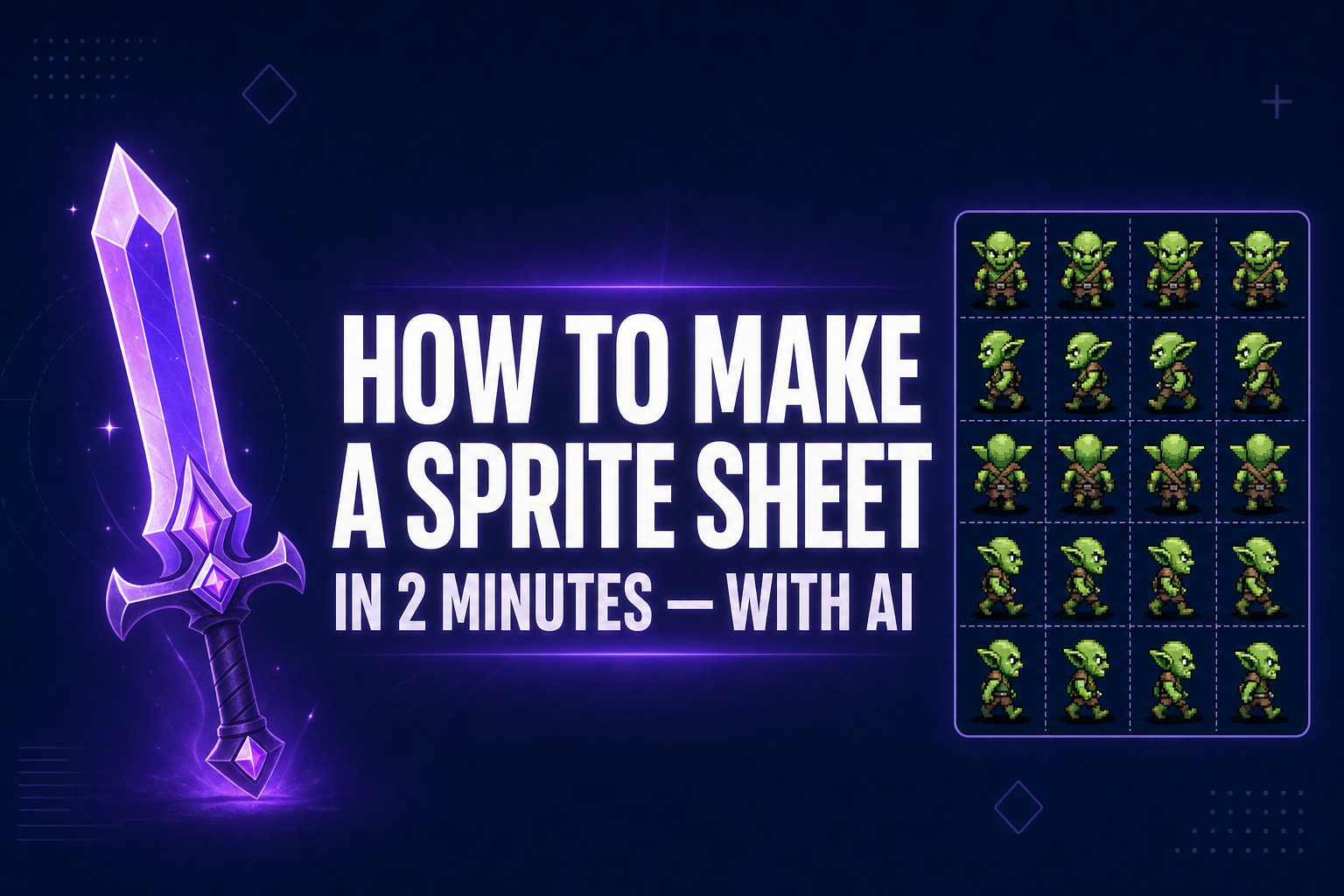
How to Make a Sprite Sheet in 2 Minutes (With AI in 2026)
Two minutes from prompt to game-ready sprite sheet. Here's the exact AI workflow, engine-ready specs, and a one-liner import for Phaser, Godot, and GameMaker.