Image To Pixel Art
6 posts on Sorceress about image to pixel art.
Size an Image to Pixel Art 32x32 (Game Sprite Pack 2026)
32x32 is the canonical small-sprite size for indie 8-bit and 16-bit games. This how-to walks the True Pixel pipeline that takes any photo, AI render, or hand-drawn frame down to a clean 32x32 pixel art sprite on a retro palette — ready to drop into Phaser, three.js, or any 2D engine.
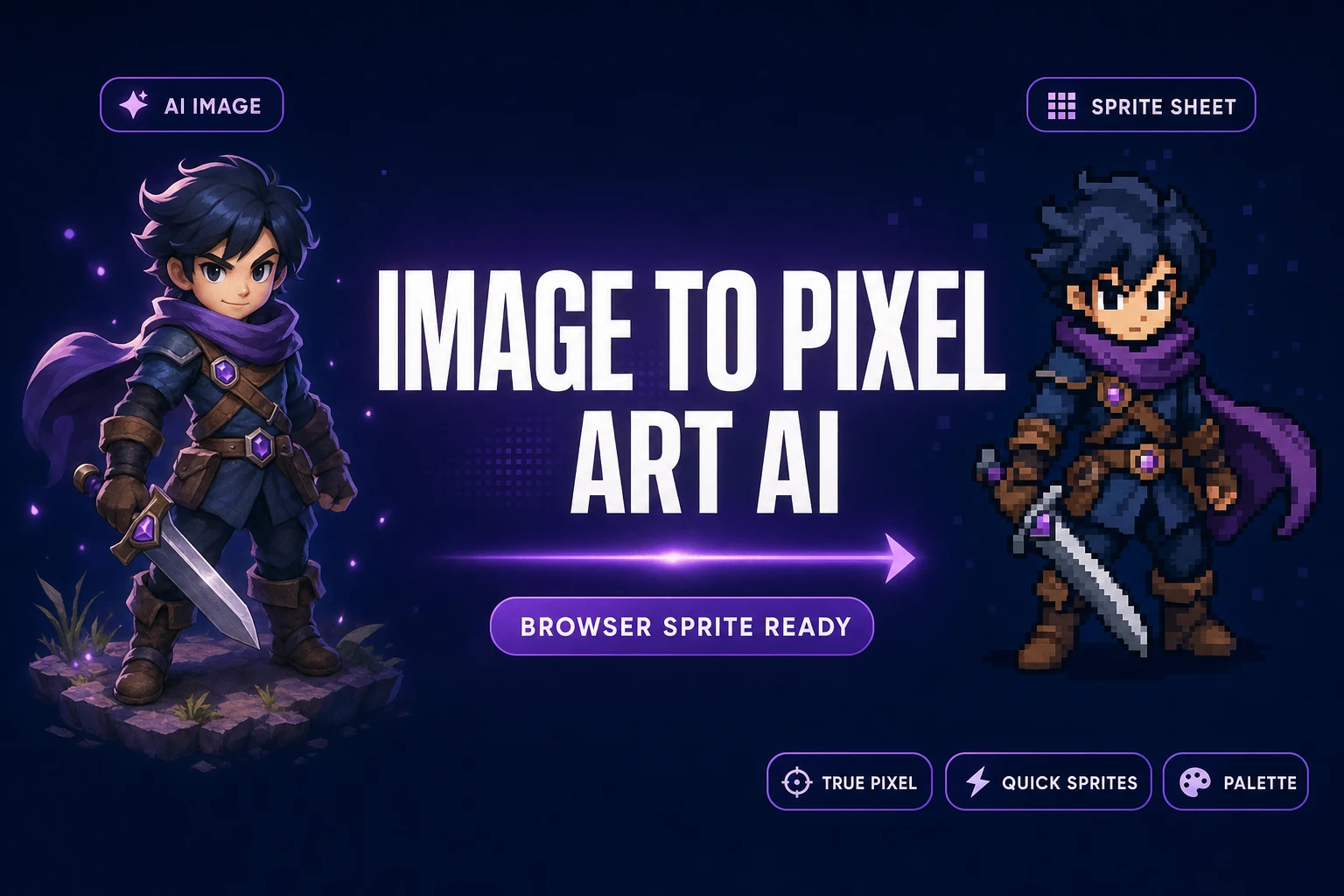
Snap an Image to Pixel Art AI (Browser, Sprite-Ready)
An image to pixel art AI workflow generates or accepts a still or video, then converts it into a palette-locked sprite sheet without pushing pixels by hand. Sorceress True Pixel ships the conversion side in the browser; Quick Sprites cuts the AI step out entirely with a prompt-to-sprite path.
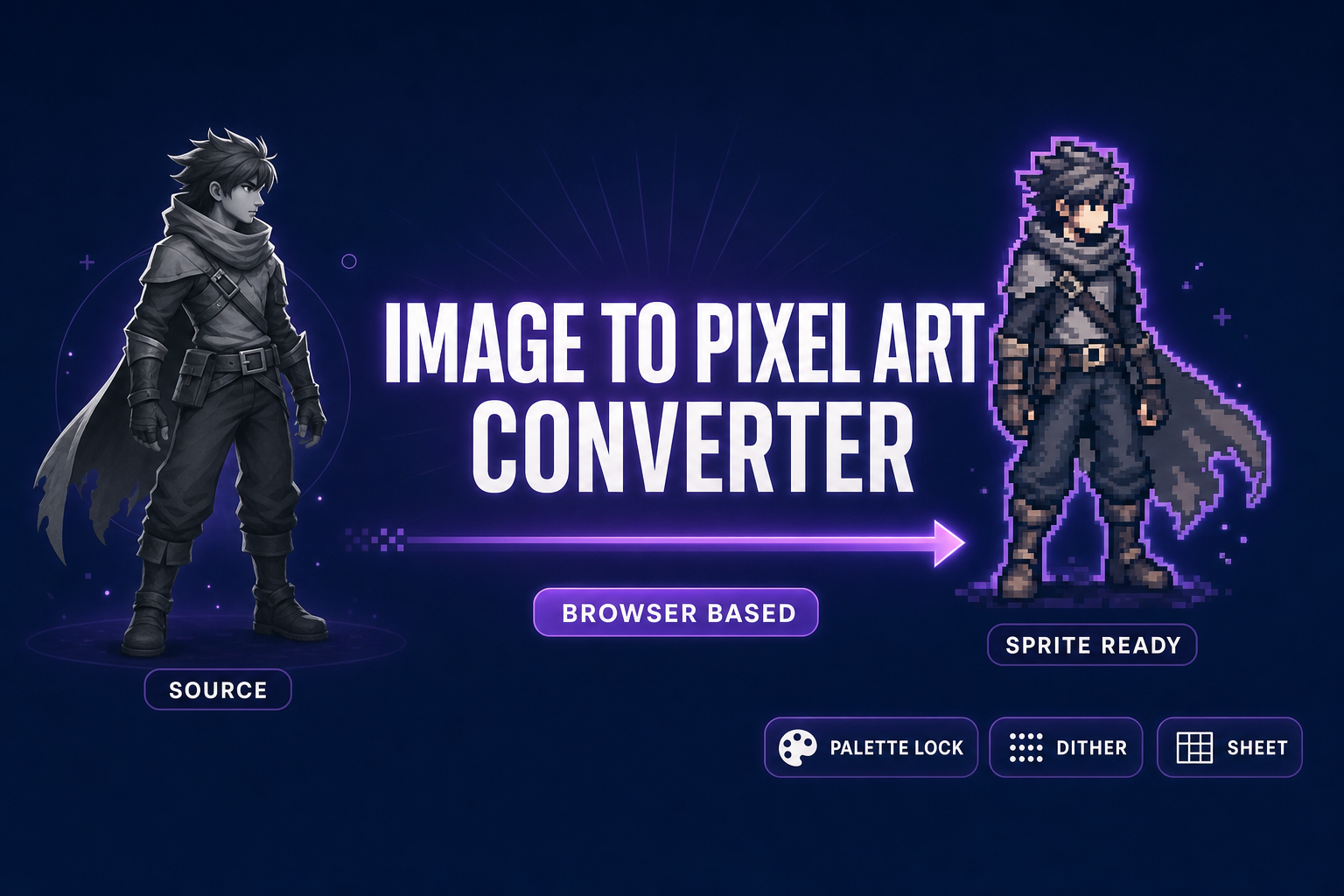
Pack an Image to Pixel Art Converter (Browser-Based)
An image to pixel art converter rewrites a still or video into palette-locked pixel sprites for any 2D engine. Sorceress True Pixel runs in the browser with classic palettes, Floyd-Steinberg dithering, edge cleanup, and packed sprite-sheet export. Verified May 29, 2026.
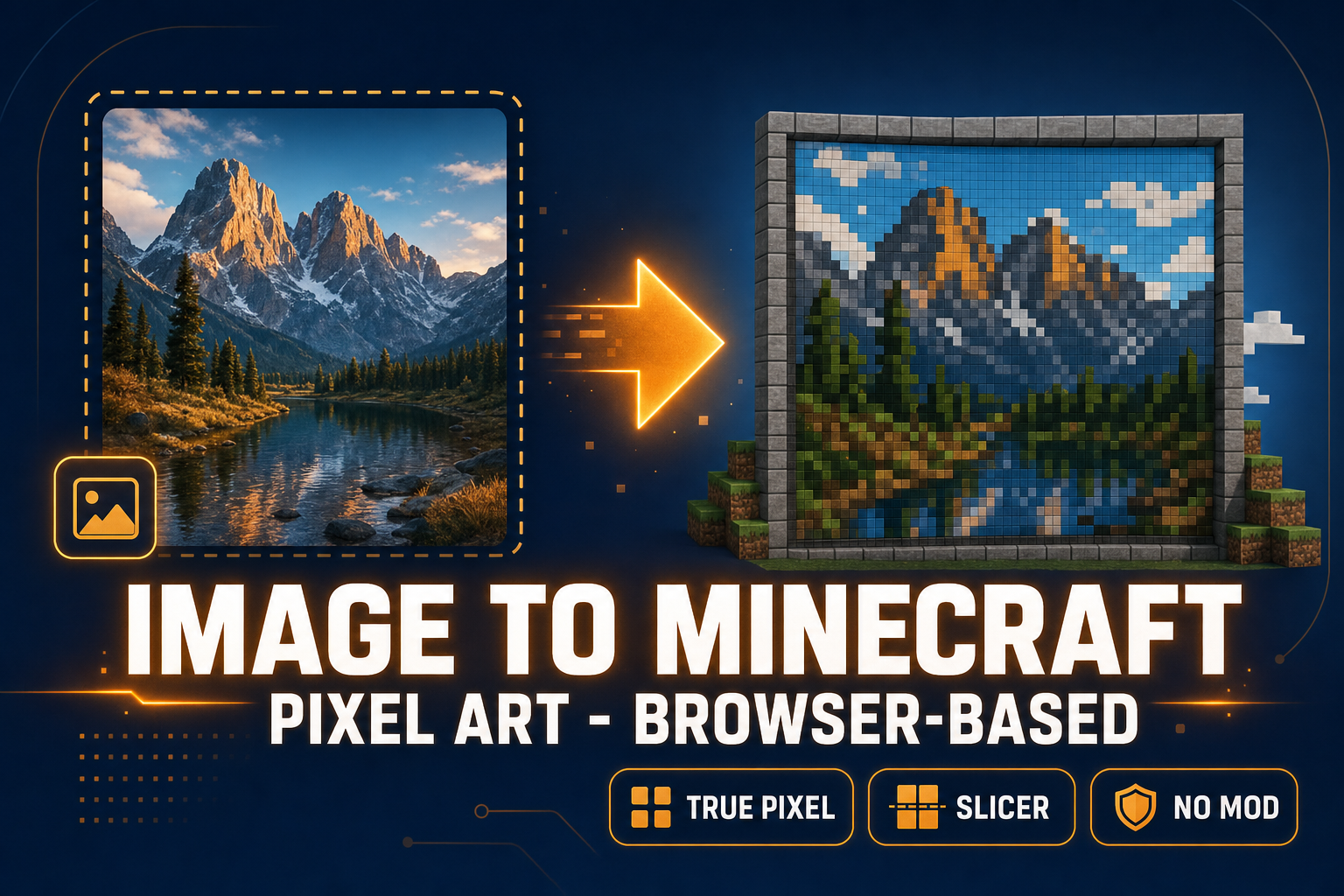
Image to Minecraft Pixel Art (Browser-Based, No Mods)
Most image to Minecraft pixel art tools stop at a colored grid. To actually build the picture in-game you need a reference at the right dimensions, a palette that matches what blocks you own, and per-row strips you can place one chunk at a time. Two browser tabs ship it in under a minute.
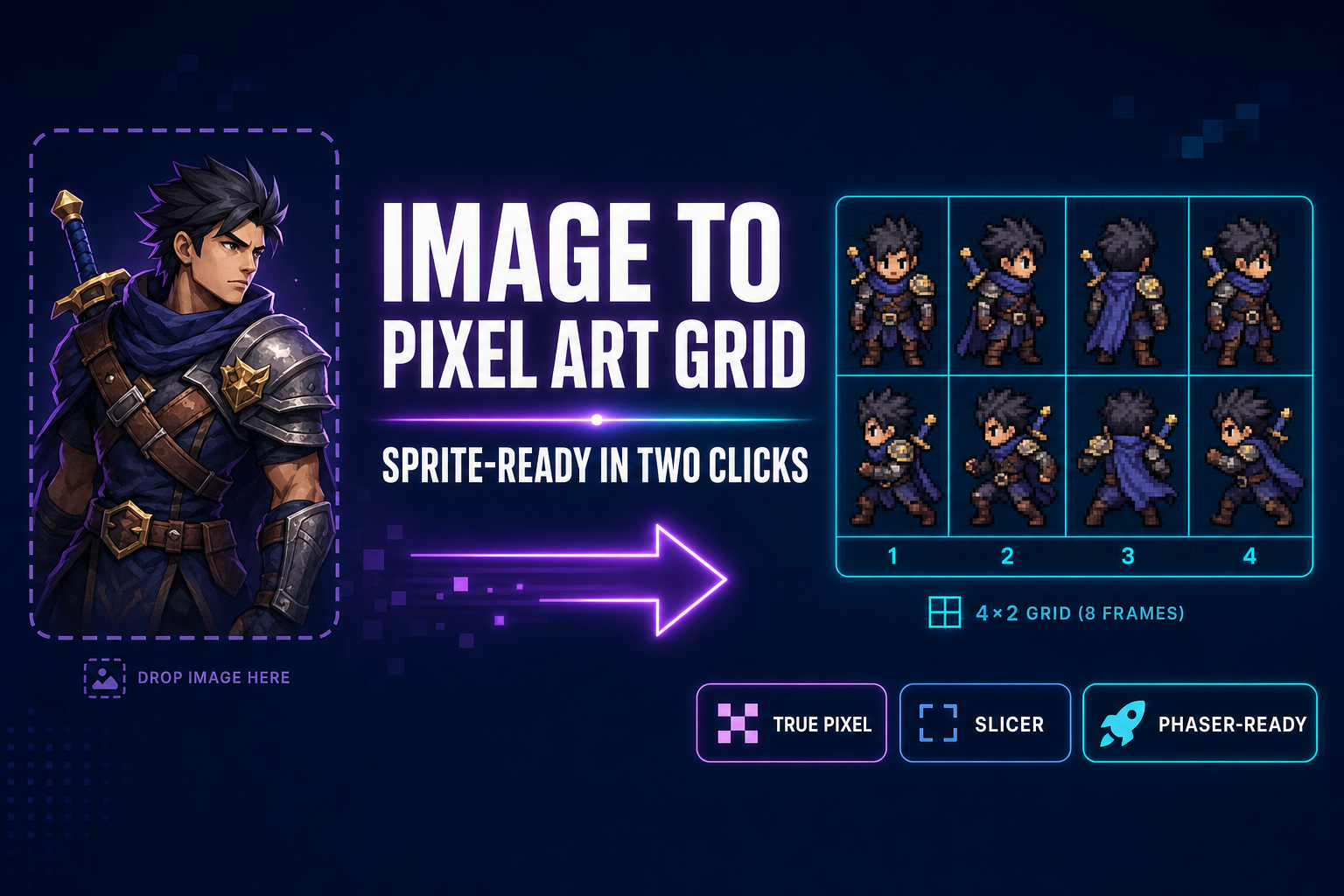
Image to Pixel Art Grid (Sprite-Ready in Two Clicks)
Most image-to-pixel-art tools stop at the still image. To ship a sprite sheet you need a real grid — fixed cell size, transparent background, frames numbered for Phaser. This guide chains True Pixel and Slicer in two clicks and shows the engine-side import.
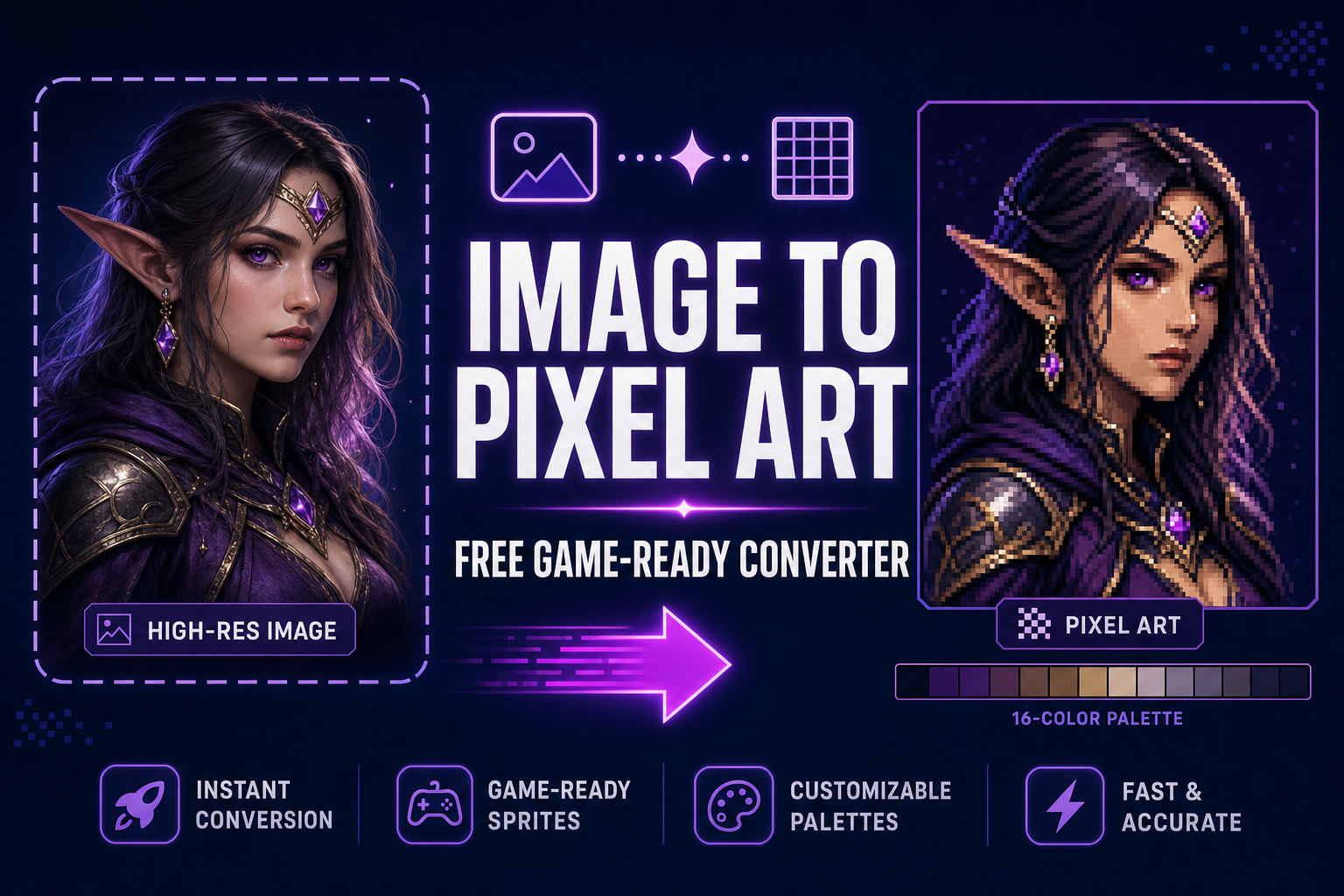
How to Convert an Image to Pixel Art (Free, Game-Ready)
Most image-to-pixel-art converters just downscale — the result is muddy colour and leaked backgrounds. This guide walks the actual five-step pipeline (upload, palette, quantize, clean, export), the math behind each step, and the True Pixel walkthrough for AI renders and photos.