Game Assets
9 posts on Sorceress about game assets.
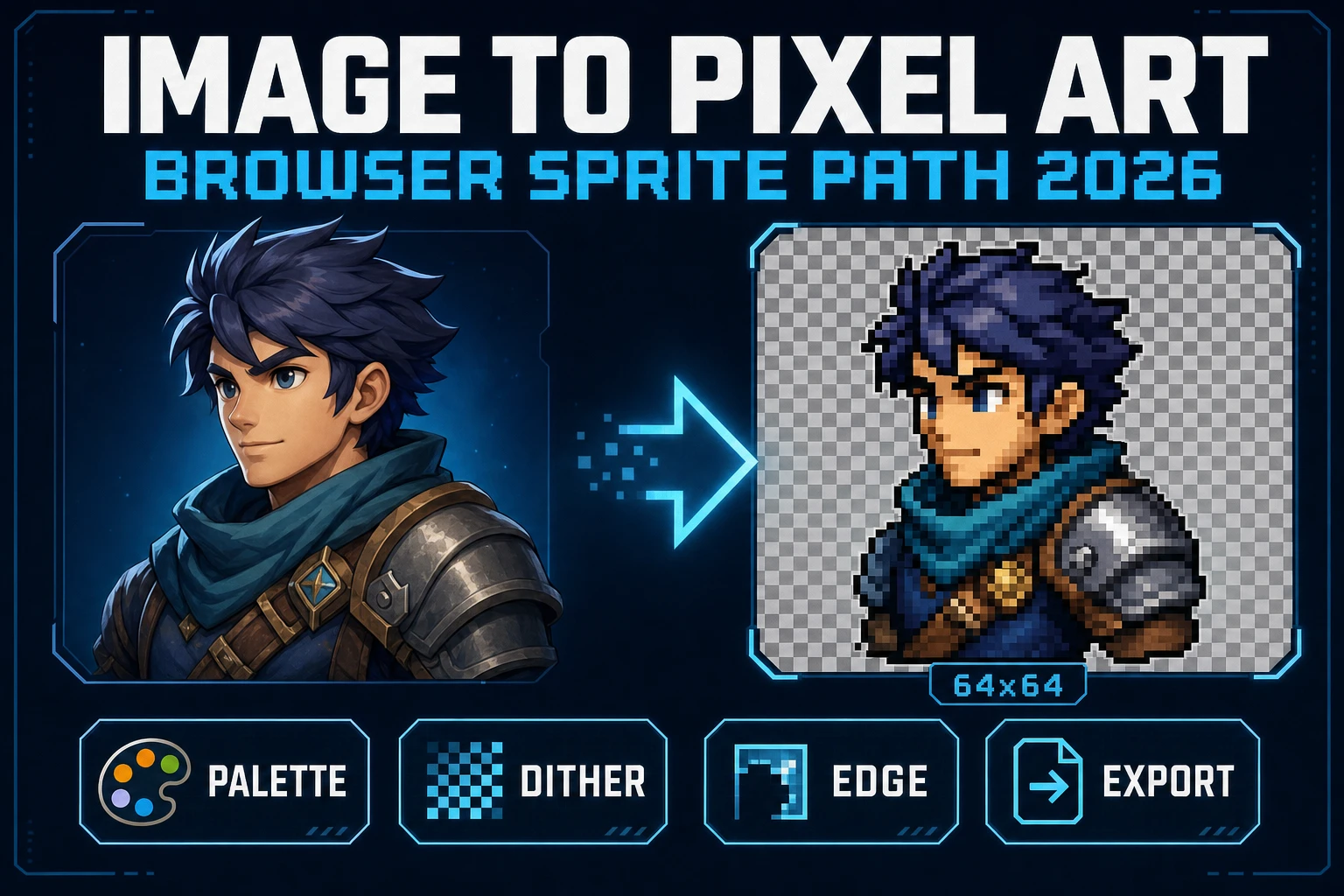
Image to Pixel Art in the Browser (Sprite Path 2026)
Image to pixel art in 2026 is Sorceress True Pixel - upload a source, lock a target resolution, pick one of 8 palette presets from PICO-8 to NES, choose a dither mode, and export a game-ready PNG sprite in the browser. Local mode is free; batch and video pipelines share the same surface.
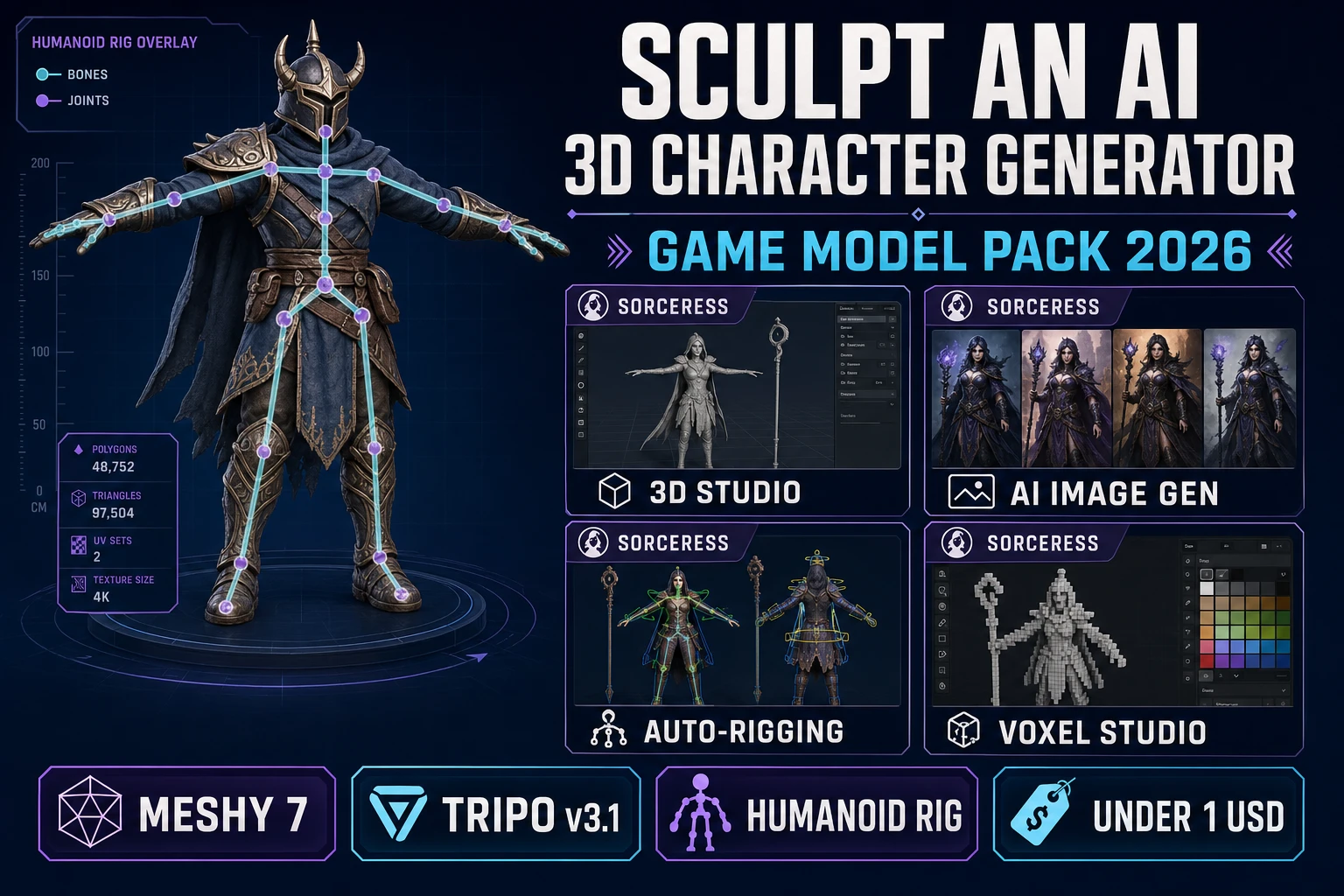
Sculpt an AI 3D Character Generator (Game Model Pack 2026)
An ai 3d character generator in 2026 that actually ships a rigged, game-ready GLB from a single prompt - three-quarter concept in AI Image Gen, image-to-mesh in 3D Studio (Meshy 7 or Tripo v3.1), humanoid Auto-Rigging in the browser, under 130 credits and under one dollar per character.
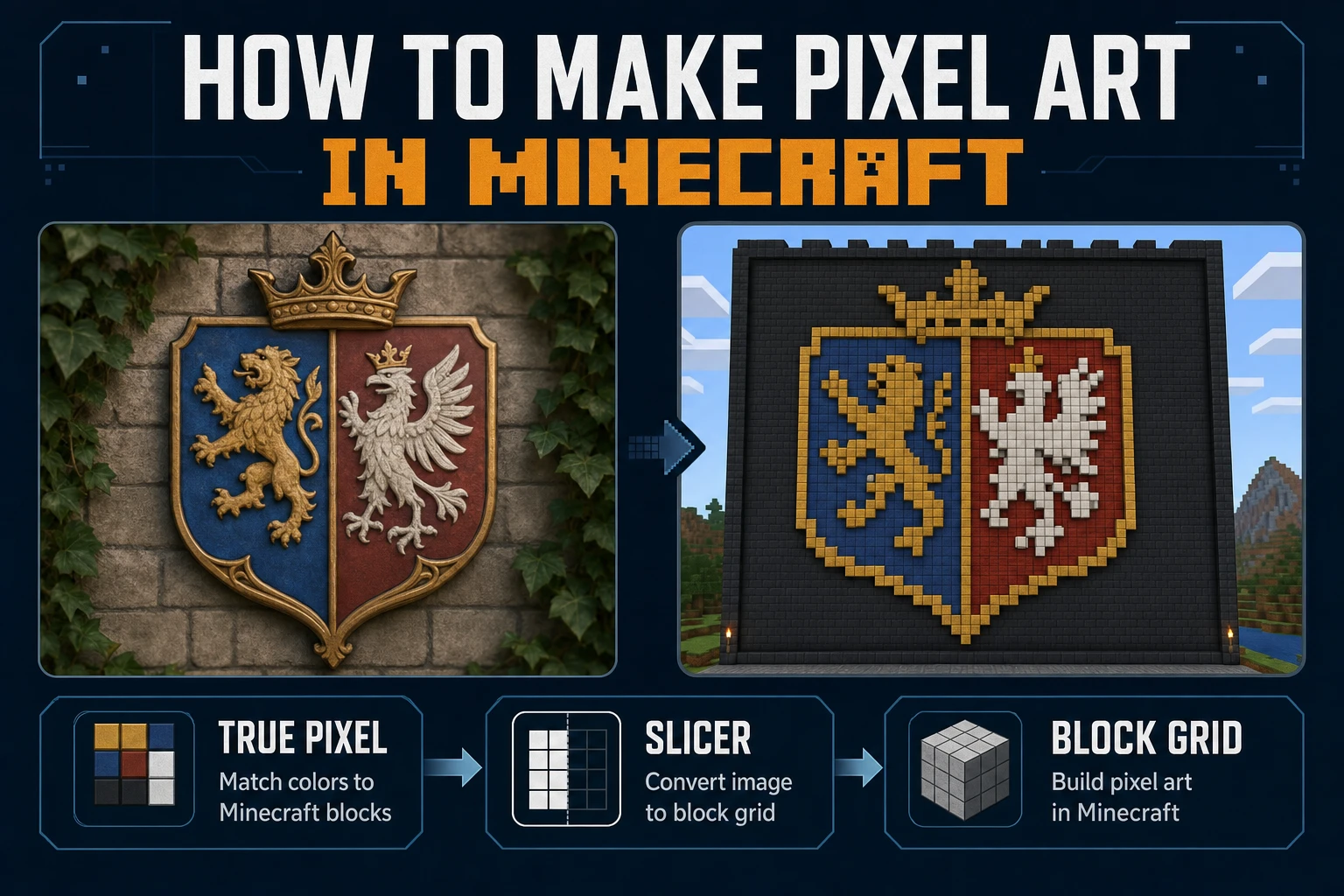
Mine How to Make Pixel Art in Minecraft (Block Grid)
Mine how to make pixel art in Minecraft on a block grid: lock mural size, map a limited block palette, convert the reference in True Pixel, slice rows in Slicer, and place without seam drift. Verified July 24, 2026.
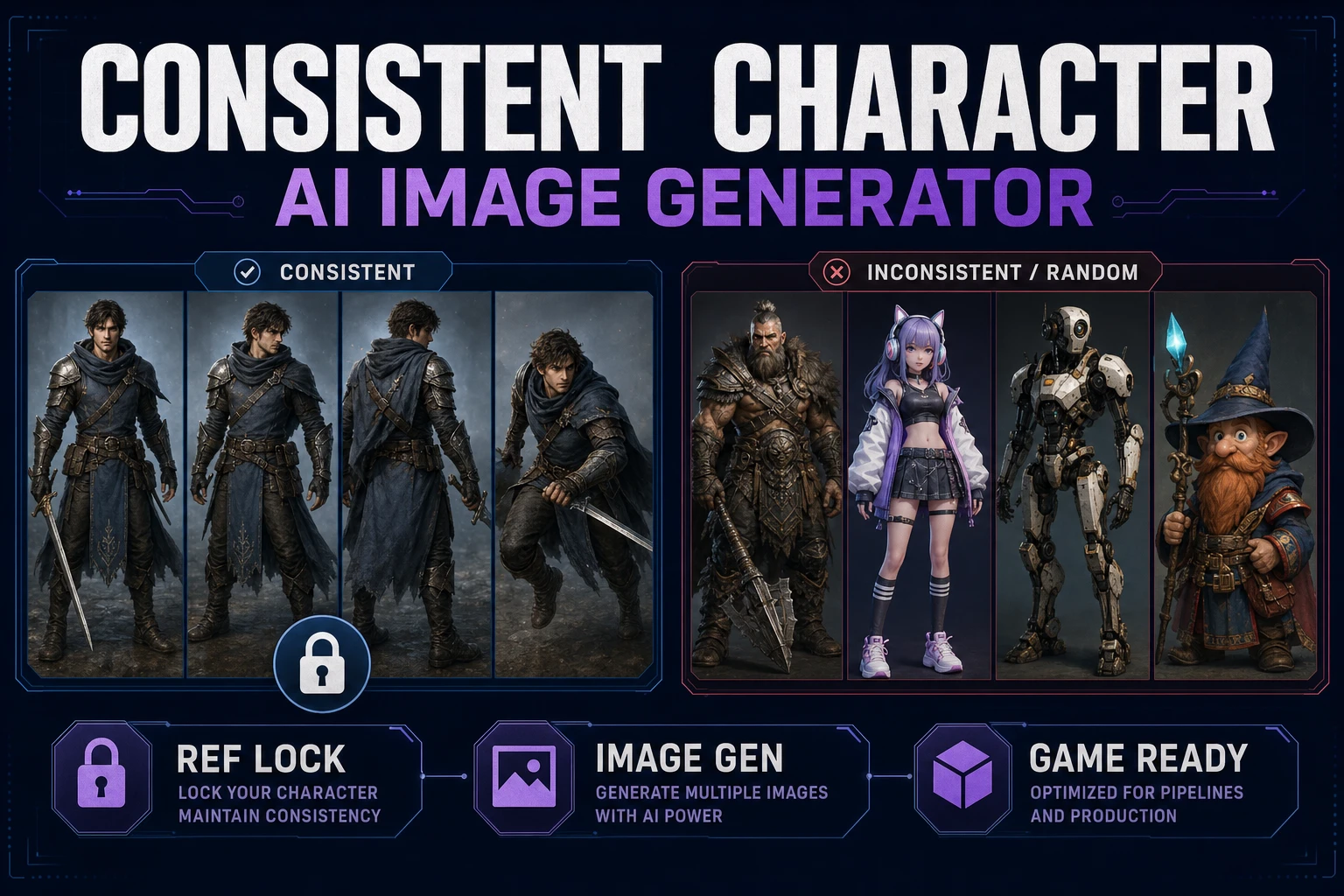
Create With a Consistent Character AI Image Generator
Build a reusable identity card, run a consistent character AI image generator workflow in Sorceress Image Gen, reuse references across portraits and action poses, then remove backgrounds and hand off clean frames to Quick Sprites.
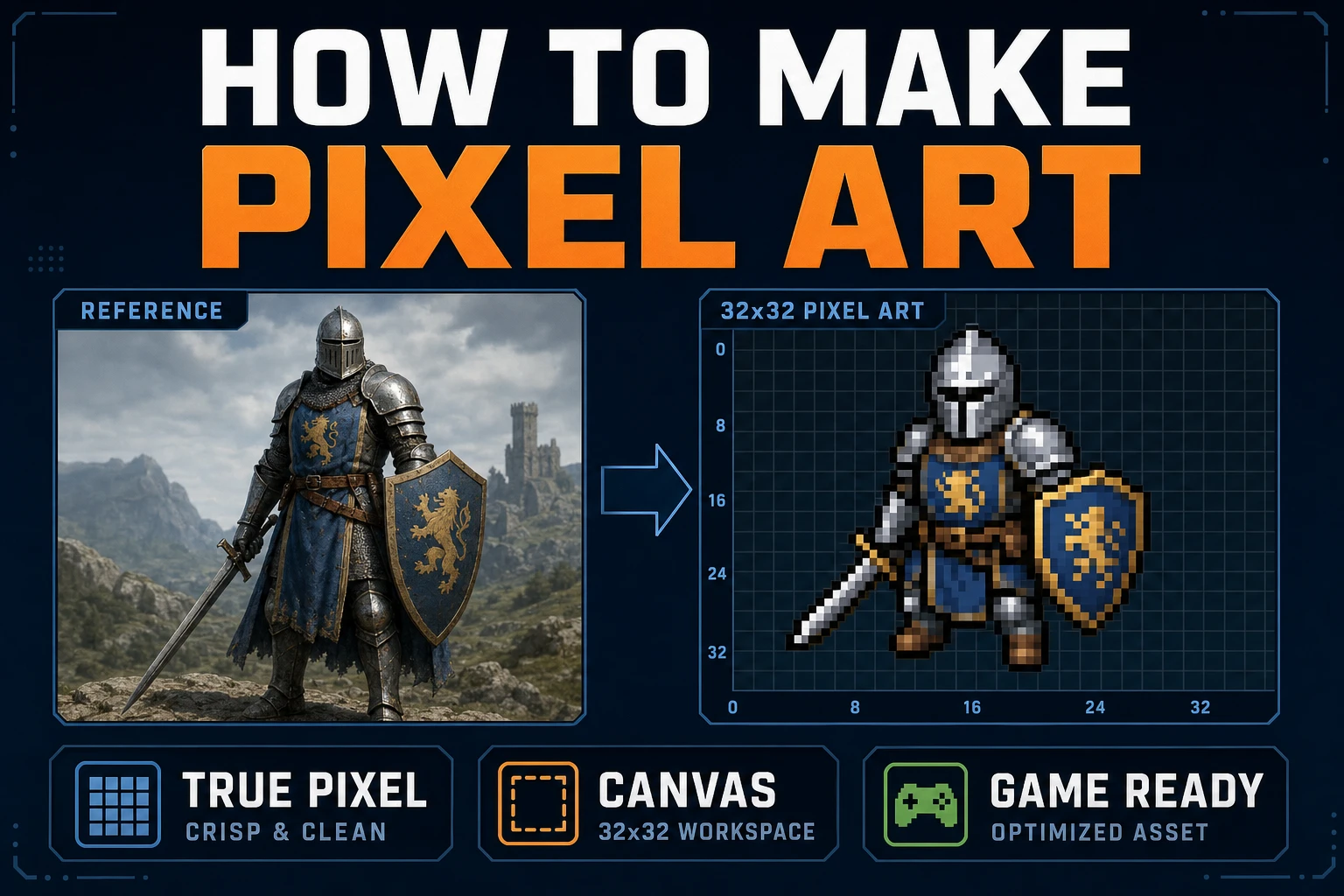
Map How to Make Pixel Art (Browser Canvas)
Map how to make pixel art on a browser canvas: lock grid size and palette, convert in True Pixel, clean cells in Canvas, export sharp PNGs, and drop frames into a one-screen playtest.
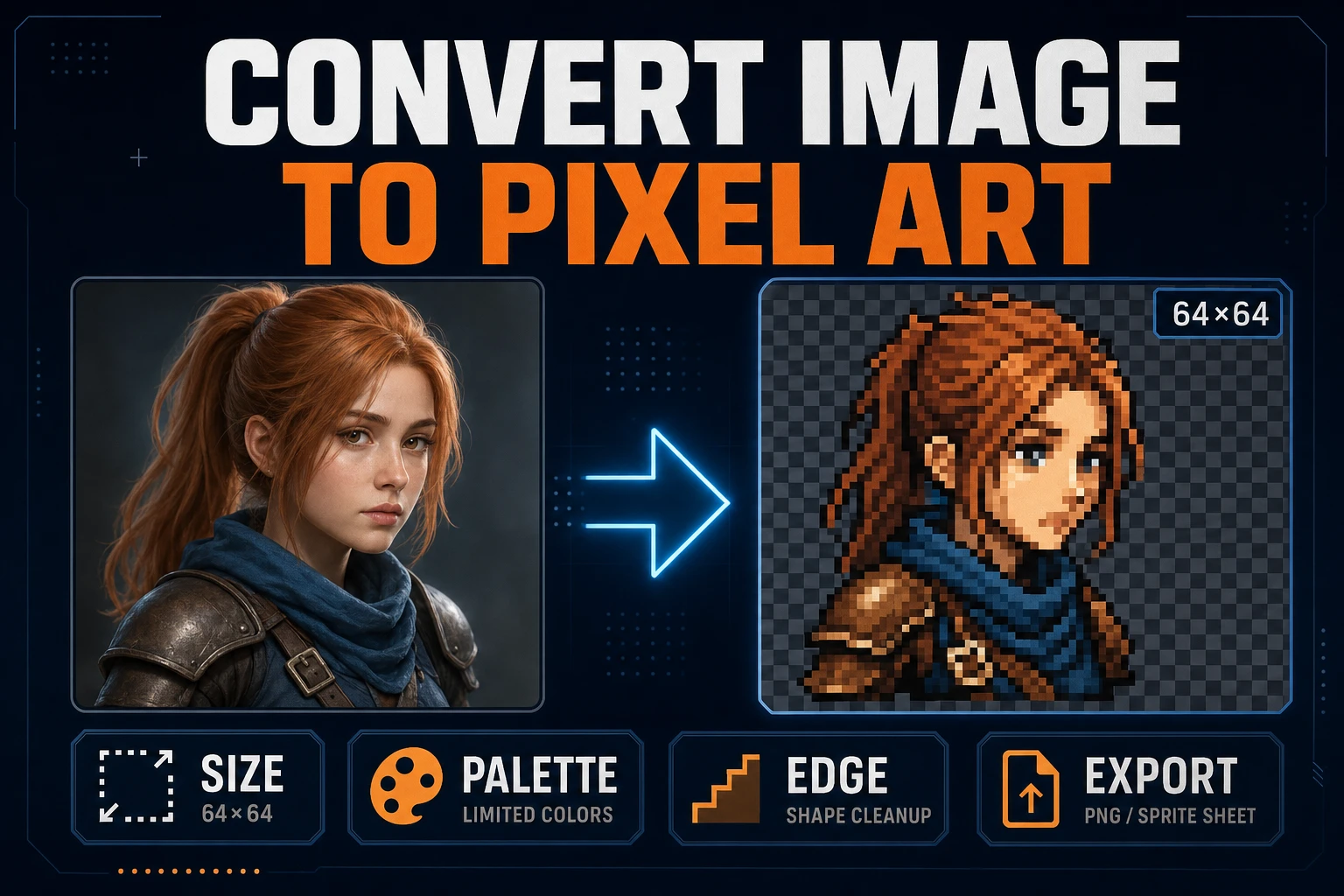
Convert Image to Pixel Art (Game Sprite Pipeline)
Lock target size and palette, convert a readable source in True Pixel, clean edges, inspect the grid, and export a sharp PNG sprite without resampling blur.
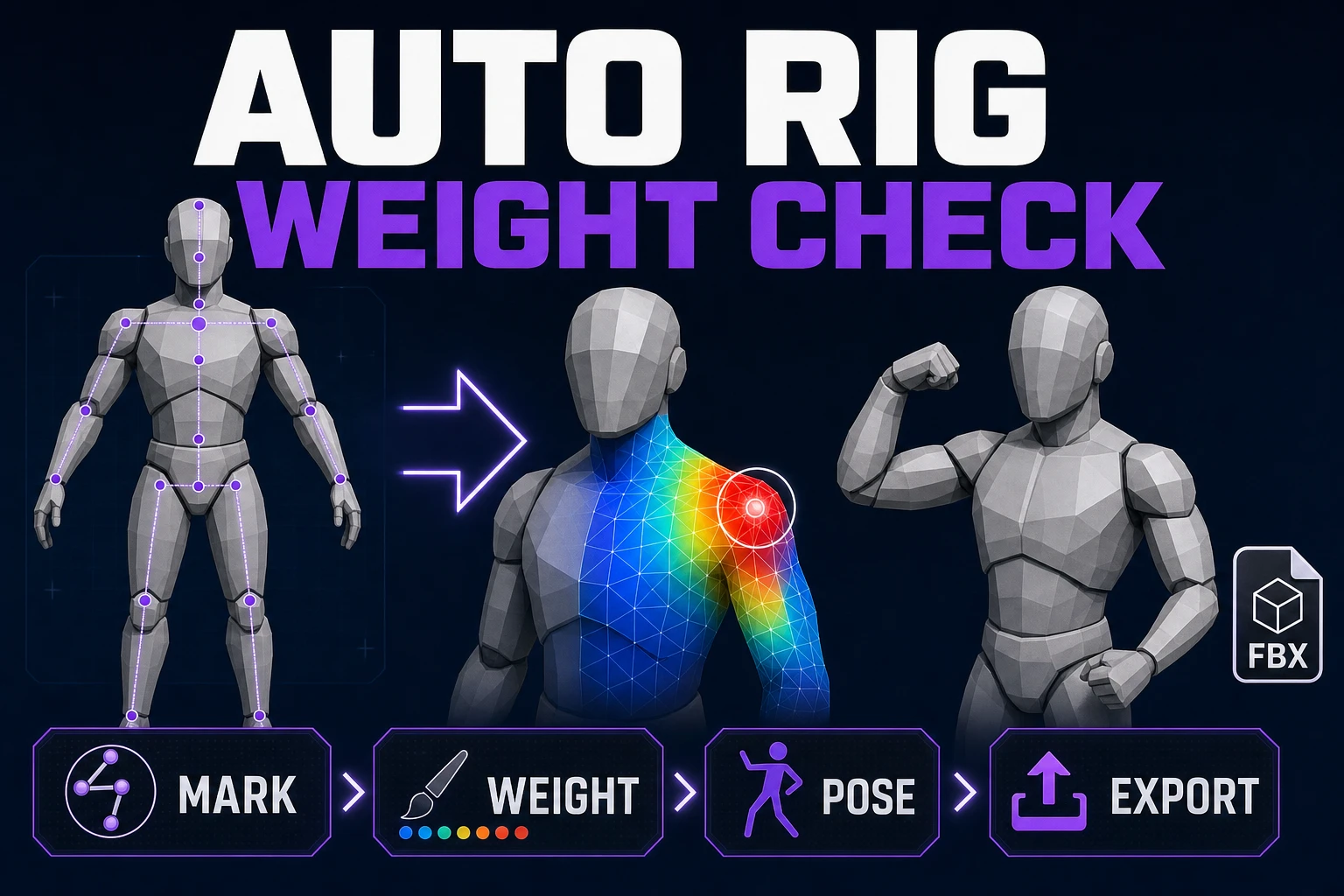
Rig With Auto Rig for Game Characters (Weight Check)
Load a humanoid mesh, place anatomical markers, build its skeleton, compute skin weights, test difficult poses, and validate the exported rig.
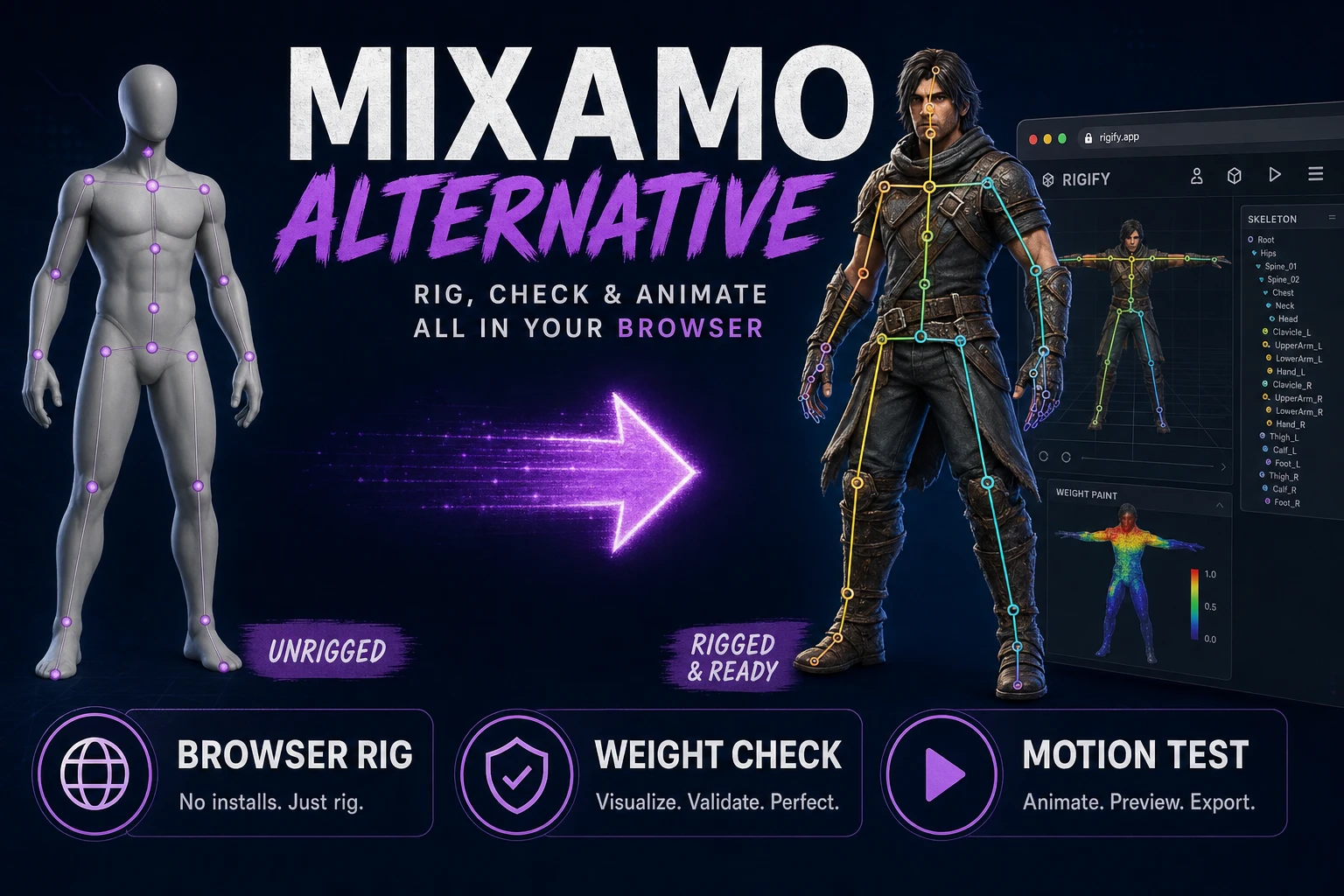
Try a Mixamo Alternative (Browser Rig Workflow)
Fit a humanoid skeleton in the browser, compute and inspect skin weights, test deformation with generated motion, and export a connected character package.
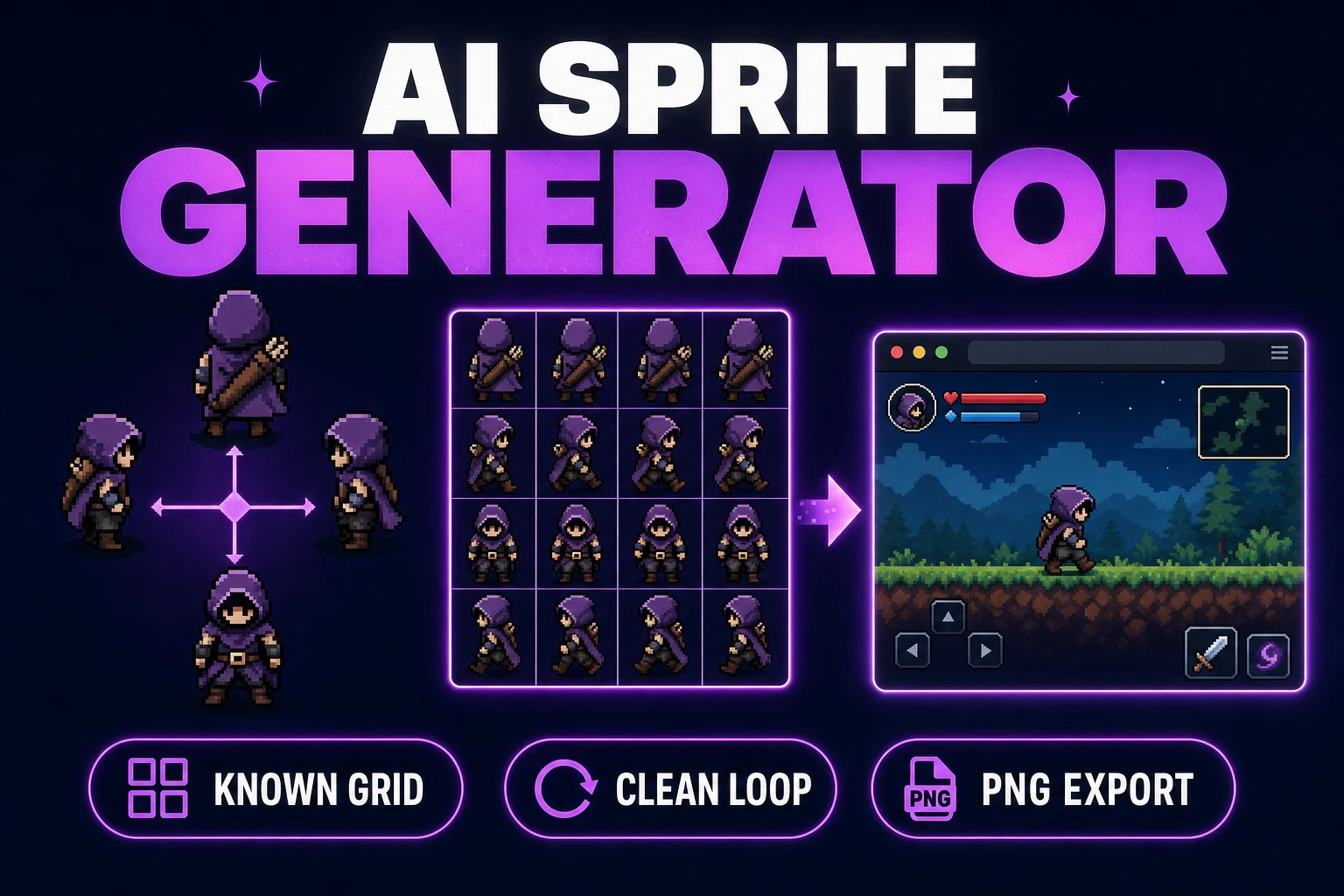
Use an AI Sprite Generator (Game-Ready Sheet)
Generate a directional sprite sheet in Quick Sprites, inspect every row and frame in Sprite Analyzer, clean pixel edges when needed, and export usable metadata.