AI Video Gen
5 posts on Sorceress about ai video gen.
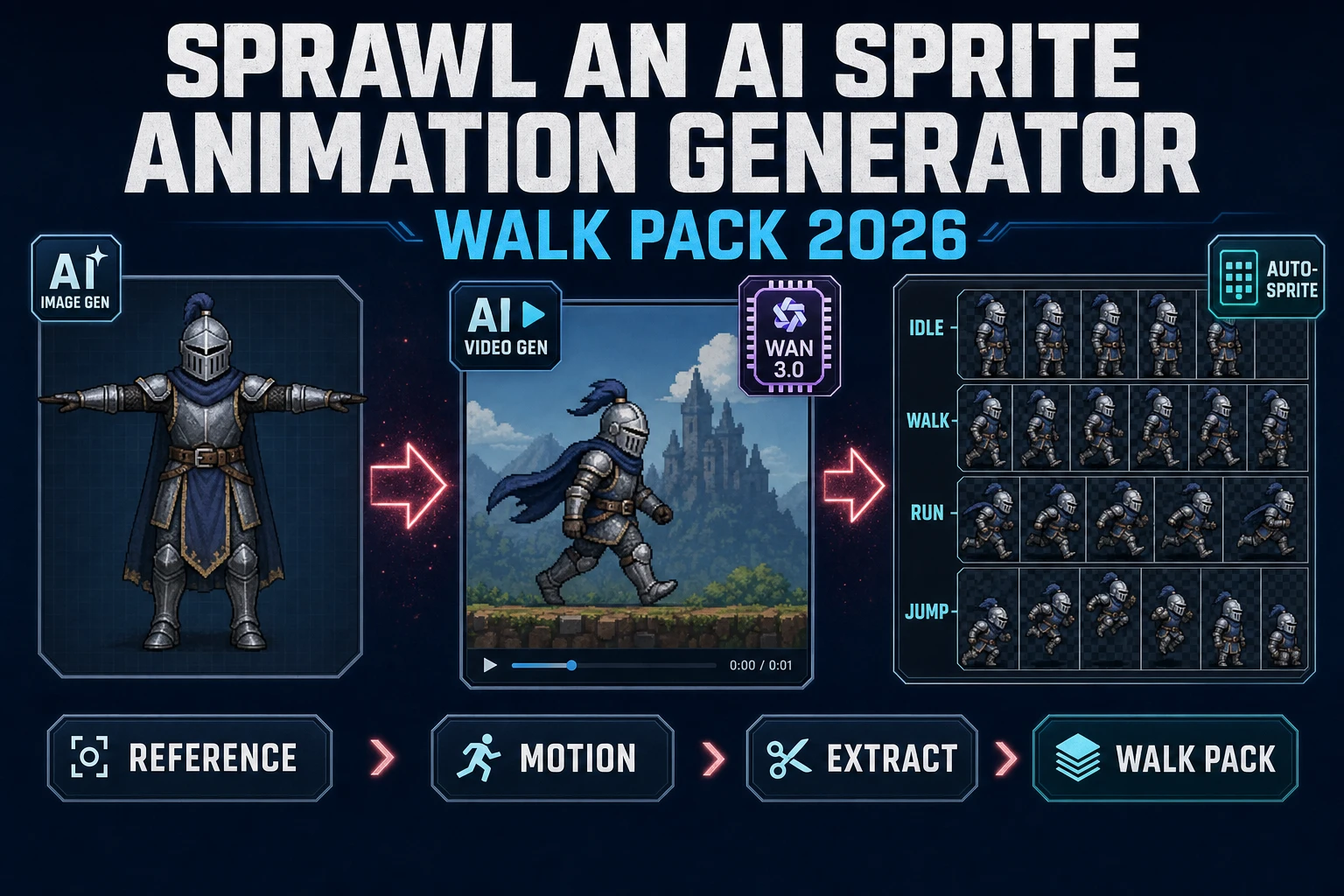
Sprawl an AI Sprite Animation Generator (Walk Pack 2026)
The honest 2026 walk-pack recipe for an ai sprite animation generator: pin the character with a reference image in AI Image Gen, drive image-to-video in AI Video Gen using Wan 3.0 or Seedance 2.5 or Kling 3.0 Omni, then run the clip through Auto-Sprite v2 for frames, matte-key, and a padded atlas your engine can load in one line.
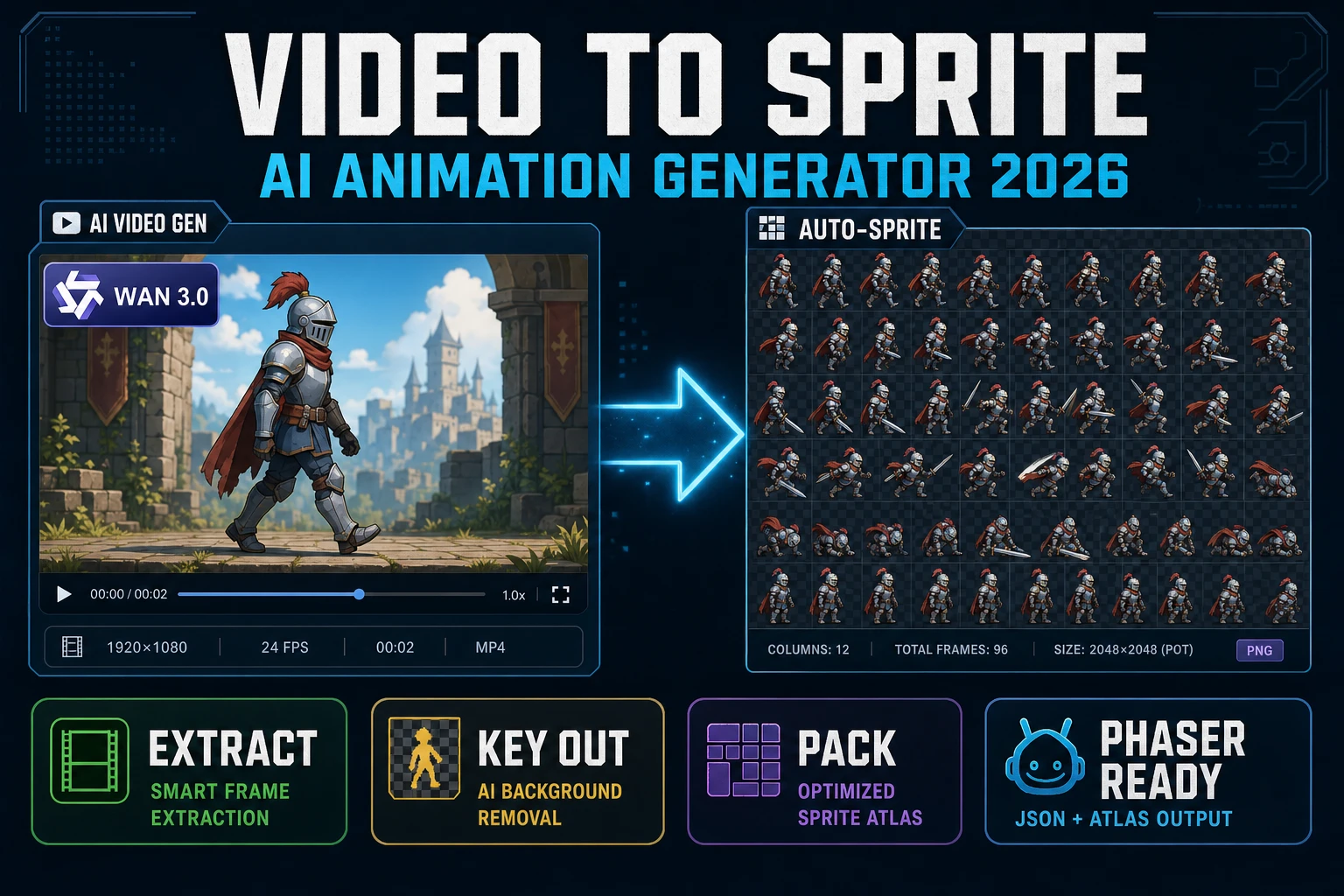
Video to Sprite With an AI Animation Generator (2026)
A working 2026 browser recipe for turning a video into a game-ready sprite: prompt Wan 3.0 or Seedance 2.5 or Kling 3.0 Omni inside Sorceress AI Video Gen, then let Auto-Sprite v2 sample frames at the true clip FPS, chroma-key the background, and pack a padded atlas your engine can load in one line.
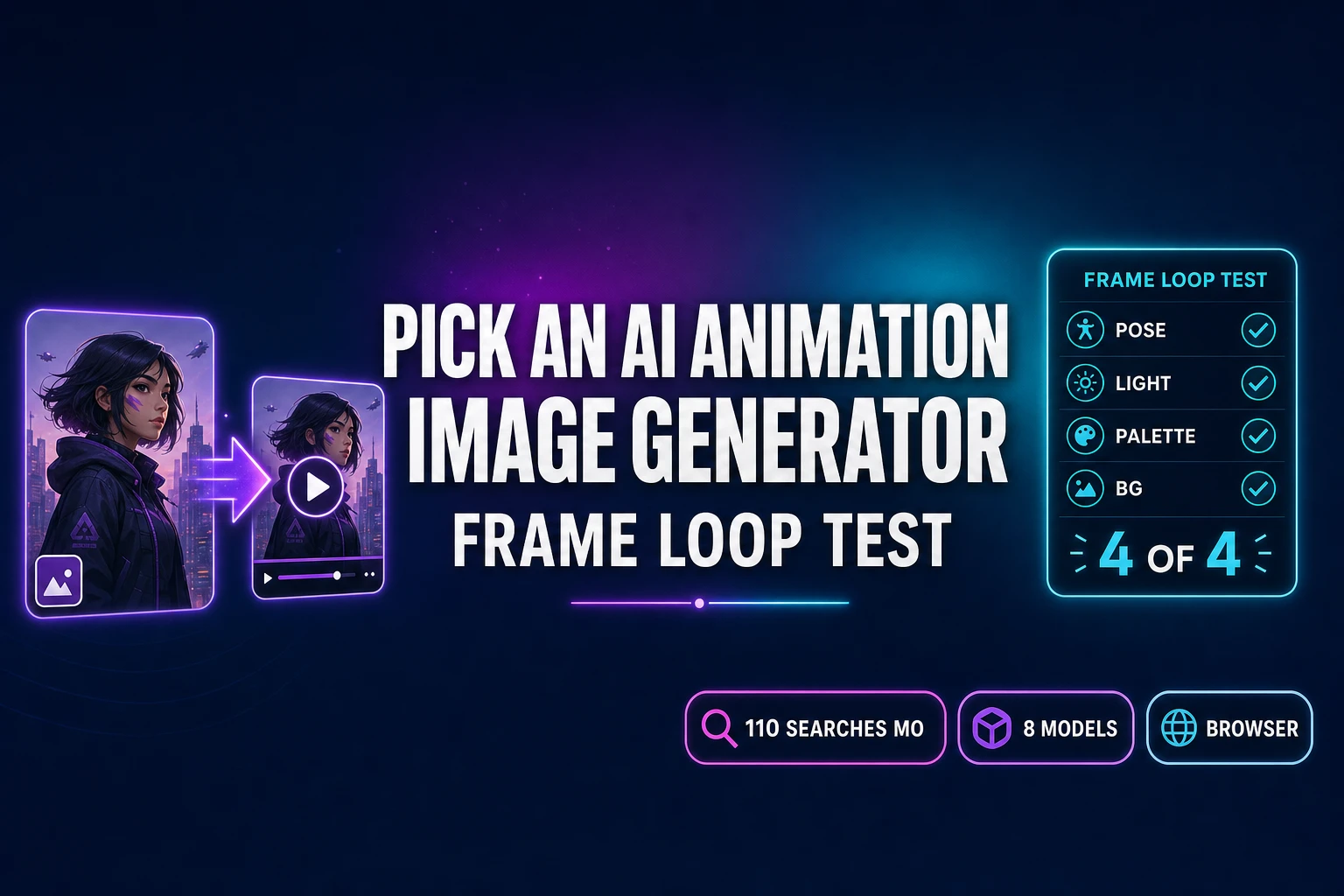
Pick an AI Animation Image Generator (Frame Loop Test)
How to pick an AI animation image generator in 2026: the frame loop test, the image-to-video model landscape with verified per-second rates (Kling 3.0, Wan 2.7, Seedance 2.0, Grok Imagine Video), and the Sorceress browser path that ships eight models in one panel without per-vendor account walls.
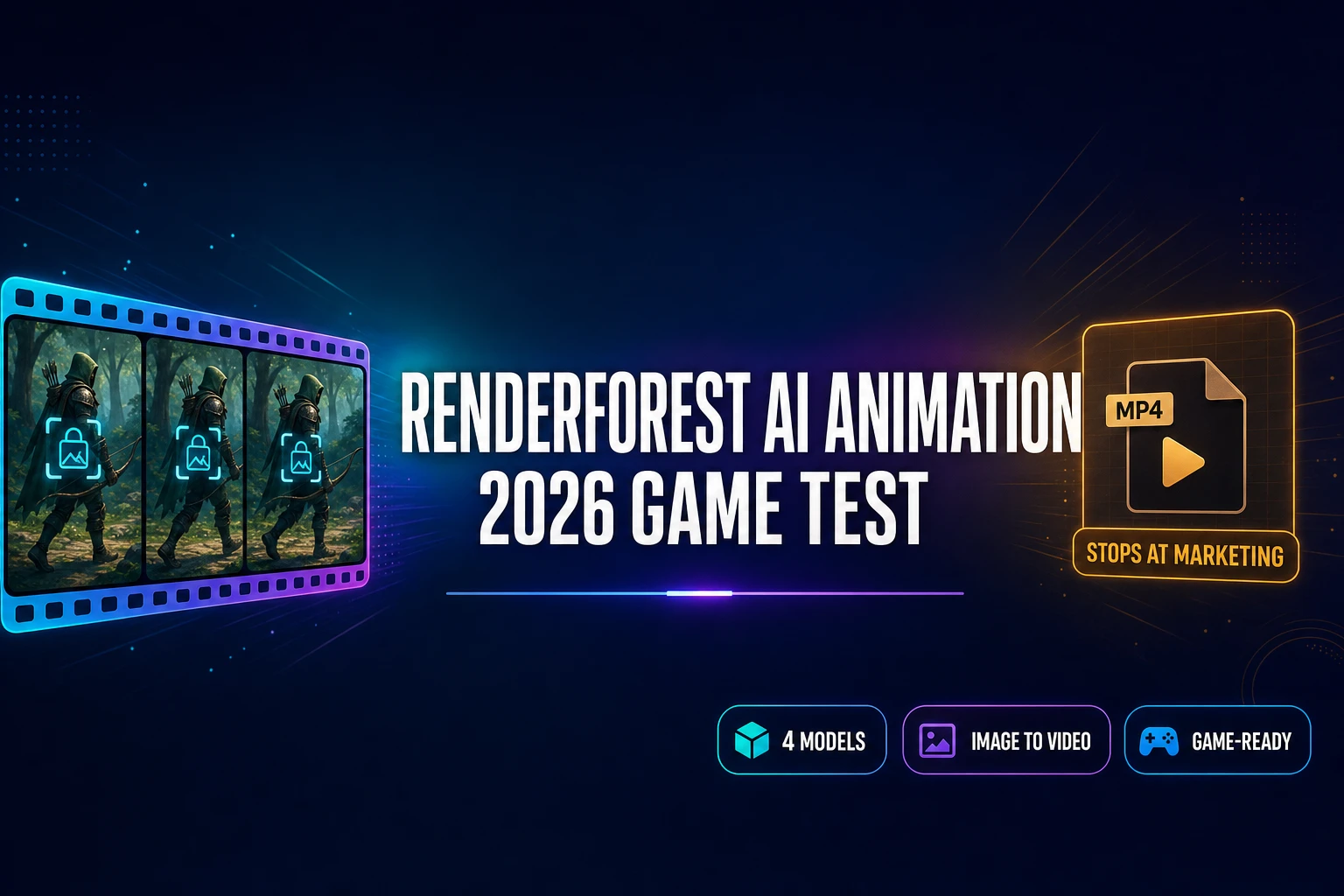
Renderforest AI Animation Generator (2026 Game Test)
The Renderforest AI animation generator runs the same Pixverse, Hailuo, Seedance, Veo, and Sora 2 models the pros use behind a polished marketing-video editor with a watermarked free tier. The 2026 game test shows where it stops and the sprite-ready Sorceress bridge that follows.
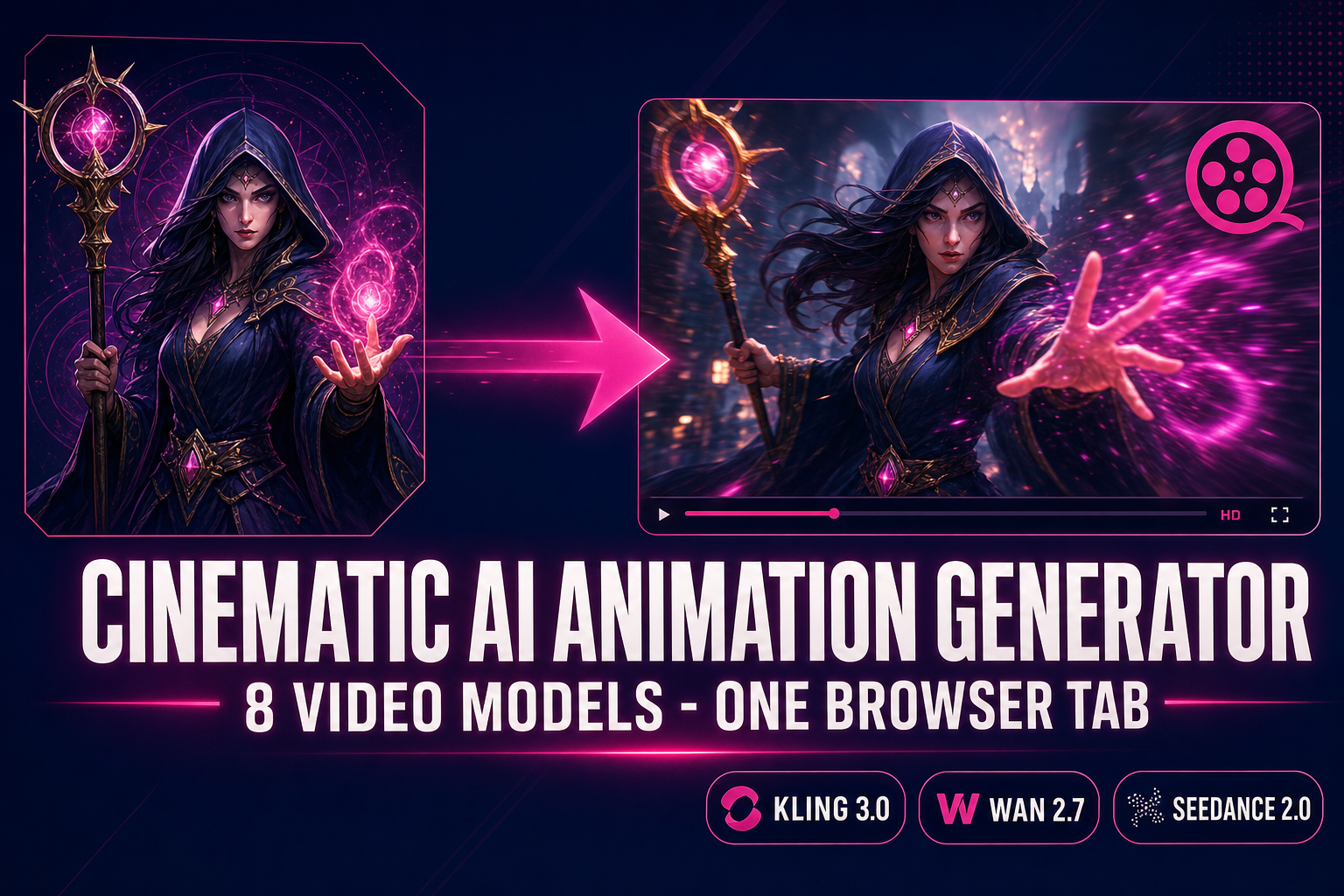
Cinematic AI Animation Generator (Trailers + Cutscenes)
An honest cinematic AI animation generator playbook for 2026: pick the right one of the 8 video models inside Sorceress AI Video Gen, write a shot-language prompt, generate a 5–15 second clip, then layer the score and SFX from the matching audio tabs.